


Why a Smoother Gaming Experience Matters
A gaming PC performance boost means your games run faster, look better, and feel more responsive. Nothing pulls you out of an epic moment faster than choppy gameplay or a system that can't keep up. In competitive games, every millisecond counts, and an optimized PC can give you a real edge.
When your PC runs at its best, you get key benefits:
- Higher Frames Per Second (FPS): More frames mean smoother motion. While 60 FPS is great for most games, competitive players aim for 144+ FPS for the quickest response times.
- Lower Input Lag: This is the delay between your click and the in-game action. Less lag means more control.
- No Stuttering: A tuned PC eliminates the jarring, stop-and-go hitches caused by inconsistent frame rates.
- More Immersive Gameplay: Flawless performance lets you lose yourself in the virtual world without technical distractions.
This guide will walk you through simple but effective steps to make your games run smoother, load faster, and look their best. Get ready to transform your gaming experience.
Your Guide to a Major Gaming PC Performance Boost
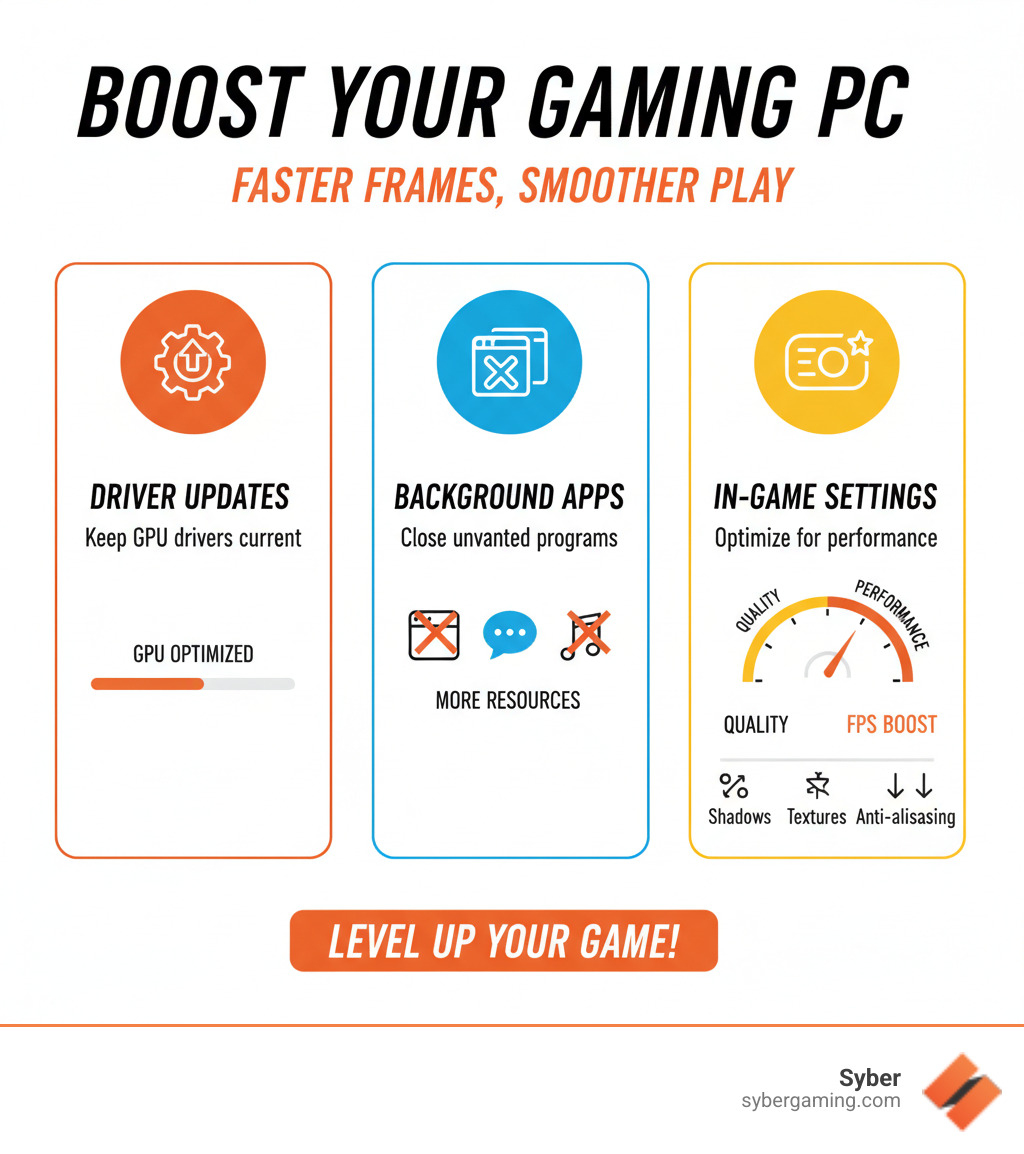
You don't always need new parts for a real gaming PC performance boost. Smart software tweaks and basic maintenance can make a huge difference, like a tune-up for your car. This guide will walk you through easy steps covering software, hardware, and in-game settings to open up your PC's full potential.
Essential Software and Windows Tweaks for a Gaming PC Performance Boost
Your PC's operating system has settings that can help your games run smoothly or hold them back. Here’s how to set up Windows for the best gaming experience.
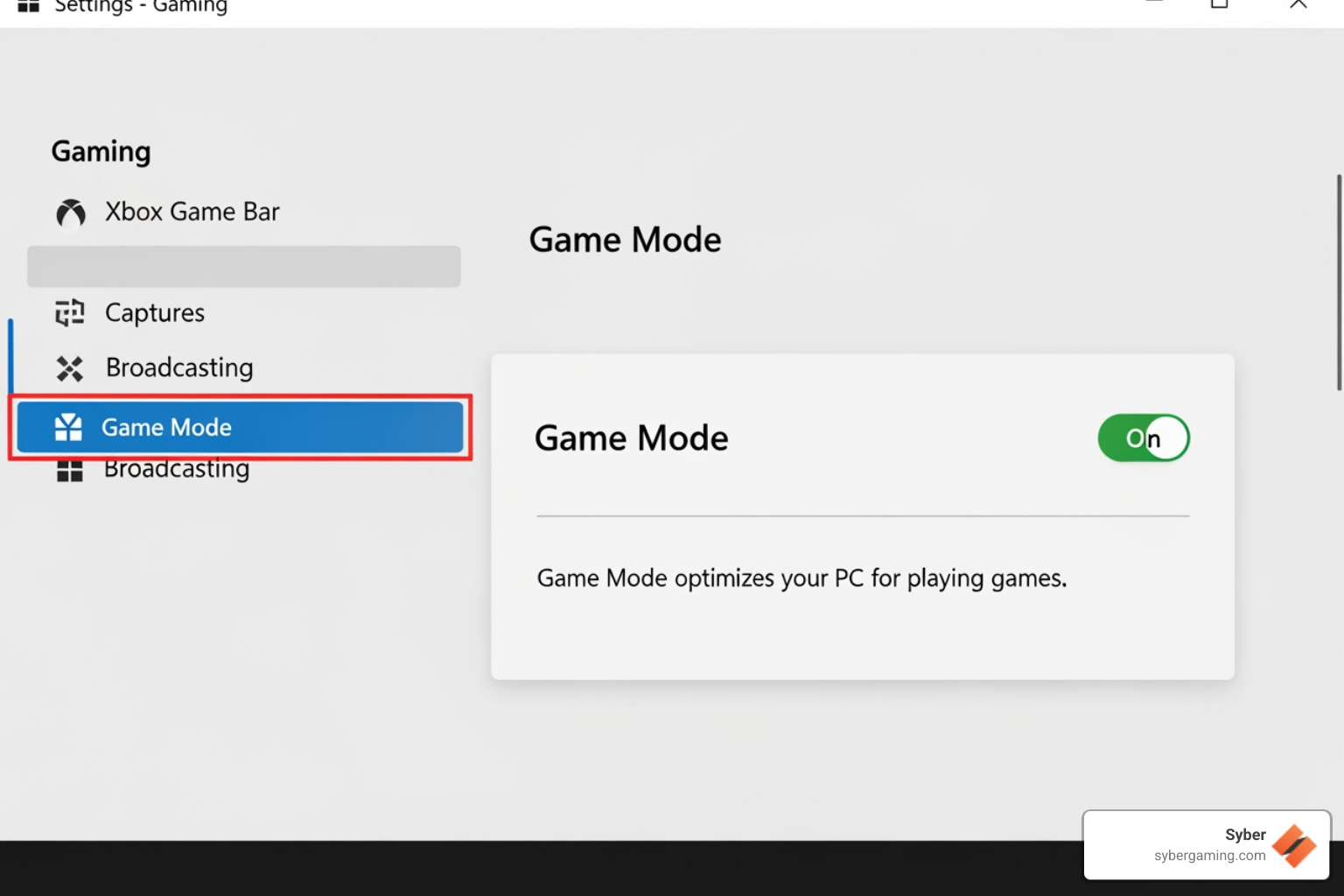
Enable Windows Game Mode: Go to Windows Settings > Gaming > Game Mode and turn it on. This tells your PC to prioritize your game, giving it more CPU and GPU power while minimizing background tasks.
For more system insights, check out our Syber C-Series Introduction.
Use the High Performance Power Plan: Windows often defaults to a power-saving mode. For gaming, you want full speed. Go to Control Panel > Power Options and switch to the "High Performance" plan to ensure your components aren't being throttled.
- Manage Background and Startup Programs: Apps running in the background use up CPU, RAM, and bandwidth. Before gaming, close unnecessary programs from your system tray. To prevent them from launching with your PC, open Task Manager (Ctrl+Shift+Esc), go to the "Startup" tab, and disable non-essential apps.
- Turn on Hardware-Accelerated GPU Scheduling: This Windows feature lets your graphics card manage its own memory more efficiently, which can reduce latency. Find it in Settings > System > Display > Graphics > Change default graphics settings.
Optimizing Key Hardware and Drivers
Your physical components and their drivers are crucial for a consistent gaming PC performance boost.
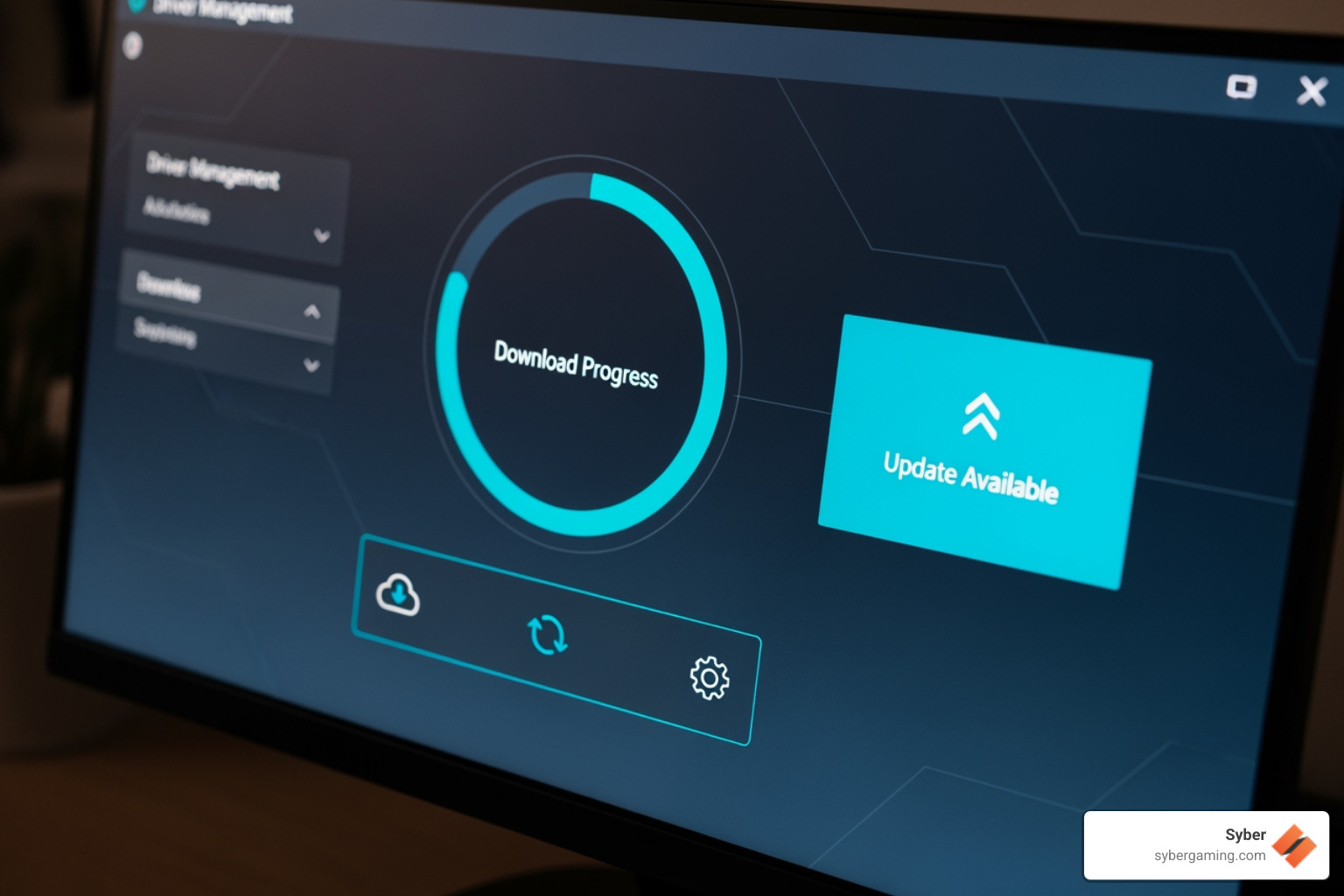
- Update GPU Drivers: This is the single most important update for gaming. Both NVIDIA and AMD release "game-ready" drivers that include major performance improvements for new titles. Check for updates monthly via your GPU's software (e.g., GeForce Experience or Radeon Software).
- Check Your CPU: Your processor is the brain of your PC. While the GPU handles visuals, the CPU manages game logic. If you're planning a high performance gaming PC build, a modern Intel Core or AMD Ryzen processor is essential for smooth gameplay in complex titles.
Tweak Graphics Card Settings: Dive into the NVIDIA Control Panel or AMD Radeon Software to prioritize performance. Key settings include setting Power Management to "Prefer Maximum Performance" and Texture Filtering to "Performance."
Ensure Enough RAM: For modern gaming, 16GB of RAM is the sweet spot, preventing stutters caused by your PC offloading data to slower storage. If you stream or multitask, 32GB is even better.
Use an SSD: If your games are on a Hard Disk Drive (HDD), moving them to a Solid State Drive (SSD) will dramatically cut loading times. NVMe SSDs are the fastest option, making games and levels load very quickly.
Understanding what each part does is key. For more help, see our guide on What to Consider When Buying a Gaming PC.
Fine-Tuning In-Game Graphics for Peak FPS
Finding the balance between visuals and smooth frame rates is key to a gaming PC performance boost. Here are the settings with the biggest impact:
- Resolution and Resolution Scaling: Your game's resolution is the most demanding setting. If performance is poor, try lowering the resolution or using the "Resolution Scale" option to render the game at a lower internal resolution for a big FPS gain.
- Shadows, Textures, and Anti-Aliasing (AA): These visual settings use a lot of resources. Lowering Shadow Quality from "Ultra" to "High" or "Medium" can provide a large FPS increase. Similarly, reducing Texture Quality can help if your GPU's VRAM is limited. Turning down or changing the type of AA (which smooths jagged edges) can also significantly boost performance.
- V-Sync: V-Sync prevents screen tearing by locking your FPS to your monitor's refresh rate, but it can add input lag. If your monitor has G-Sync or FreeSync, use that instead. Competitive players often disable V-Sync entirely for the lowest possible input lag.
- AI Upscaling (DLSS, FSR, XeSS): This is where modern AI gaming technology makes a significant impact. Features like NVIDIA's DLSS, AMD's FSR, and Intel's XeSS use AI-powered graphics to render the game at a lower resolution and then intelligently upscale the image. This delivers a significant performance boost with minimal loss in visual quality. If your hardware supports it, this is a must-use feature for any AI gaming PC.
Advanced Tips for Sustained Performance
To maintain your gaming PC performance boost, good maintenance is key.
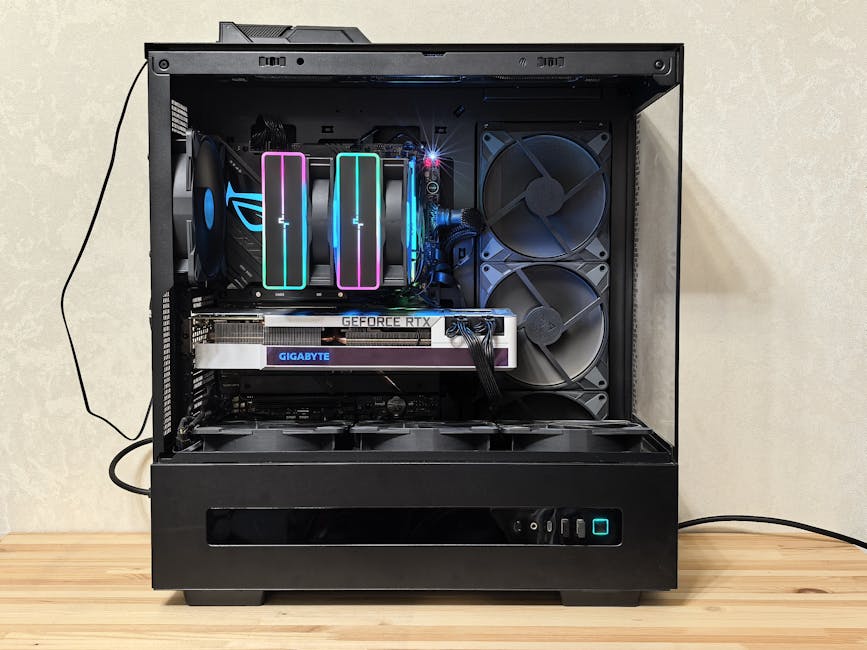
- Manage Heat and Airflow: Your CPU and GPU slow down (thermal throttle) when they get too hot. Monitor your temperatures, aiming to keep your GPU below 85°C and CPU below 80°C during gaming. Ensure good airflow in your case, with a clear path for cool air to enter and hot air to exit. At Syber, we design every high performance custom prebuilt gaming pc for optimal airflow.
- Clean Your PC: Dust is a performance killer. It insulates components and clogs fans, trapping heat. Every few months, power down your PC, open the case, and use compressed air to blow dust out of fans, heatsinks, and vents.
- Optimize Your Network: For online gaming, a stable connection is critical. Always use a wired Ethernet connection instead of Wi-Fi for lower latency and a more reliable signal. Close any bandwidth-hungry applications like streaming services or large downloads before you play.
Our commitment to quality means every gaming PC pre built by Syber is designed for lasting performance. Learn more about Hand-Built by Experts: The Syber Way.
Realistic Gains and Your Next Move
These tweaks can provide a significant gaming PC performance boost, but it's important to have realistic expectations.
What to Expect From Your Optimization Efforts
The FPS gains you'll see depend on your system and the game. Simple software tweaks can offer a modest but helpful boost. The most dramatic increases, often 50% or more, come from fine-tuning in-game settings, especially if you were previously running them too high for your hardware. Beyond just higher FPS, these optimizations lead to smoother frame pacing (less stuttering) and can help your components last longer by reducing heat and stress.
When to Consider an Upgrade for a High Performance Gaming PC Build
There's a point where tweaking isn't enough. If you've tried everything and still aren't getting the performance you want, it might be time for an upgrade. This is often due to a hardware bottleneck, where an older component (like the CPU or GPU) holds back the rest of your system, or simply because of aging components that can't handle modern games.
When you're ready for a true high performance gaming PC build, Syber is here to help. We craft custom build gaming pcs and pre built gaming computers that are thoroughly tested for high-level performance. Our AI gaming PC options even use artificial intelligence for optimized performance and smart cooling.
See what improved gaming feels like with the power and precision of our Syber M-Series Gaming PC.
Third-Party Software for an Extra Boost
Beyond manual tweaks, various third-party software tools can help automate the optimization process. These "game boosters" are designed to free up system resources by temporarily shutting down unnecessary background processes and services while you play. They can offer a convenient way to ensure your game gets as much memory and CPU power as possible. While they won't magically transform an old PC, they can provide a modest but noticeable gaming PC performance boost, especially on systems with limited RAM. If you choose to use one, always download it from the official developer's website to ensure it's safe.
Ready for Ultimate Gaming Performance?
You've learned how a gaming PC performance boost can transform your experience. But when you've squeezed every last frame out of your current PC and still want more, it's time for the next step. Software tweaks can only go so far when hardware is the limiting factor.
That's the promise of a Syber high performance gaming PC build. We craft machines where every component works in harmony to deliver excellent speed. From our custom build gaming pcs to our ready-to-go pre built gaming computers, every system is thoroughly tested to ensure excellent performance without compromise. Our advanced AI gaming PC options even use artificial intelligence for smarter cooling and optimized performance.
Ready to leave low frame rates behind for good? Visit Syber today to explore our range of high performance custom prebuilt gaming pcs and find how the raw power of a system like our Syber M-Series Gaming PC can improve your gaming.

.svg)

