

Why a VR Gaming Setup Matters for Modern Gamers
A complete vr gaming setup is built on three essential pillars: a powerful VR-ready PC, a compatible headset, and a dedicated, safe play space. Each component is critical for a seamless and comfortable experience. To prevent motion sickness and maintain immersion, your PC must have the horsepower to drive the experience, which means a capable GPU (like an RTX 3060 or better), a modern CPU (such as an Intel i5/i7 or AMD Ryzen 5/7), at least 16GB of RAM, and a fast NVMe SSD for quick loading.
The VR market is booming, projected to reach over $200 billion by 2032. With more than 50 million headsets sold, gamers are spending hours at a time inside virtual worlds.
VR represents a fundamental shift in how we interact with games. It moves beyond the traditional monitor and controller, placing you directly inside the digital environment. You are no longer just an observer; you are a participant. You physically duck behind cover, manually reload your weapon, and swing your arms to parry an attack. This deep level of immersion has a significant technical cost. Your PC must render two distinct, high-resolution images—one for each eye—at a stable and high frame rate. If the performance drops below the 90 frames per second (FPS) standard, the disconnect between your physical movements and what you see can cause motion sickness, which can quickly end a gaming session.
Fortunately, building or buying the right setup is no longer a matter of guesswork. This guide will walk you through everything you need, from choosing the right components for a budget or high-end AI-ready gaming PC to setting up your play space for the smoothest, safest VR experience possible.
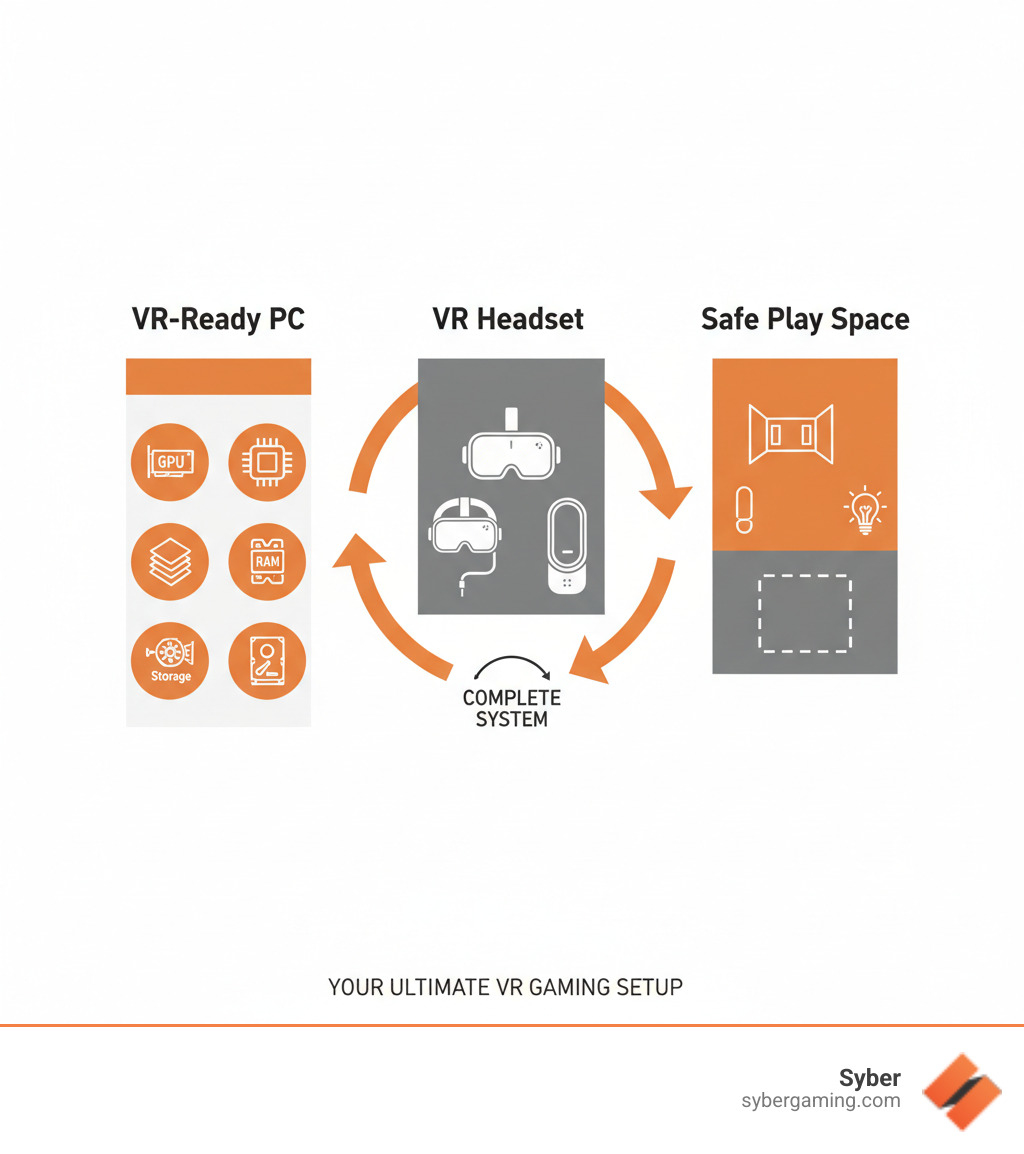
Building Your High-Performance VR Gaming Setup
Your PC is where your VR dreams either soar or stall. Unlike traditional gaming, VR demands consistent, high-level performance to create a smooth and believable experience. Your computer must render two high-resolution displays in real-time while simultaneously tracking your head and hand movements, all without dropping frames.

Graphics Card (GPU)
Your GPU is the heart of your vr gaming setup, responsible for rendering everything you see. In VR, it has to do this twice—once for each eye. An underpowered card will cause stuttering, lag, and motion sickness. Video RAM (VRAM) is also critical, as it stores the high-resolution textures that make virtual worlds look sharp and realistic. Insufficient VRAM can lead to blurry textures and performance drops. Modern GPUs with AI graphics rendering, like the NVIDIA GeForce RTX 40 Series, use intelligent upscaling technologies to deliver higher frame rates, which is a game-changer for maintaining the 90+ FPS needed for smooth VR.
Central Processing Unit (CPU)
While the GPU handles the visuals, the CPU manages the underlying game logic, physics calculations, spatial audio processing, and incoming tracking data from your headset and controllers. Strong single-thread performance is key for responsiveness, ensuring your actions are reflected in-game without delay. Multiple cores are also important for handling the simultaneous tasks unique to VR. Newer Intel Core and AMD Ryzen processors also feature AI multitasking capabilities, which help manage these complex workloads and prevent bottlenecks that could slow down your GPU.
System Memory (RAM)
RAM acts as your PC's short-term memory, holding all the data your system needs to access quickly, such as game assets, character models, and the current game state. For VR, 16GB is the minimum to avoid performance hitches. However, upgrading to 32GB provides comfortable headroom for more demanding future titles and allows you to run other applications in the background without impacting your game. For a high performance gaming pc build designed to last, 64GB of fast DDR5 RAM is a smart investment that ensures you are ready for the next generation of VR experiences.
Fast Storage
Long loading screens are immersion-breakers. An NVMe SSD is essential for a modern vr gaming setup. Unlike older hard disk drives (HDDs) or even SATA SSDs, an NVMe drive connects directly to your motherboard's high-speed PCIe lanes. This results in near-instant load times that keep you in the game, whether you are loading a new level or transitioning between areas.
PC Cooling
Powerful components generate significant heat, and excessive heat throttles performance, leading to frame drops and an unstable experience. A case with good air-flow cooling is crucial for dissipating this heat effectively. A combination of well-placed case fans and an efficient CPU air cooler will keep your high performance custom prebuilt gaming pc running at peak speed without excessive noise. Some modern systems even use AI cooling solutions to automatically adjust fan speeds, balancing performance and acoustics.
For more insights on optimizing your VR system, check out Virtual Reality Done Right - Syber Way.
Choosing Your Build: From Entry-Level to an AI-Ready Gaming PC
Your ideal vr gaming setup depends on your budget and performance goals. VR is accessible at several price points.
| Component Class | Budget VR Build | Mid-Tier VR Build | High-End VR Build |
|---|---|---|---|
| CPU Class | Intel Core i5 (e.g., 12400) or AMD Ryzen 5 (e.g., 5600G) | Intel Core i5/i7 (e.g., 12600K) or AMD Ryzen 7 (e.g., 5700X) | Intel Core i7/i9 (e.g., 13700K) or AMD Ryzen 9 (e.g., 7900X) |
| GPU Class | Nvidia RTX 3050 8GB or AMD Radeon RX 6600 | Nvidia RTX 3060 or AMD Radeon RX 6700 XT | Nvidia RTX 4080 Super or AMD Radeon RX 7900 XTX |
| RAM | 16GB DDR4 (3200MHz) | 32GB DDR4 (3200-3600MHz) | 64GB DDR5 (6000MHz+) |
| Storage | 1TB SATA SSD | 1TB NVMe SSD | 2TB NVMe SSD (or dual NVMe) |
A budget build is your entry ticket to VR, handling many titles at medium settings. The mid-tier build hits the sweet spot of price and performance, running most games smoothly at high settings. A high-end build is an AI-ready gaming PC for those who want zero compromises, running everything at max settings on high-resolution headsets.
Syber's pre built gaming pc customizable solutions offer a streamlined path. You get a system with the quality of a custom build and the convenience of a pre-built, all rigorously tested to guarantee top-tier VR performance.
The Importance of Refresh Rate and AI-Driven Performance
In VR, your PC's frame rate (FPS) must match your headset's refresh rate (Hz) to avoid motion sickness. Most headsets require a steady 90 FPS or more. Dropping below this target causes stuttering that your inner ear will notice immediately. While some systems use techniques like reprojection to generate synthetic frames when performance dips, these can introduce visual artifacts and are not a substitute for native performance. Reaching higher refresh rates like 120Hz or even 144Hz demands a powerful PC, which is where your build high performance gaming pc choices pay off.
Modern AI system optimization helps achieve these demanding targets. Technologies like AI-powered upscaling and frame generation create smoother visuals at higher frame rates without a noticeable loss in quality. This AI-improved gaming performance keeps your experience comfortable and immersive, even in the most demanding scenes.
Creating the Perfect VR Play Space for Safety and Immersion
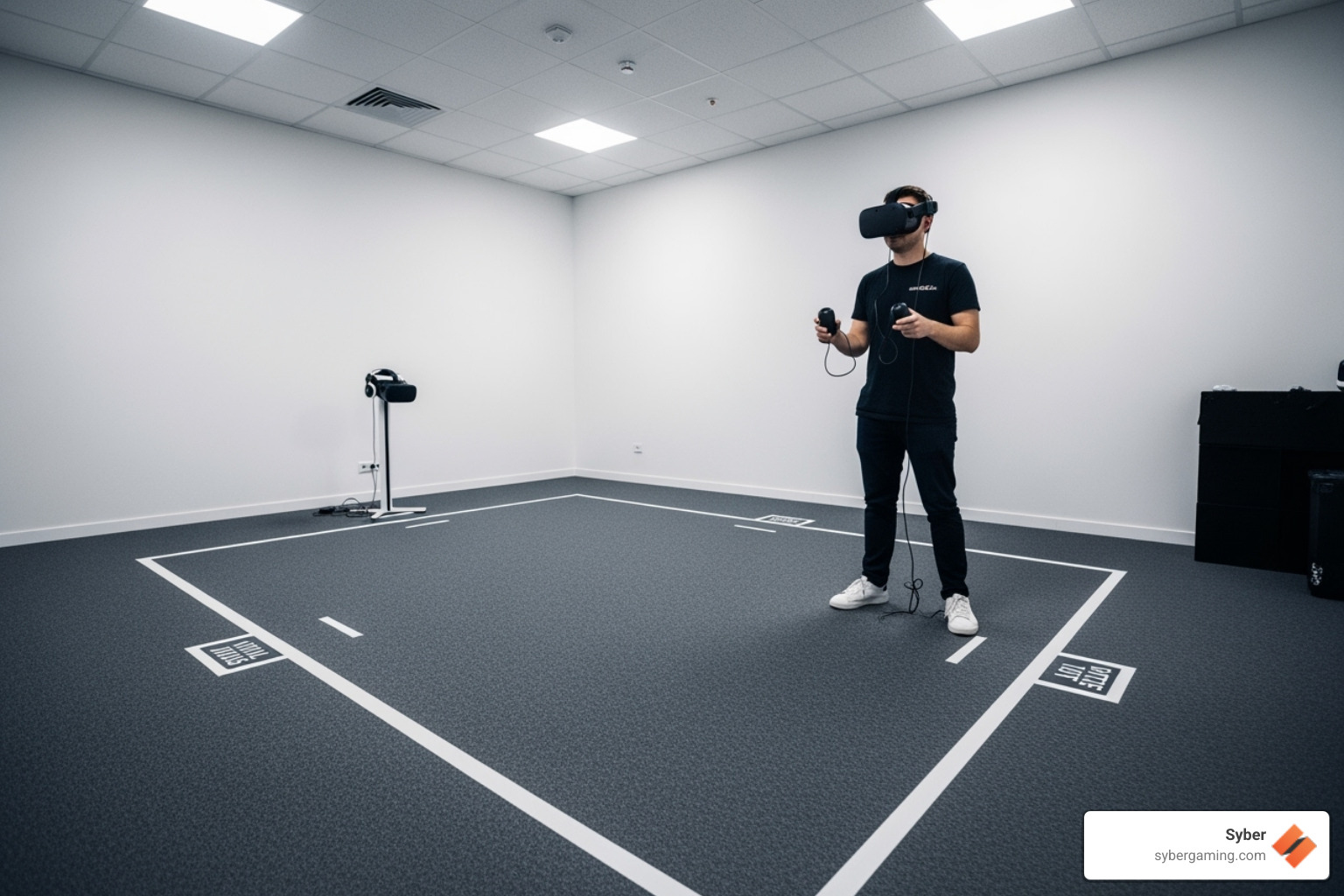
Your physical environment is just as important as your digital hardware. For room-scale VR, which allows you to walk around, you should clear a minimum of 6.5 x 5 feet of all furniture, pets, and trip hazards. Use your system's boundary setup tool to draw a virtual wall that appears in-game to warn you when you're too close to real-world objects.
Proper lighting is also key. Avoid direct sunlight and overly bright, focused lights, as these can interfere with the headset's tracking cameras. Even, diffused lighting works best. Also, be mindful of reflective surfaces like mirrors, glass tables, or polished floors, as they can confuse the tracking sensors. Finally, manage your headset cable to prevent tangling and tripping. A ceiling-mounted pulley system is a popular solution, keeping the cable up and out of your way.
For more detailed safety guidance, check out HTC Vive - Best Practices Enjoy VR Safely.
Finalizing Your Setup: Software, Troubleshooting, and Next Steps
With your hardware and play space ready, the final step is sorting out your software and learning how to handle common issues. This ensures your vr gaming setup runs smoothly from day one and that you can quickly resolve any problems that arise.
Essential Software and Top VR Gaming Experiences
First, you'll need the right software foundation. Windows 11 offers the best compatibility and performance for modern VR games and hardware. You will also need a VR platform like SteamVR or the Oculus platform to purchase, manage, and launch your games. Most importantly, keep your GPU and headset drivers updated. Manufacturers frequently release updates that include crucial performance improvements and bug fixes for new titles. Consider using a tool like fpsVR from the Steam store to monitor your performance in real-time, which can be invaluable for tweaking settings.
With your software ready, it's time for the fun part. The VR library is packed with incredible titles across many genres, from puzzle and rhythm games to deep role-playing adventures and realistic simulators. Must-play experiences include:
- Half-Life: Alyx
- Beat Saber
- Superhot VR
- The Walking Dead: Saints & Sinners
- Blade & Sorcery
- Microsoft Flight Simulator
- Resident Evil 4 VR
For intense action, check out experiences like the John Wick VR Experience that push your AI-driven gaming rig to its limits.
Troubleshooting and Finalizing Your VR Gaming Setup
Even the best vr gaming setup can have off days. Here’s how to fix common problems quickly:
Tracking Problems: If your controllers float away or your view stutters when you move your head, first try recalibrating your play space and controllers. Check for poor lighting (too bright or too dark) and cover any reflective surfaces like mirrors or windows. Ensure your headset's external cameras or sensors are clean. For PC-tethered headsets, tracking issues can sometimes be caused by insufficient USB bandwidth; try a different USB 3.0 port, preferably one directly on the motherboard.
Performance Issues: Lag or low frame rates are often fixed by updating your GPU drivers. If that doesn't work, close unnecessary background applications that might be using CPU or GPU resources. Lower in-game graphics settings, starting with resolution scaling (also known as supersampling), which has the biggest impact on performance. You can also check your GPU's control panel for any VR-specific settings that might need adjustment. Use monitoring tools to check for overheating components, which may indicate a cooling or airflow issue.
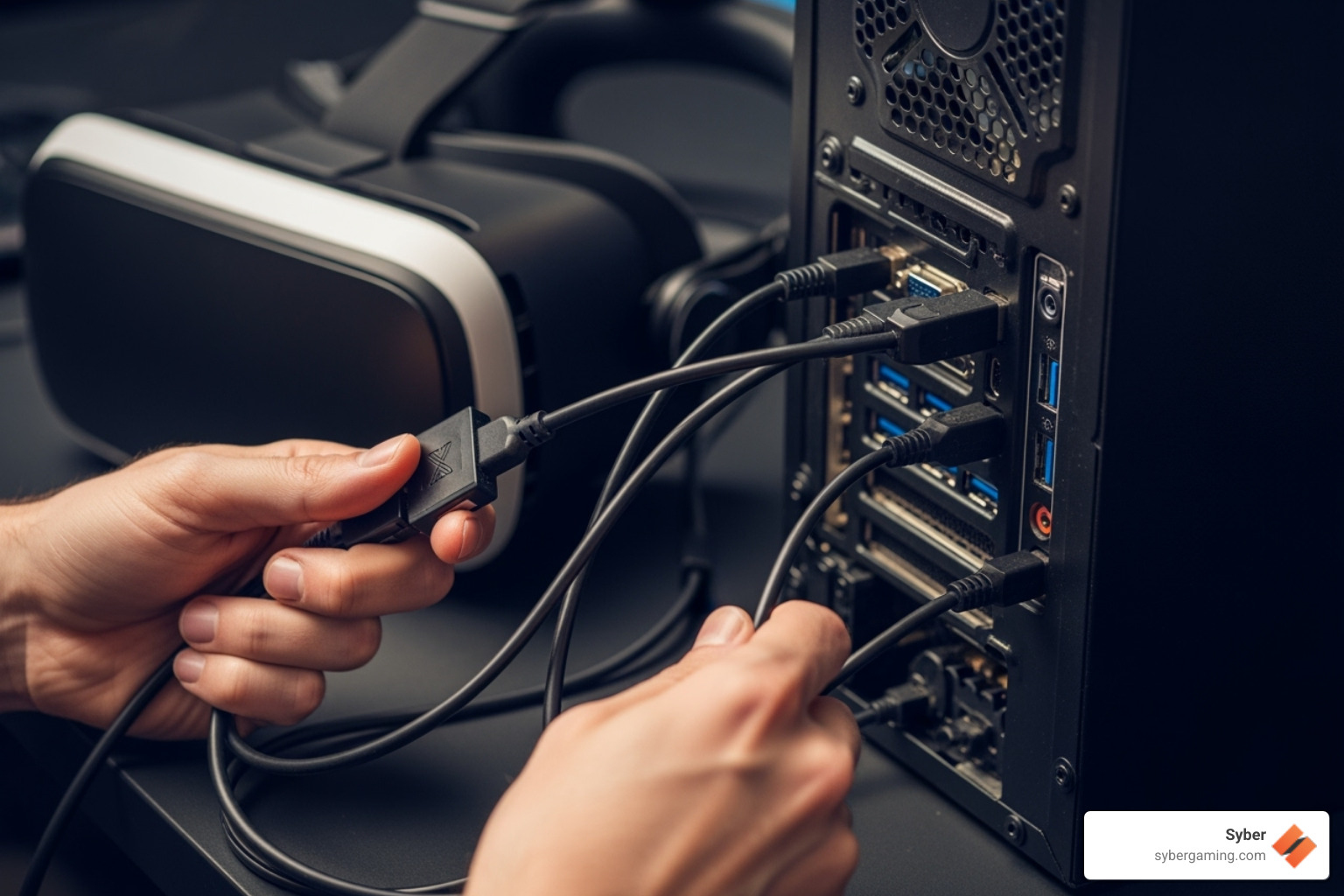
Connectivity Problems: For tethered headsets, ensure all cables are securely plugged into both the headset and the PC. A loose connection is a common culprit. Try a different USB 3.0 (or higher) port and a different DisplayPort on your GPU. Inspect the cable for any visible damage, like kinks or frays. For wireless VR streaming, make sure your PC is connected to your router via an Ethernet cable and that your headset is connected to the 5GHz or 6GHz band of a Wi-Fi 6/6E router. Placing the router in the same room as your play area with a clear line of sight will provide the best results.
You can build a PC yourself or buy a standard pre-built, but Syber offers a better way. Our custom build gaming pcs combine the quality of a DIY build with the convenience and warranty of a pre-built. Each high performance custom prebuilt gaming pc is configured to your needs, using quality air-flow cooling and rigorously benchmarked to ensure it handles VR flawlessly. It's a reliable machine ready for immersion, with no guesswork required.
Whether you're exploring alien planets or slicing through musical beats, a properly configured vr gaming setup transforms gaming from something you watch to something you live. The virtual worlds are waiting.
Ready to step into virtual reality with confidence? Explore Syber's range of VR-ready systems and find the perfect foundation for your immersive gaming adventures at VR Gaming.


.svg)

