

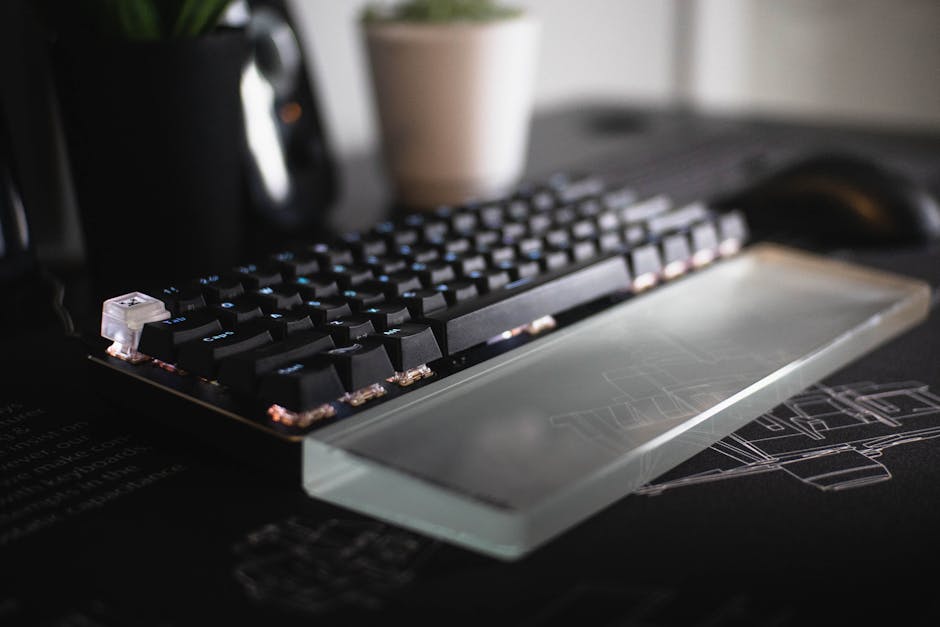
Introduction: Why Your Gaming Setup Isn't Complete Without a Wrist Rest
A mechanical keyboard wrist rest is an ergonomic accessory that provides support for your palms during long typing or gaming sessions. The best wrist rests reduce strain, prevent fatigue, and help maintain a neutral wrist position, which is crucial for long-term comfort.
Quick Guide to Mechanical Keyboard Wrist Rests:
- Materials: Memory foam (soft, conforming), gel (cool, supportive), padded cloth (breathable, durable), wood or bamboo (firm, stylish)
- Sizes: Match your keyboard layout - full-size (17-18"), TKL/tenkeyless (14-15"), compact 60% (12")
- Key Features: Non-slip rubber base, stitched edges for durability, inclined ergonomic design
- Best For: Gamers, programmers, and anyone typing for extended periods who wants to prevent wrist strain
If you're grinding through marathon gaming sessions or coding for hours, you've probably felt that nagging discomfort in your wrists. That pain isn't just annoying; it's your body warning you about potential long-term damage. Proper wrist support is a key part of an ergonomic setup that helps combat pain and fatigue.
However, not all wrist rests are created equal. The wrong material, size, or design can make things worse. The key is finding the right match for your setup. Whether you're running a high performance gaming pc build or a streamlined compact rig, your wrists deserve the same attention you give to your GPU and CPU.
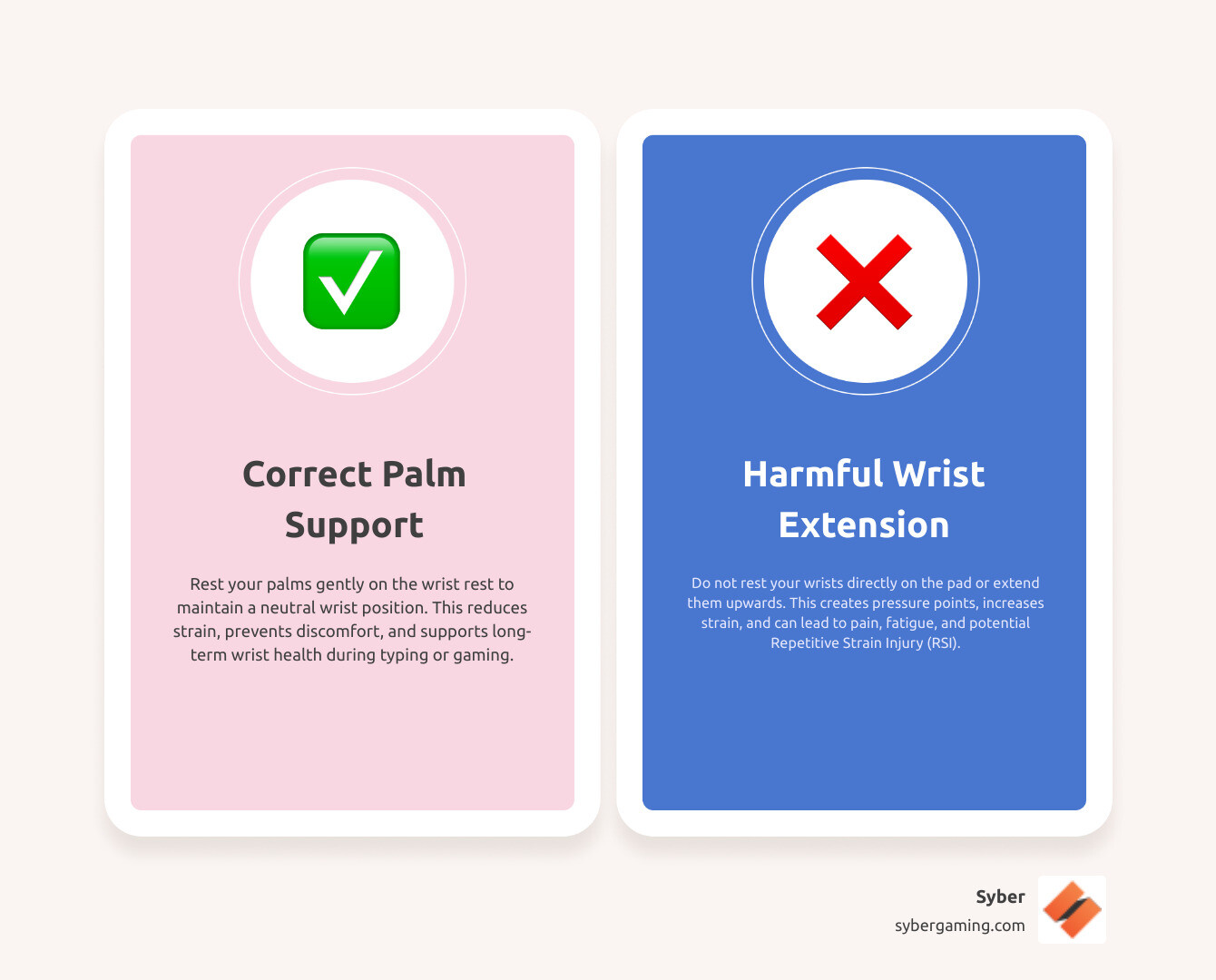
Mechanical keyboard wrist rest vocab explained:
Choosing the Perfect Mechanical Keyboard Wrist Rest for Your Rig
When you're building a high performance custom prebuilt gaming pc, every component matters, and that includes your accessories. Choosing the right mechanical keyboard wrist rest is crucial for comfort and long-term health. It's about finding that sweet spot of ergonomic design, comfort, and durability for your gaming pc high performance setup.
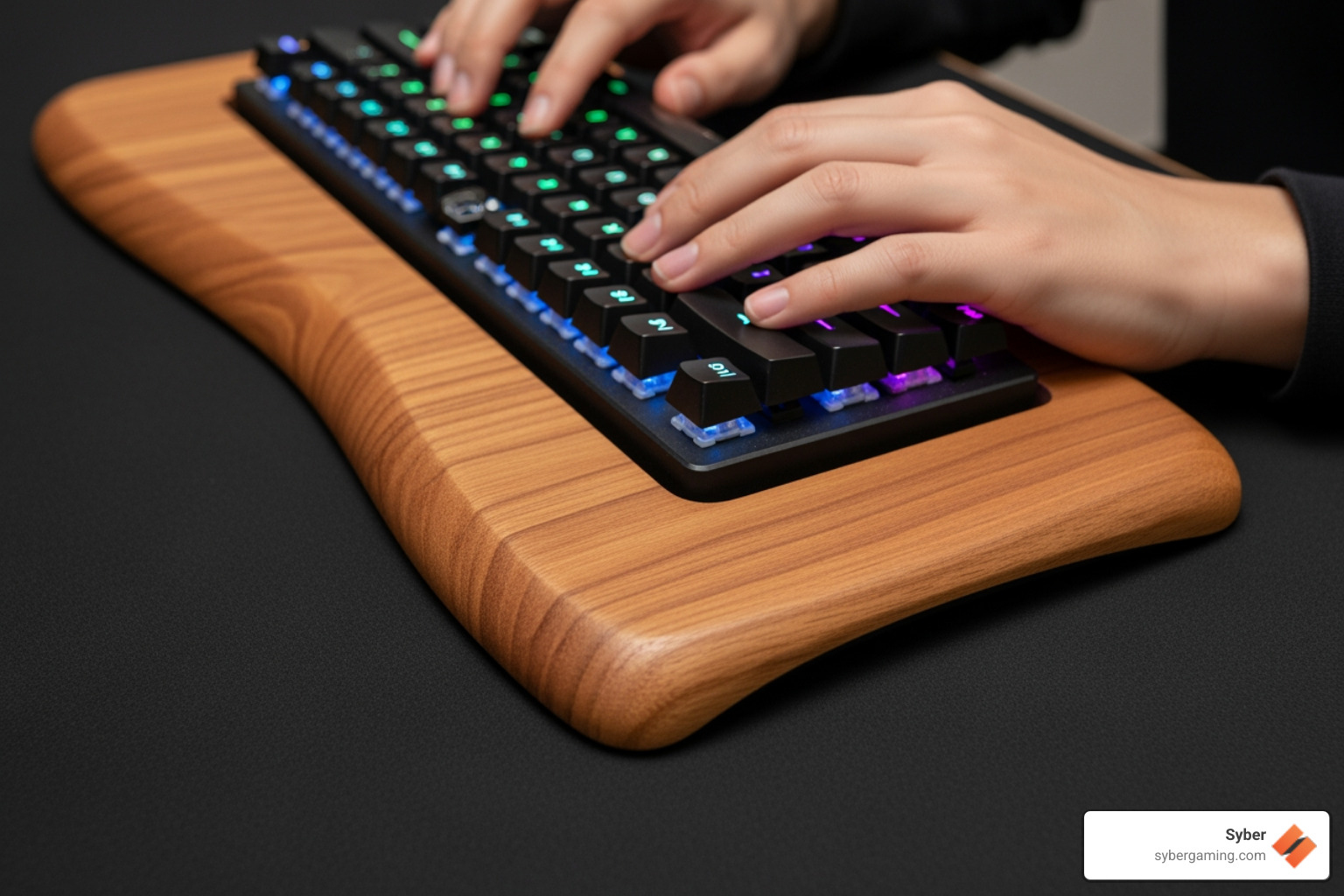
The Right Material for Maximum Comfort
The material of your mechanical keyboard wrist rest is key to how it feels during intense gaming sessions. Different materials offer unique pros and cons, and the right choice is highly personal.
- Memory Foam: A popular choice, memory foam conforms to your palms for soft, personalized support that distributes pressure evenly. High-density foam offers better longevity and support, while lower-density options are softer but may flatten more quickly. The main drawback is that some types can retain heat, which may be uncomfortable during long sessions. They can also be more difficult to clean than solid-surface rests.
- Gel: Gel rests provide a cool, supportive feel that's often firmer than memory foam. The cooling effect is a bonus during long sessions, helping to keep your palms comfortable. However, they can be prone to leaks if the outer layer is punctured, and some gel pads may harden over time or in cold environments.
- Padded Cloth (Fabric): These typically have a soft cloth surface over a firm foam or rubber core. They are breathable, durable, and comfortable, like the Syber Padded Ergonomic Keyboard Wrist Rest. They offer more generalized support compared to memory foam or gel and are often a good middle-ground option. Look for models with high-quality fabric that resists pilling.
- Wood (e.g., Walnut, Oak, Bamboo): Wooden rests offer firm, stable support and a premium aesthetic. They are exceptionally durable and can add a stylish, natural touch to your desk. The main downside is the complete lack of cushioning, which might not be comfortable for everyone over long periods. They are, however, very easy to clean and maintain.
- Leather and Leatherette: Offering a premium look and feel, leather rests are durable and develop a unique patina over time. They provide a firm but comfortable surface. Leatherette offers a similar look at a lower cost but may not be as breathable or durable as genuine leather. Both are easy to wipe clean but can feel sticky in warm, humid conditions.
- Silicone and Aluminum: Less common options, silicone offers great grip and durability with a soft-touch feel. Aluminum provides a sleek, rigid, and modern look that pairs well with certain keyboard designs. Both are very easy to clean but lack the softness of foam or gel, prioritizing stability and aesthetics.
Consider your preference for firmness versus softness. For a conforming feel, choose memory foam or gel. For a firmer, more stable option, wood or padded cloth are excellent choices.
Sizing Up: Matching Your Wrist Rest to Your Keyboard
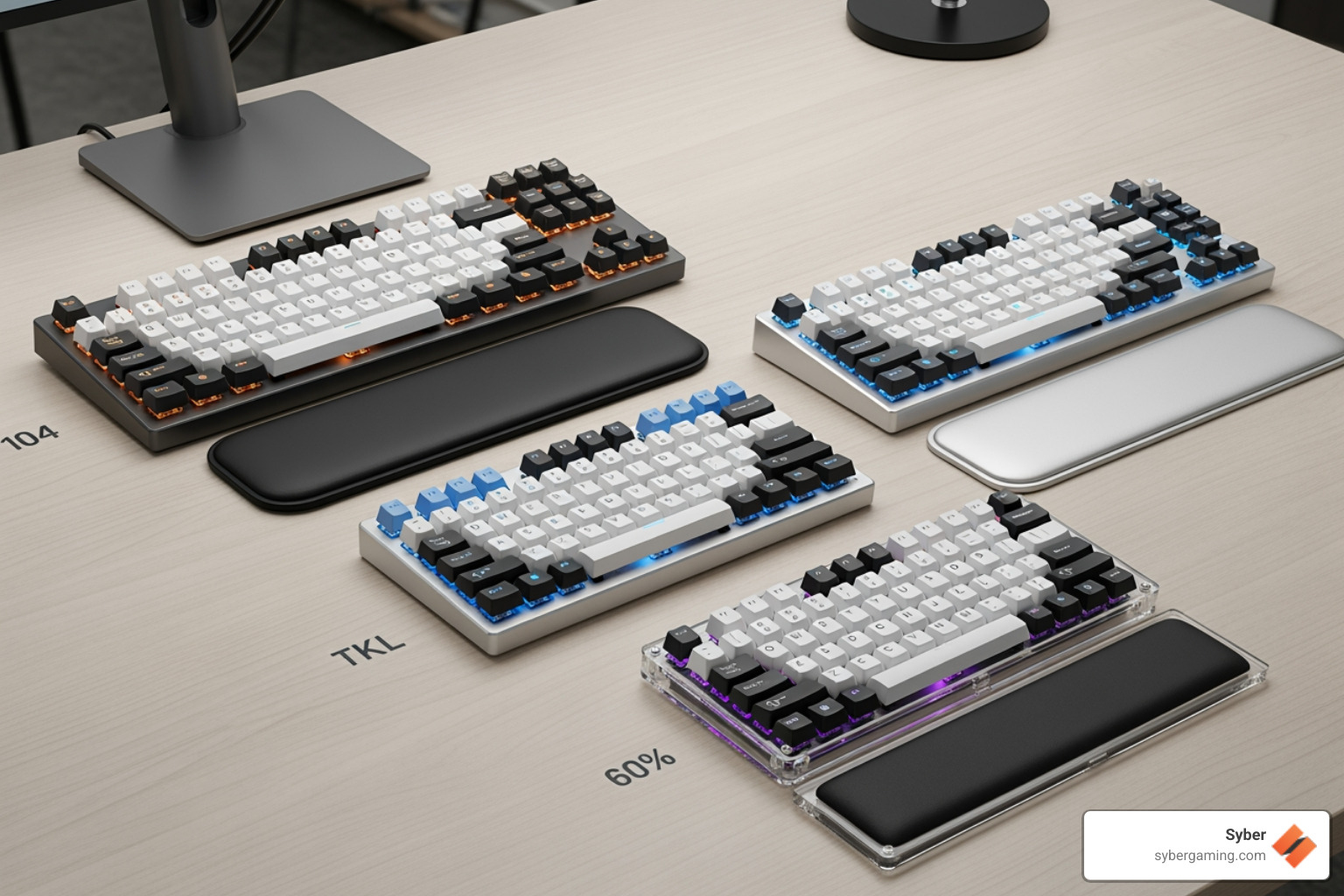
Choosing the correct size for your mechanical keyboard wrist rest is essential for a seamless fit and proper ergonomic support. A mismatched size can defeat the purpose of using a rest. Your wrist rest should match your keyboard's layout to provide even support across your primary typing area.
- Full-size (104/108 keys): For keyboards with a number pad, you need a wide rest, typically around 17-18 inches.
- Tenkeyless (TKL) (87 keys): For keyboards without a number pad, a rest around 14-15 inches wide is appropriate.
- Compact (60%/65%/75%): For minimalist keyboards, the size varies. A 60% keyboard needs a rest around 12 inches wide, while 65% and 75% layouts require slightly wider models. Always measure your keyboard's width to ensure a perfect match.
A wrist rest that's too short provides uneven support, forcing one hand to be positioned differently and potentially causing sideways wrist bending (ulnar or radial deviation). One that's too long simply wastes valuable desk space. The goal is a perfect match that supports both hands across the entire typing area. This detail is vital whether you build high performance gaming pc rigs or just want a comfortable setup.
For more information on different keyboard types, check out our Ultimate Gaming Keyboard Guide.
Key Features of a High-Quality Mechanical Keyboard Wrist Rest
Beyond material and size, look for these features that make a mechanical keyboard wrist rest a worthy companion to your custom build gaming pcs.
- Non-Slip Base: This is a non-negotiable feature. A good wrist rest should stay put, even during frantic gaming moments. Constant slipping requires micro-adjustments that can break your focus. Look for a base made of textured, anti-slip rubber.
- Ergonomic Shape and Incline: A slight positive incline helps lift your palms to a more neutral position, aligning your wrists with your forearms to minimize strain. A contoured shape that follows the natural curve of your hands can also enhance comfort.
- Stitched Edges: For cloth or leatherette rests, stitched edges are a mark of quality. They prevent the surface material from fraying or peeling away from the core, significantly extending the lifespan of your accessory.
- Durability and Core Construction: A high-quality wrist rest should be built to last, with robust materials that can withstand daily use without flattening, warping, or falling apart. The internal core should be solid and supportive.
- Easy to Clean: A surface that's easy to wipe down is a big plus for keeping your gaming setup fresh. Solid materials like wood, aluminum, and silicone are the easiest to clean. For fabric rests, check if they can be cleaned with a damp cloth.
- Integrated vs. Separate: Some keyboards come with a built-in or detachable wrist rest, which ensures a perfect fit but offers no flexibility in material or feel. A separate accessory wrist rest allows you to choose the exact material, size, and firmness you prefer. For a complete setup for your AI-improved gaming rig, a separate, high-quality mechanical keyboard wrist rest like the Syber K1 Mechanical Keyboard Wrist Rest offers customization and superior ergonomic benefits.
Proper Use and Potential Downsides
Even the best mechanical keyboard wrist rest requires proper use to be effective. Misuse can negate its benefits or even create new problems.
- Correct Posture: The goal is to support your palms, not your wrists. The fleshy part of your palm should be what makes contact with the rest. When typing, your wrists should remain straight and neutral, ideally hovering slightly above the rest. Use the rest for support during pauses, not while actively typing. Resting your wrists directly on the pad can compress the nerves and tendons in the carpal tunnel, leading to discomfort.
- Correct Height: The wrist rest's height is critical. If it's too high, it forces your wrists to bend downwards; too low, and it offers no support and encourages upward bending. The ideal height aligns your palms so your wrists are straight and level with your keyboard's frame. Your forearms and hands should form a straight line.
A poorly designed or improperly used wrist rest can get in the way or create new pressure points. The goal is gentle palm support that allows for natural movement and maintains a neutral wrist posture.
Lift Your Game: The Ergonomic Advantage
A properly chosen mechanical keyboard wrist rest offers significant ergonomic advantages for your long-term health and performance, especially when paired with a high performance desktop pc.
Preventing Strain for Gamers and Programmers
Long sessions at a keyboard can lead to discomfort and more serious conditions known as Repetitive Strain Injuries (RSI). A wrist rest is a key tool for prevention.
- Understanding RSI: RSI is a general term for pain felt in muscles, nerves, and tendons caused by repetitive movement and overuse. For keyboard users, this often manifests as wrist, hand, and forearm pain. One of the most well-known RSIs is carpal tunnel syndrome.
- Preventing Carpal Tunnel Syndrome: This condition occurs when the median nerve, which runs through a narrow passageway in the wrist called the carpal tunnel, becomes compressed. This pressure can cause numbness, tingling, and weakness in the hand and arm. A wrist rest helps by promoting a neutral wrist posture, which keeps the carpal tunnel from being pinched or compressed by awkward wrist angles.
- Reduced Fatigue and Improved Focus: By supporting your palms and promoting a neutral wrist posture, a wrist rest reduces muscle strain in your hands, wrists, and forearms. This allows you to game or work longer with sustained focus. When you're not distracted by wrist pain or discomfort, your focus improves. This translates directly to better gaming performance, higher productivity, and fewer typing errors.
Pairing a quality wrist rest with a mechanical keyboard ensures your body can keep up with your high-performance gear. Learn more about the 5 Advantages of a Mechanical Gaming Keyboard.
Creating a Complete Ergonomic Setup
A wrist rest is a fantastic first step, but for the best results, it should be part of a holistic ergonomic setup. Think of your entire desk as a system designed for your comfort and health.
- Ergonomic Chair: A supportive chair that allows you to sit with your feet flat on the floor and your knees at a 90-degree angle is foundational.
- Proper Desk Height: Your desk and chair should work together so that when you type, your elbows are at a roughly 90-degree angle and your forearms are parallel to the floor.
- Monitor Placement: Position your monitor directly in front of you, with the top of the screen at or slightly below eye level. This prevents you from craning your neck up or down.
- Ergonomic Mouse: Just like with your keyboard hand, your mouse hand can also suffer from strain. An ergonomic mouse can help maintain a more natural hand and wrist posture.
By combining these elements, you create an environment that minimizes physical stress on your body, allowing you to perform at your best for longer.
Finding Your Perfect Mechanical Keyboard Wrist Rest
The best mechanical keyboard wrist rest for you is one that fits your keyboard, feels comfortable, and encourages proper ergonomic posture. By considering the material, size, and key features we've discussed, you can find the perfect match.
By making an informed choice, you're not just buying an accessory; you're investing in your comfort, your health, and your ability to enjoy your gaming or work sessions for years to come. Whether you're assembling a build high performance gaming pc or simply upgrading your current setup, don't overlook this essential accessory.
Consider a complete setup for your AI-driven gaming rig, including ergonomic accessories, to ensure peak performance and comfort. For a great starting point, check out the K1 Mechanical Keyboard and its accompanying wrist rest, designed for durability and comfort.
Ready to upgrade your gaming experience and protect your wrists? Explore high-performance gaming accessories and components at Syber. Your wrists will thank you.
Shop Syber Gaming KeyboardsVisit SyberGaming.comExplore Syber's M-SeriesDiscover Syber's Cube Series


.svg)

