

The Sleek Appeal of Low Profile Keyboards
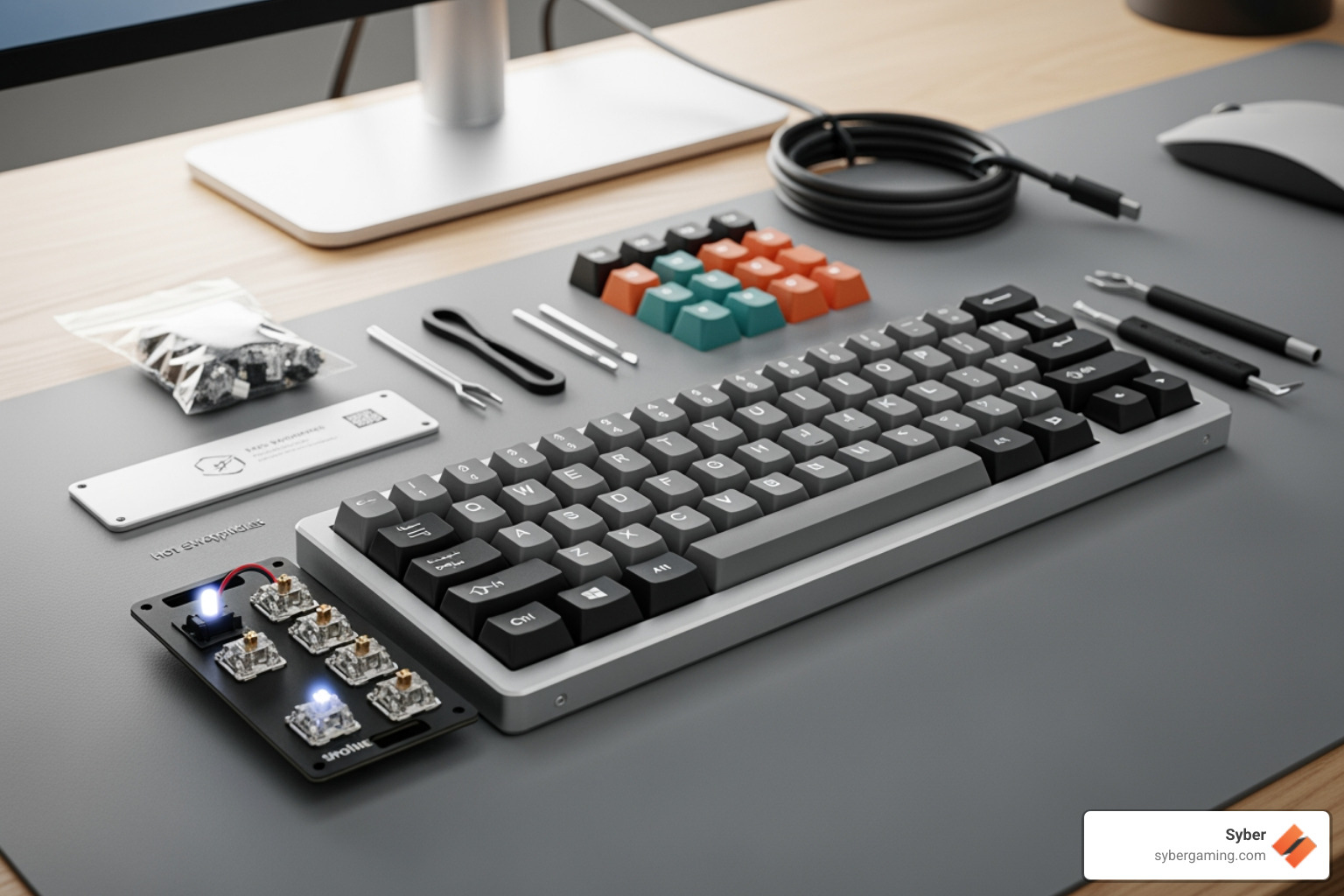
A low profile keyboard kit is your ticket to building a sleek, modern keyboard with a reduced height and faster key travel. These kits are popular for a reason, offering a unique blend of style and performance.
Key advantages include:
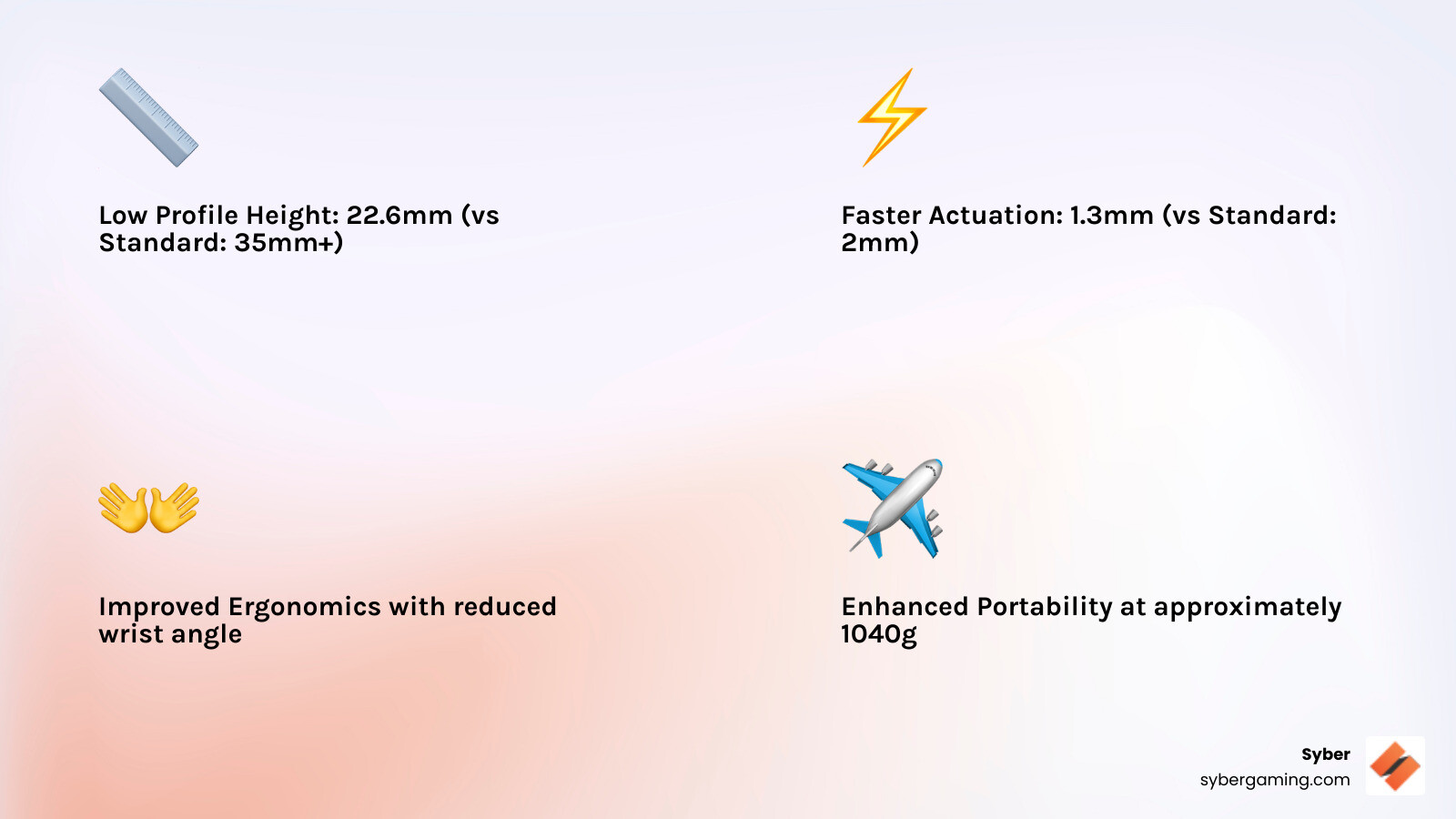
- Slim Form Factor: Typically 20-30% thinner than standard keyboards.
- Faster Actuation: Low profile switches actuate quicker, giving you a competitive edge.
- Improved Portability: Reduced height and weight make them easy to transport.
- Modern Aesthetic: A clean, minimalist design that complements any setup.
The reduced key travel means your fingers move less, translating to faster response times and less fatigue during long gaming sessions. Building from a kit gives you complete control over the final product, from switches and layout to case material. Whether you're chasing faster APM or just want a cleaner desk, understanding what goes into these kits helps you make the right choice for your high-performance gaming setup.
Assembling Your Perfect Low Profile Keyboard Kit
Building your own low profile keyboard kit is a rewarding journey into keyboard customization. It’s your chance to create a device that performs exactly how you want and reflects your personal style. This guide will walk you through the essential components, key choices, and the build process itself.
What's in the Box? Essential Low Profile Keyboard Kit Components
Unboxing a low profile keyboard kit reveals the core parts of your future keyboard. Understanding each piece is the first step in appreciating your custom build.
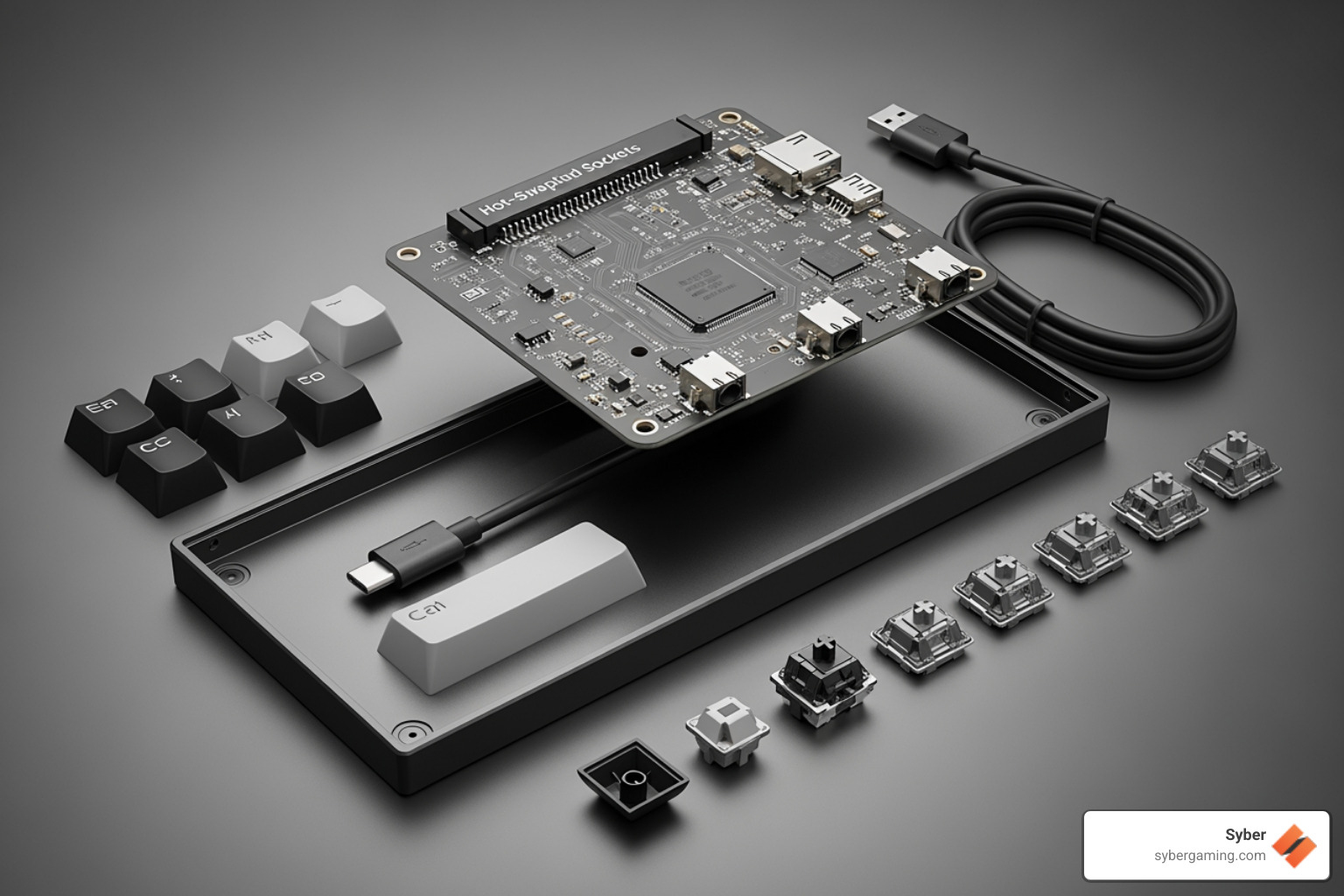
A typical kit includes:
- Printed Circuit Board (PCB): The keyboard's "brain," often with hotswap sockets that let you change switches without soldering.
- Case: The outer shell that houses everything and affects the keyboard's sound and feel.
- Plate: Sits above the PCB to hold switches securely and provide structural rigidity.
- Low-Profile Mechanical Switches: Shorter switches that provide the signature quick and responsive feel.
- Keycaps: The caps you type on, specifically designed for low profile switches.
- Stabilizers: Used for larger keys like the spacebar to ensure they press down evenly.
- Cable: A USB cable to connect your keyboard to your PC.
Some kits also include optional parts for more customization, like RGB LEDs, programmable rotary encoders for volume control, and OLED screens for displaying information.
Choosing Your Ideal Low Profile Keyboard Kit
Selecting the right low profile keyboard kit means matching its features to your needs. Here are the key factors to consider:
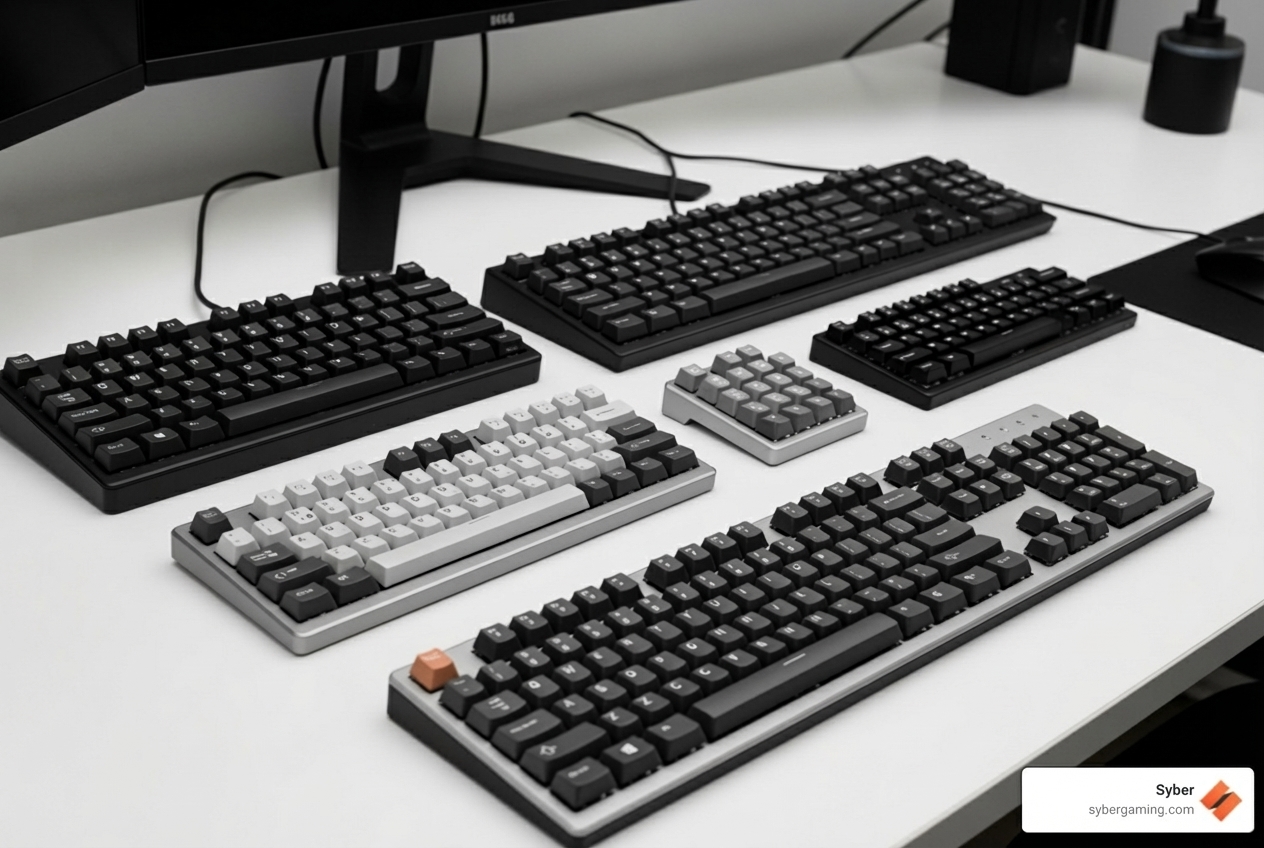
- Layout Size: This determines the keyboard's footprint. Common options range from compact 60% layouts that maximize desk space to full-size 100% layouts with a dedicated numpad. 75% and Tenkeyless (TKL) layouts offer a popular middle ground.
- Hotswap Sockets: A must-have for enthusiasts, hotswap sockets let you change mechanical switches easily without soldering. This is perfect for experimenting with different switch types to find your ideal feel.
- QMK/VIA Compatibility: This firmware allows for deep customization, including remapping keys, creating complex macros, and configuring lighting effects, giving you total control over your keyboard's functionality.
- Mounting Style: This affects typing feel and sound. Gasket mounts offer a softer, quieter experience, while tray or top mounts provide a firmer, more traditional feel.
- Case Material: Aluminum cases give a premium, heavy feel and a denser sound, while plastic cases are lighter and more budget-friendly.
- Keycap Compatibility: Low profile switches require specific low profile keycaps. Standard keycaps won't fit properly.
Considering these points will help you choose a kit that's perfect for your gaming or work setup.
Low Profile vs. Standard Switches: A Feel for the Game
The switches are the heart of a mechanical keyboard, and low profile switches offer a distinct feel geared for speed. They are physically shorter than standard switches, which changes their performance.
| Characteristic | Low Profile Mechanical Switches | Standard Mechanical Switches |
|---|---|---|
| Actuation Point | Shorter (e.g., ~1.3 mm) | Longer (e.g., ~2.0 mm) |
| Total Travel | Shorter (e.g., ~3.2 mm) | Longer (e.g., ~4.0 mm) |
| Typing Feel | Quicker, snappier response | Deeper, more traditional press |
| Ergonomics | Flatter, more natural wrist angle | May require a wrist rest |
For gamers, the shorter actuation and travel distance are key. Your fingers move less to register a keystroke, which can mean faster response times and higher Actions Per Minute (APM). This design also reduces finger fatigue during long sessions, as your hands stay in a more natural position.
While the sound profile can be different, many users quickly adapt to the crisp, responsive feel. If you prioritize speed, a sleek design, and better ergonomics, a low profile keyboard kit is an excellent choice. Learn more in our Ultimate Gaming Keyboard Guide.
The Build Process: Tools, Skills, and Tips
Assembling your low profile keyboard kit is a rewarding, hands-on project. While it might seem intimidating, it's manageable with the right tools and patience.
What You'll Need:
- Tools: A small screwdriver set, tweezers, a keycap puller, and a switch puller (for hotswap kits) are essential.
- Skills: Patience and attention to detail are key. Most modern kits use hotswap sockets, so soldering is often not required. The entire process can take just a couple of hours.
General Build Steps:
- Prepare: Install stabilizers onto the PCB. This is a crucial step for a smooth feel on larger keys.
- Assemble: Mount the plate onto the PCB.
- Insert Switches: Carefully push your switches into the plate and hotswap sockets. Make sure the pins are straight to avoid bending them.
- Case Up: Place the assembly into the case and secure it.
- Add Keycaps: Press the keycaps onto the switches.
- Test: Plug it in and test every key.
Tips for Success:
- Bent Pins: This is the most common issue. If a switch won't go in, check the pins and gently straighten them with tweezers.
- Stabilizer Rattle: Properly lubricating your stabilizers before installation can eliminate rattle and create a much better typing sound and feel.
- Find a Guide: Many kit vendors provide detailed build guides. You can also find countless video tutorials on YouTube that walk you through the process step-by-step.
The Payoff: Customization, Performance, and Beyond
After the satisfying click of the final keycap, you'll feel a unique sense of accomplishment. Building a low profile keyboard kit offers more than just a tool; it provides a bespoke experience. This final section explores the profound advantages of taking the DIY route and how your custom creation perfectly integrates into a powerful gaming ecosystem.
Why Build? The Advantages of a DIY Approach
Why spend time building a keyboard when you can buy one pre-made? A DIY low profile keyboard kit offers unique advantages:
- Ultimate Customization: You choose every component, from the switches and case material to the keycap design. With firmware like QMK/VIA, you can remap keys and create macros to perfectly suit your gaming style.
- Deeper Hardware Knowledge: Building your own keyboard teaches you how it works. This knowledge helps you troubleshoot issues and make future upgrades.
- Personal Satisfaction: There's a unique pride in using a high-performance tool you built yourself. It's a tangible expression of your personal style.
Building a kit is an investment in a superior, personalized experience that pre-built options can't match, similar to the satisfaction of personalizing your gaming gear like our K1 Gaming Keyboard New Editions.
Completing Your High-Performance Gaming Setup
Your custom-built low profile keyboard kit is a precision tool, but it needs a powerful engine to perform at its best. To open up its full potential, pair your new keyboard with a high performance gaming pc build from Syber.
A truly immersive gaming experience requires every component to work in harmony. Your custom keyboard is the perfect interface for a powerful PC, but to create a seamless, high-performance gaming experience, you need a rig built for power.
Our custom build gaming pcs are rigorously tested and benchmarked for top-tier performance. We specialize in high performance custom prebuilt gaming pc configurations optimized for peak efficiency. For those looking to the future, our AI gaming PC options deliver an AI-enhanced gaming experience. Features like AI graphics rendering and AI system optimization provide stunning visuals and smoother gameplay. An AI-ready gaming PC with advanced AI cooling solutions that optimize air-flow ensures your high performance desktop pc stays cool under pressure.
Explore custom gaming PCs like the Syber M-Series to complete your ultimate setup.
.jpg)


.svg)

