

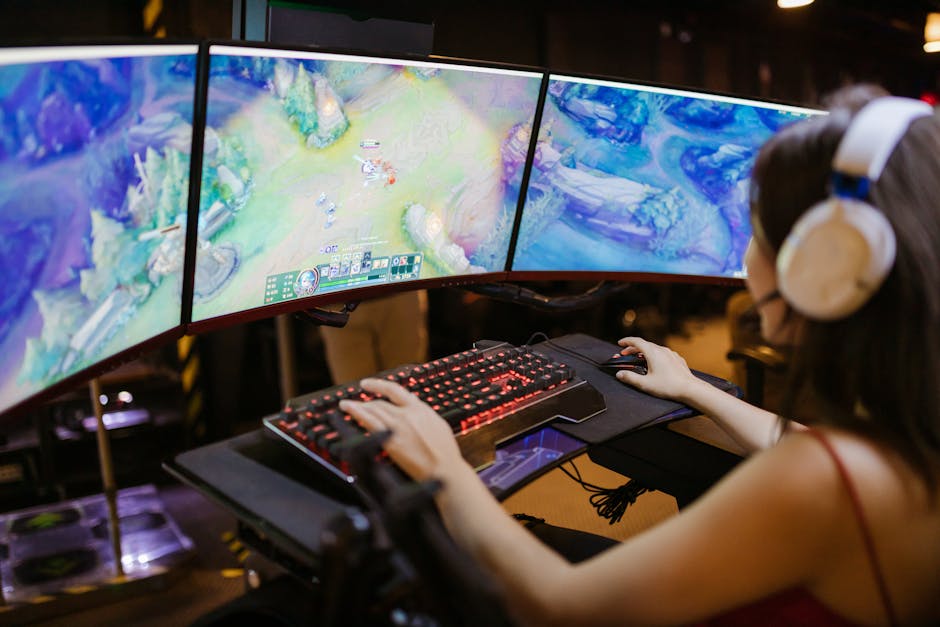
Why High Refresh Rate Gaming Changes Everything
High refresh rate gaming delivers smoother visuals, faster response times, and a clearer picture during fast motion. Here's what you need to know:
Quick Answer: What Makes High Refresh Rate Gaming Better?
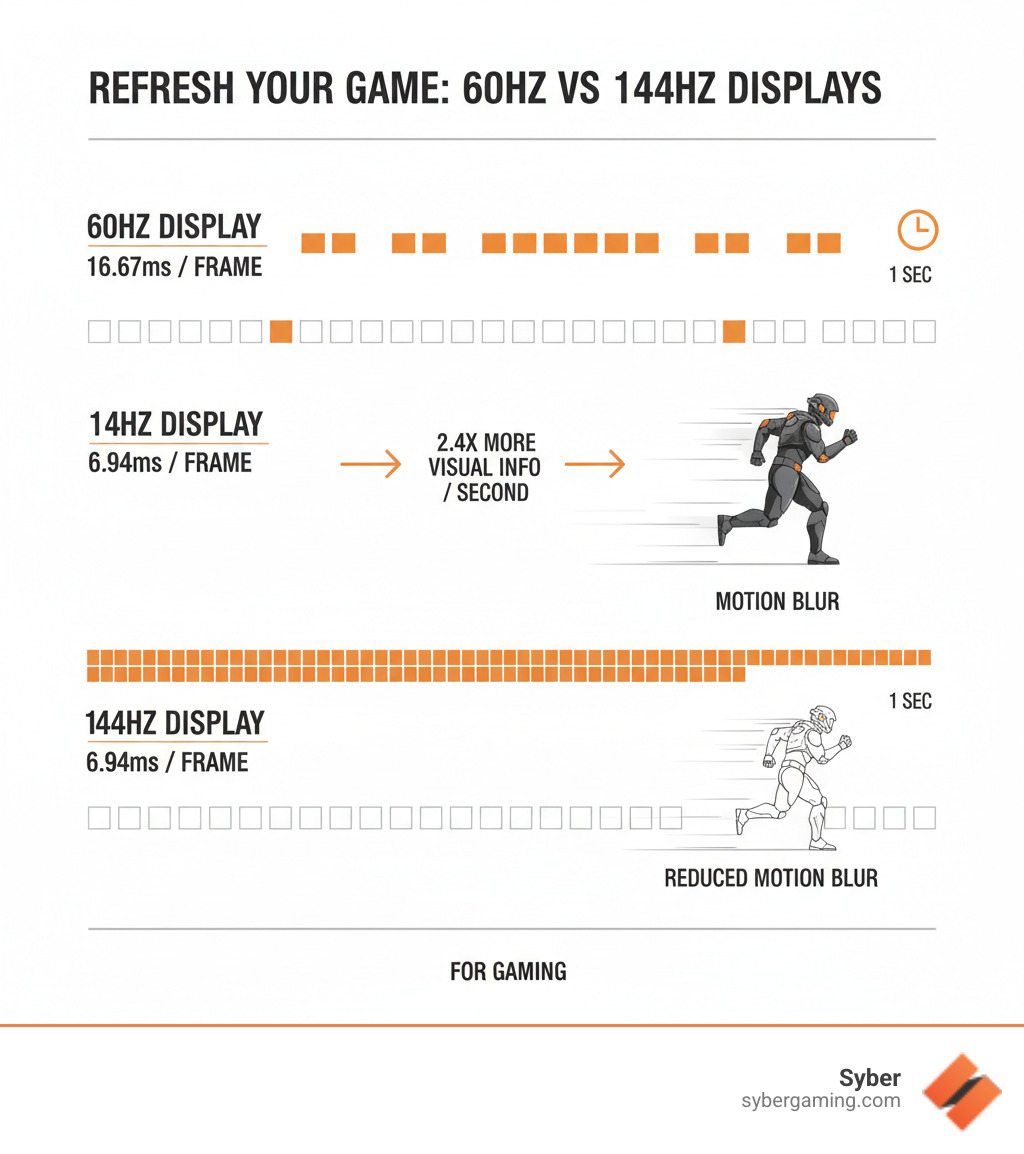
- Smoother Motion: A 144Hz monitor updates the screen 144 times per second versus 60 times for standard displays.
- Reduced Input Lag: At 240Hz, each frame displays for just 4.17 milliseconds instead of 16.67ms at 60Hz.
- Better Clarity: Moving objects appear sharper with less motion blur.
- Competitive Edge: See enemies and track movements faster in games.
- Improved Daily Use: Even scrolling websites and moving windows feels more responsive.
If you're serious about gaming, you've likely noticed that games on a 144Hz monitor look and feel smoother and more responsive. That's because the difference between a standard 60Hz display and a high refresh rate monitor is significant—it's the difference between reacting to what already happened and responding to what's happening now.
Moving from 60Hz to 360Hz can reduce total system input lag by up to 28 milliseconds. In competitive gaming, that's often the gap between landing a shot and missing it entirely. But the benefits aren't just for esports pros. Higher refresh rates make everything from camera pans in open-world games to simple mouse movements feel more connected and fluid.
The catch? You need the right hardware. A 240Hz monitor is useless if your gaming PC can't produce 240 frames per second. This is where a high performance gaming pc build becomes critical to open up the buttery-smooth frame rates you're after.
Modern high refresh setups also lean on AI to push more frames without sacrificing fidelity. AI-powered graphics like DLSS, FSR, and XeSS use AI graphics rendering to upscale and even generate extra frames, unlocking smoother motion on the same hardware. Pair a fast panel with an AI gaming PC or AI-ready gaming PC and you get an AI-enhanced gaming experience that looks sharper, responds faster, and stays consistent under load.
The Core of High Refresh Rate Gaming: Hardware and Settings
Getting the most from high refresh rate gaming requires more than just a fast monitor; your entire system must be configured to work in harmony.
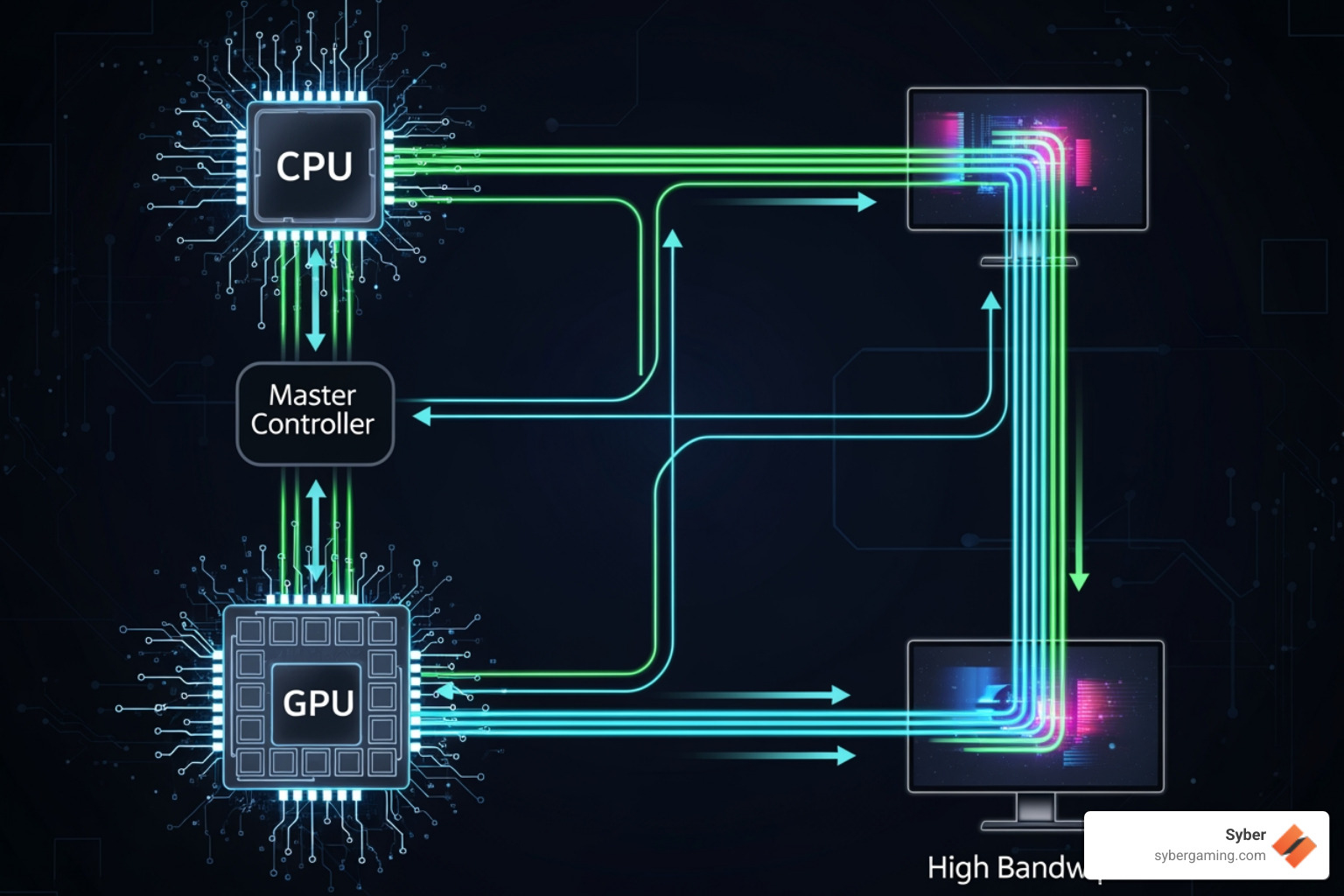
The Power Trio: How Your GPU, CPU, and Monitor Work Together
Your gaming experience relies on three key components:
- GPU (Graphics Processing Unit): The workhorse that renders every frame. For high refresh rate gaming, your GPU must generate enough frames per second (FPS) to match your monitor's refresh rate.
- CPU (Central Processing Unit): The director that manages game logic, AI, and physics, telling the GPU what to render. A slow CPU will bottleneck a powerful GPU, preventing it from reaching its full potential.
- Monitor: The display that shows the final image. Its refresh rate (Hz) determines how many times per second it can update. A 240Hz monitor updates nearly four times faster than a 60Hz display.
The key to a great high performance gaming pc build is balance. Mismatched components waste money and performance. This is why a high performance custom prebuilt gaming pc from Syber is a smart choice. Each component is selected and tested to prevent bottlenecks, ensuring you get the consistent high frame rates needed for a superior gaming pc high performance setup.
Achieving Smooth, Tear-Free Gameplay with Adaptive Sync
Screen tearing (a horizontal split in the image) and stuttering (choppy gameplay) occur when your GPU and monitor are out of sync. Adaptive sync technology, like NVIDIA's G-Sync and AMD's FreeSync, solves this.
It allows your monitor to dynamically adjust its refresh rate to match your GPU's frame output in real-time. If your FPS drops from 140 to 95, your monitor adjusts to 95Hz instantly. This synchronization eliminates tearing and makes gameplay feel fluid, even when performance fluctuates. For any pre built gaming pc customizable with a high refresh rate display, adaptive sync is essential to ensure you see every frame your powerful hardware produces.
AI-Powered Graphics and AI-Driven Performance
AI is now a core part of high FPS gaming. AI graphics rendering features like DLSS, FSR, and XeSS use machine learning to upscale frames and, in some games, generate in-between frames. The benefit is simple: more apparent FPS at the same GPU load, which strengthens your high refresh rate experience.
- Turn on the appropriate AI-powered graphics option in your game’s settings and match it to your resolution target.
- If your game supports frame generation, pair it with a low-latency mode (e.g., Reflex or driver-based frame pacing) to limit input delay.
- Use AI-enhanced visuals modes that keep motion sharp while preserving detail—especially helpful at 1440p and ultrawide resolutions.
This is where an AI gaming PC shines. With AI PC components (modern GPUs and CPUs with AI accelerators), you unlock AI-driven performance that makes high refresh displays feel even faster without crushing image quality.
Intelligent Tuning: AI System Optimization, AI Cooling Solutions, and Security
Your system’s behavior matters as much as raw specs.
- AI system optimization: Modern driver suites and motherboard utilities learn your workloads to tune power limits, boost clocks, and schedule background tasks. The result is steadier frame timing and fewer hitches.
- AI cooling solutions: Air-flow focused cases with smart fan curves keep your rig quiet and cool. Many utilities now offer AI-assisted fan tuning that adapts to ambient temperature and game load to reduce thermal throttling on long sessions.
- AI PC security: Reliable, real-time protection uses machine learning to spot threats quickly with minimal performance impact. Keep firmware, BIOS, and drivers updated to protect your high performance desktop pc without dragging down FPS.
- AI multitasking: Streaming, live voice cleanup, and background capture increasingly use AI filters. Dedicated AI features offload this work so your frames stay high while you record, chat, or transcribe.
Together, these improvements give you an AI gaming technology stack that supports consistent FPS and low latency—core to any intelligent gaming PC or AI-driven gaming rig.
How to Check and Set Your Monitor's Refresh Rate
Many high refresh rate monitors default to 60Hz out of the box. Here’s how to make sure you’re getting the speed you paid for in Windows:
- Right-click your desktop and select Display settings.
- Scroll down and click Advanced display settings.
- Click Display adapter properties for Display 1.
- Go to the Monitor tab and select your monitor's highest supported refresh rate from the dropdown menu.
- Click Apply. Your screen will flicker, and Windows will ask you to confirm the change.
You can also find these settings in the NVIDIA Control Panel or AMD Radeon Settings. To confirm your in-game performance, use a monitoring tool like Fraps to see if your build high performance gaming pc is hitting its target frame rates.
Prebuilt or Custom: Pick a Platform That Matches Your Goal
If you enjoy picking parts, a custom route is great. If you want proven high FPS without the guesswork, look at pre built gaming computers that are tested for frame pacing and thermals. A pc pre built for gaming that’s properly balanced—CPU, GPU, memory speed, storage, and air-flow—will outperform a parts list with mismatches. Syber’s gaming pc pre built options are validated for high refresh gaming and AI gaming performance so you can focus on playing, not tweaking.
Finding Your Sweet Spot: Choosing a Monitor and PC
Picking the right monitor and PC for high refresh rate gaming is about matching technology to your favorite games, budget, and goals.
Which Refresh Rate Is Right for You?
Not everyone needs a 360Hz monitor. The right choice depends on what you play.
- 60Hz: The standard for basic monitors. It's fine for slower-paced RPGs, strategy games, and productivity, but it feels sluggish once you've tried something faster.
- 120Hz and 144Hz: The sweet spot for most gamers. This is where high refresh rate gaming truly begins, offering a noticeably smoother and more responsive experience in everything from shooters to racing games. The hardware requirements are reasonable for most mid-range PCs.
- 240Hz: The competitive standard. In games like Valorant or CS2, the improved clarity and faster tracking can give you a real edge. This requires a powerful GPU and CPU, making a gaming pc high performance setup essential.
- 360Hz and beyond: The cutting edge for elite esports professionals who need every millisecond of advantage. These displays demand a top-tier high performance custom prebuilt gaming pc.
Resolution also plays a big role; pushing 240 FPS at 1440p is much harder than at 1080p. A custom build gaming pcs from Syber can be configured to match your target resolution and refresh rate perfectly.
| Refresh Rate (Hz) | Ideal Game Genre | Required PC Power |
|---|---|---|
| 60Hz | Casual, Story-driven RPGs, Productivity | Low to Moderate (Entry-level GPUs) |
| 120-144Hz | Fast-paced FPS, MOBAs, Action, General Gaming | Moderate (Mid-range GPUs) |
| 240Hz | Competitive FPS, Esports Standard | High (High-end GPUs) |
| 360Hz+ | Elite Esports, Absolute Fastest Response | Very High (Top-tier GPUs) |
AI-Powered Gaming: How AI Helps You Hit Higher Refresh Rates
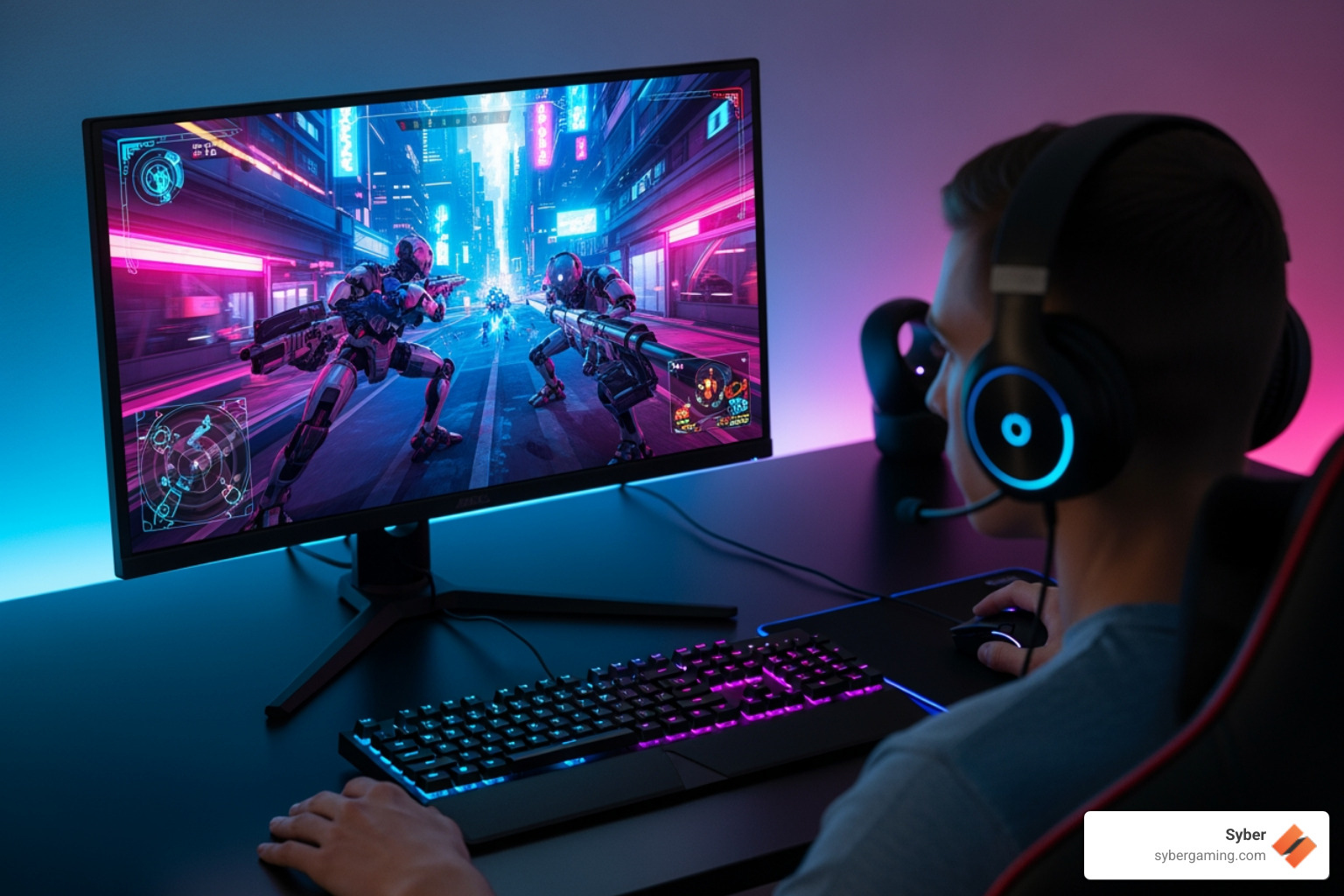
To feed a fast panel, you need high frame rates and clean frame timing. AI in gaming PCs helps in three big ways:
- AI-powered graphics/frame generation: DLSS/FSR/XeSS increase apparent FPS while maintaining sharpness. This is a direct win for 144–360Hz monitors.
- AI-driven performance management: Adaptive boosts and thread scheduling reduce micro-stutter so your monitor shows more consistent motion.
- AI-enhanced gaming workflows: Noise removal, camera background blur, and stream encoders use AI to free up CPU/GPU time, leaving more headroom for frames.
If you want the smoothest feel, pair frame generation with Reflex-style low-latency options, VRR enabled, and an in-game cap just under your panel’s max to avoid buffer spikes.
Monitor Features That Matter for High Refresh
- VRR range: Look for a wide FreeSync/G-Sync range (e.g., 48–240Hz) so dips don’t cause stutter.
- Overdrive controls: Use the mode that minimizes ghosting at your current FPS; too aggressive can cause inverse ghosting.
- Backlight strobing/ULMB: Great for motion clarity, but it often doesn’t work with VRR. Test and pick what feels best for your games.
- Ports and cables: For 1440p at 240Hz, use DisplayPort with DSC on supported monitors. Verify the cable rating and the GPU port version.
High Performance Gaming PC Build Paths (Air-Flow Focused)
- Esports 1080p/240Hz: Prioritize CPU frequency and a strong mid-to-high GPU. Aim for low-latency memory and fast NVMe. This AI gaming setup benefits from Reflex-style latency reduction and AI upscalers for maps with heavy effects.
- All-Round 1440p/144–165Hz: Balanced CPU/GPU with strong single-thread and ample VRAM. Enable AI-enhanced visuals and quality upscaling for a clean image. Air-flow tuned cases and smart fan curves keep noise low.
- Elite 1440p/240–360Hz: Top-tier GPU plus high-end CPU to sustain very high FPS. Use AI graphics rendering and frame generation in supported titles. This is a prime case for an AI-ready gaming PC from a high performance custom prebuilt gaming pc lineup.
Whether you go custom or prebuilt, chase balance: CPU that keeps the GPU fed, GPU sized for your resolution/refresh target, 32GB fast RAM, and fast storage. An effective air-flow design prevents throttling.
Custom vs. Prebuilt: Get the Right High Performance Desktop PC
A high refresh monitor is only as good as the PC driving it. A 360Hz display running at 100 FPS is just an expensive 100Hz monitor.
Generic prebuilts often create performance bottlenecks with mismatched components, like a powerful GPU paired with a weak CPU. A high performance gaming pc build from Syber avoids this. Every component is chosen to work in harmony, from the CPU and GPU to the cooling and power supply.
A pre built gaming pc customizable to your needs ensures you get a system that's tested and benchmarked to deliver stable, high frame rates. Syber's rigorous process and effective air-flow cooling solutions prevent thermal throttling and performance drops, so your gameplay stays smooth. As games adopt more demanding technologies like AI-powered graphics, a balanced system becomes even more crucial. When you choose a pc pre built for gaming from Syber, you're getting a system engineered for stable, high FPS.
Final Verdict: Build for Frames, Tune for Feel
Moving to high refresh rate gaming makes everything feel more immediate and responsive. The right setup depends on your games and goals, but it always requires a balanced system where the CPU, GPU, and monitor work as a team.
Bring in AI thoughtfully: use AI gaming technology to raise FPS, polish visuals, and streamline side tasks without adding latency. The result is a smooth, responsive AI gaming experience that looks as fast as it feels.
Syber specializes in custom build gaming pcs designed around how you play. Every system is tested and benchmarked to meet real-world performance standards, from esports to open-world epics.
Ready to experience high refresh rate gaming the way it's meant to be?
Explore our XL-Series of high-performance gaming PCs for maximum power, check out the M-Series gaming desktops for balanced performance, or find the compact Cube Series if space is tight. Visit Syber Gaming to configure your perfect gaming pc pre built today.
Social Caption
Chase every frame. Learn how AI-powered graphics plus a high refresh monitor transform smoothness and clarity—and which AI-ready gaming PC to pick. Build yours now: https://sybergaming.com


.svg)

