


Your Blueprint for a High Performance Gaming PC Build
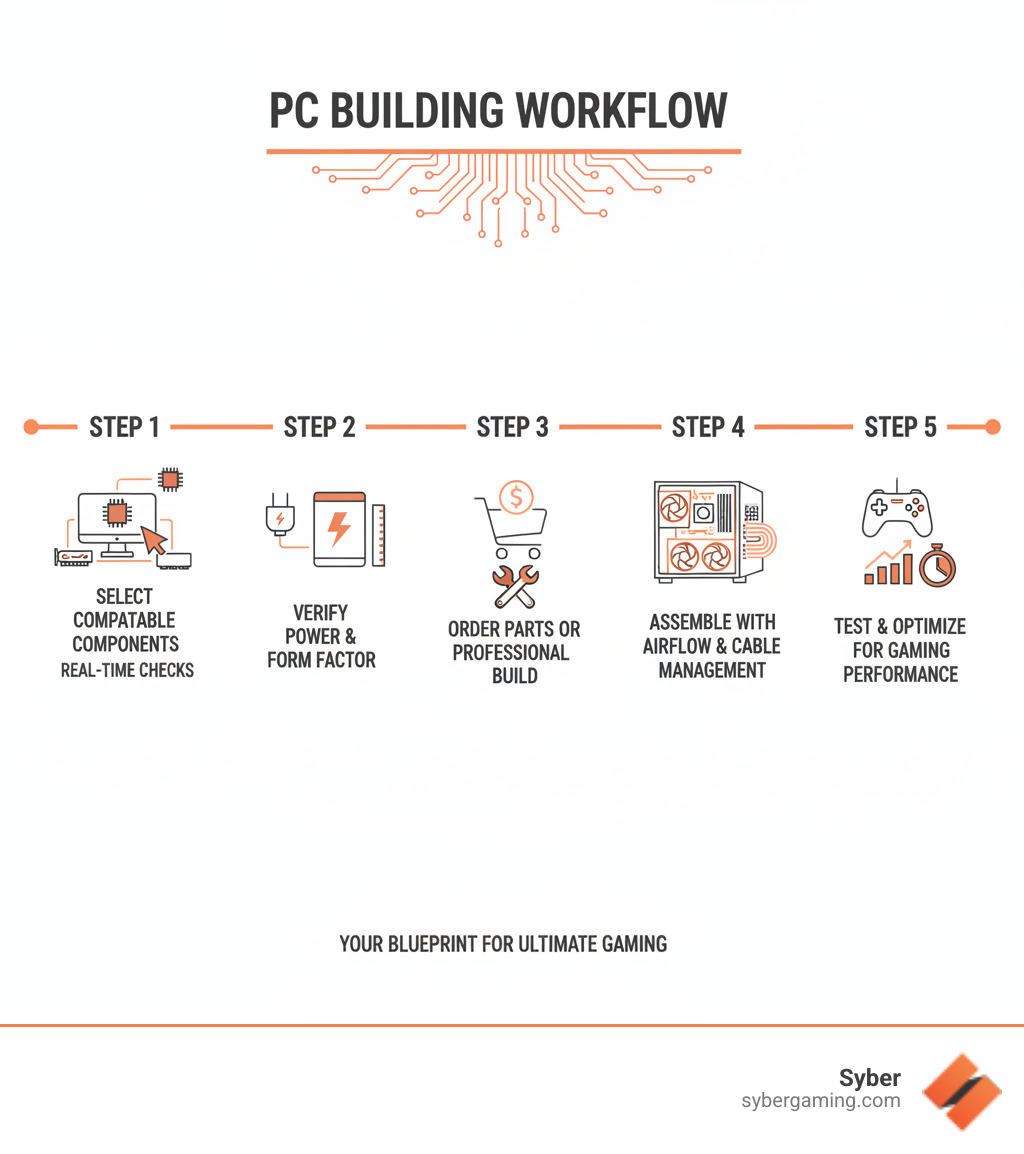
A custom gaming setup builder is the quickest way to build a high performance gaming PC that fits your budget and play style. Instead of juggling spreadsheets and forum threads, you get clear part choices, instant compatibility checks, and build plans that make sense for 1080p, 1440p, or 4K.
Top PC Building Tools for Custom Gaming Setups:
- Online PC Configurators — Pick parts with real-time checks for CPU socket, chipset, case clearance, RAM speed, and PSU wattage.
- 3D Visualization Apps — Map your desk layout, case size, and monitor arrangement before you buy.
- AI System Builders — Use AI-driven recommendations to balance CPU and GPU, suggest AI-ready components, and forecast gaming pc high performance.
- Component Compatibility Checkers — Validate your motherboard BIOS, memory QVL, cooler height, GPU length, and storage lanes.
- FPS Benchmark Calculators — Estimate frames per second by game and resolution so you can build high performance gaming pc setups with confidence.
These tools cut out guesswork. They flag power limits before they cost you frames, steer you toward stable memory kits, and make sure your storage and PCIe lanes aren’t overcommitted. That means fewer returns, fewer surprises, and more time actually playing.
If you’re weighing a pc pre built for gaming against custom build gaming pcs, a builder makes the trade-offs obvious. You’ll see where spending on GPU nets the biggest gains, when a midrange CPU is enough, and whether you truly need 32GB of RAM for your workload. Prefer something ready now? Look for a gaming pc pre built that’s customizable so you can tweak GPU, RAM, and storage without overpaying for stuff you don’t need.
Want quiet performance? Choose a case with clean airflow, then pair quality fans with a tuned fan curve. Want portability? Consider a compact case that still fits a full-size GPU. The right plan turns your parts list into a balanced, high performance desktop pc that stays cool, stable, and upgrade-friendly.
The Ultimate Custom Gaming Setup Builder Toolkit for Custom Build Gaming PCs
Building a gaming PC doesn’t have to be stressful. With a custom gaming setup builder, you can build high performance gaming pc rigs step-by-step, without guessing on parts or power.
Why a Custom Gaming Setup Builder is Your Best Ally
Control your budget where it matters. If you want 1440p at high refresh, prioritize the GPU. If you stream, put more into CPU cores and 32GB of RAM. A builder helps you balance parts so your system delivers gaming pc high performance without bottlenecks. You also skip the bloatware that comes with many pre built gaming computers and keep upgrade paths open for years.
Need a specialty setup? For immersive play and tight latency targets, see how we tune VR-focused systems at https://www.sybergaming.com/vr-gaming. Prefer compact power? Our airflow-first M-Series shows how smart fan placement and clean cable paths keep thermals in check at https://www.sybergaming.com/m-series.
Anatomy of a High-Performance Gaming PC Build
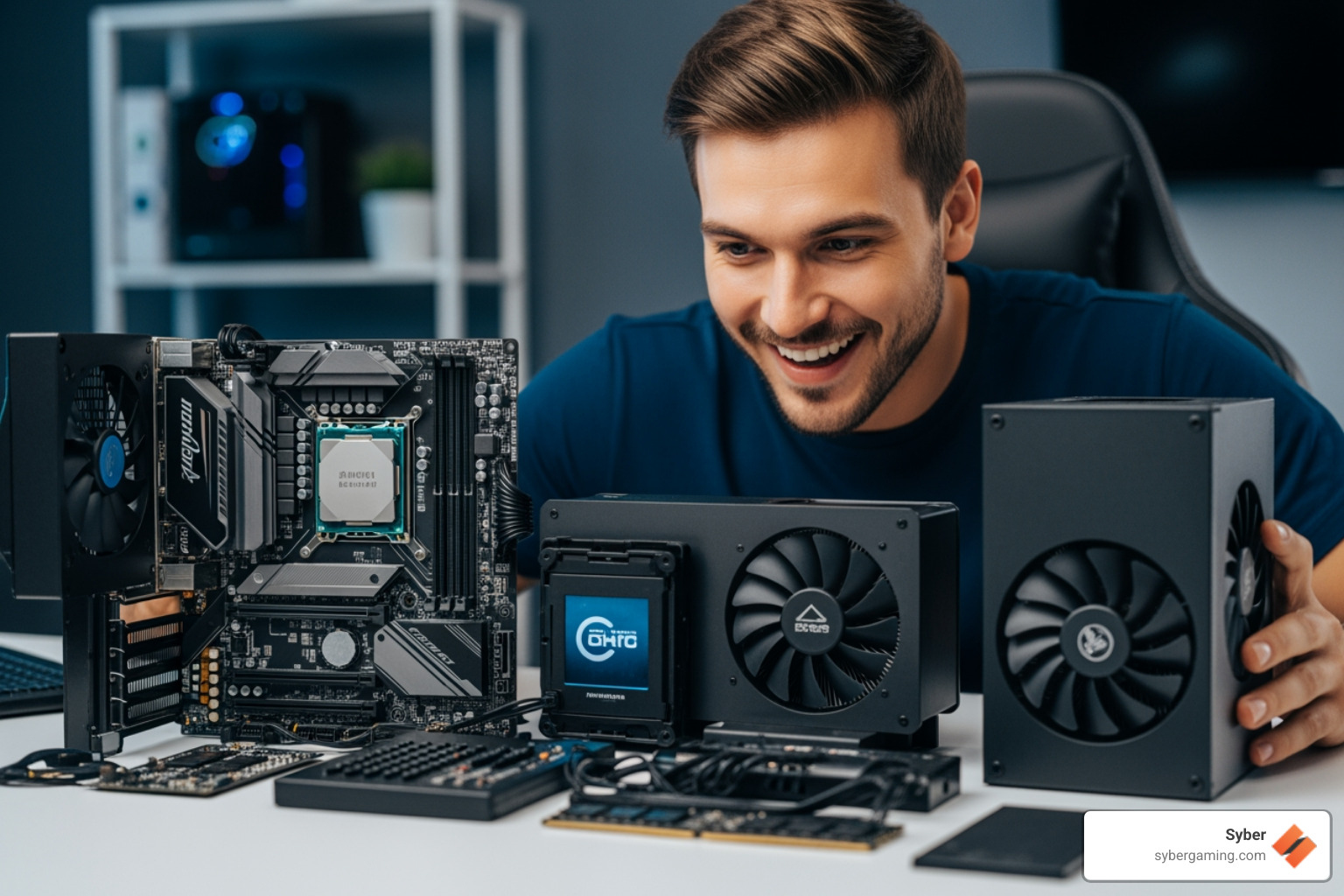
Think of your rig as a team where each part has a clear job:
- CPU (Processor): Handles game logic, physics, streaming, and multitasking. Look for strong single-core speed with enough cores for your workload.
- Motherboard: Your feature hub. Match the CPU socket and chipset, and make sure it supports the RAM speed, storage lanes, and Wi‑Fi you want.
- RAM (Memory): 16GB is the sweet spot for most games; 32GB helps with streaming, editing, and heavy multitasking.
- Graphics Card (GPU): The biggest lever for frame rates. Target the card that hits your resolution and refresh-rate goals.
- Storage: A fast NVMe SSD for OS and current titles; add a larger SSD or HDD for the backlog.
- Power Supply (PSU): Go quality-first with headroom. A solid unit protects parts and avoids random crashes under load.
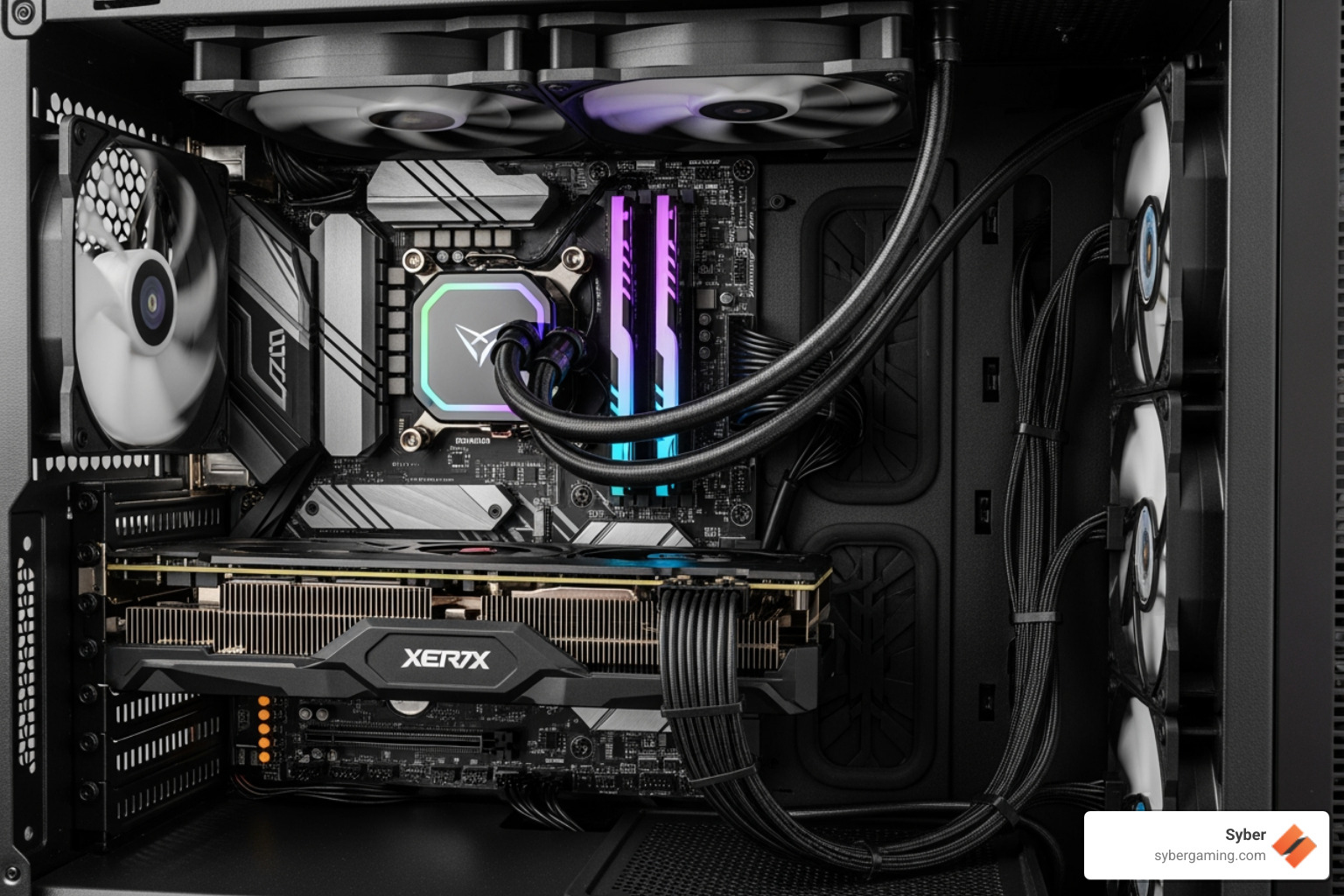
- PC Case: Good airflow and easy cable routing make a big difference. Compact cases can still deliver serious power when planned well.
- Air Cooling: Quality tower coolers and case fans maintain stable clocks while keeping noise low. Our M-Series prioritizes smart airflow over flashy gimmicks.
AI Gaming Technology: AI-Powered Graphics and AI System Optimization Explained
An AI gaming PC isn’t just a marketing term. It combines AI PC components (like GPUs with dedicated AI cores and CPUs with NPUs) with smart software that boosts performance and visual quality.
- AI-powered graphics: Features like AI graphics rendering upscale frames, sharpen textures, and improve anti-aliasing to deliver AI-enhanced visuals that look crisp without crushing your GPU. This is a practical way to push 1440p or 4K at higher frame rates.
- AI system optimization: Intelligent background tuning prioritizes your game, trims background tasks, and sets the right CPU and GPU power targets. The result is AI-driven performance that feels snappier and more consistent.
- AI multitasking: Streaming, voice chat, browser tabs, and capture apps run smoother when the system predicts what needs resources next. An intelligent gaming PC keeps your inputs responsive even during heavy scenes.
- AI cooling solutions: Software can learn your thermal patterns and adjust fan curves to balance noise and temps. With good case airflow, this keeps clocks high without sounding like a jet.
- AI PC security: Modern suites use AI to spot risky drivers or firmware and flag shady downloads, reducing the chance of malware tanking your performance.
All of this adds up to an AI-ready gaming PC that delivers advanced AI gaming features today and has room to grow as games ship with deeper AI integration. It’s about squeezing more smoothness and fidelity from the same watts, turning your rig into a truly AI-driven gaming rig that stays ahead of the curve.

Assembling Your Dream PC: A Step-by-Step Guide
You’ve got your plan. Now let’s turn that list into a high performance desktop pc that runs cool and fast.
Smart Part Selection with a Custom Gaming Setup Builder
Your goals come first. Want 240 Hz at 1080p? Go heavy on GPU and pick a CPU with strong single-core speed. Building for streaming and content? Favor more CPU cores and 32GB of RAM. A custom gaming setup builder keeps everything compatible while you build high performance gaming pc configurations tailored to your targets.
- Match CPU and motherboard socket/chipset and confirm BIOS support.
- Choose a GPU based on resolution and refresh rate, not just hype.
- Size your PSU with headroom for future upgrades.
- Pick a case with clear airflow paths and room for your GPU and cooler.
- Plan storage: fast NVMe for OS and favorites, secondary SSD/HDD for bulk.
AI-Enhanced Gaming Setup: Get More from Your Hardware
- AI gaming performance: Enable AI-powered graphics features to push higher resolutions and frame rates with sharp detail.
- AI system optimization: Use profiles that prioritize your game, limit background clutter, and auto-tune power targets.
- AI multitasking: Set up scenes and hotkeys so streaming, voice filters, and capture software stay smooth during boss fights.
- AI cooling solutions: Train fan curves to your usage. With strong case airflow, intelligent fan control keeps temps and noise in check.
Avoiding Common Pitfalls in Your Custom Build
- Ignoring Compatibility: Double-check CPU, motherboard, and RAM compatibility and the RAM QVL.
- Creating Bottlenecks: Pair CPU and GPU sensibly. A top GPU with a low-end CPU can waste performance.
- Skimping on the PSU: Choose a reliable unit with enough wattage and the right connectors.
- Poor Airflow: Use front-to-back or bottom-to-top flow. Tie cables down so they don’t block intake.
- Forgetting a UPS: A UPS guards your progress and hardware from power dips or outages.
- BIOS and Drivers: Update the motherboard BIOS (if needed) and install fresh GPU drivers before benchmarking.
- Clearance Checks: Confirm cooler height, GPU length, and cooler and fan space before you hit buy.
- Storage Lanes: Make sure NVMe drives and SATA devices don’t disable each other on certain motherboard slots.
- Mixed RAM Kits: Avoid mixing brands or speeds; buy a matched kit to reduce instability.
- Security and Health: Use AI PC security tools to scan drivers and installers so performance isn’t derailed by shady software.
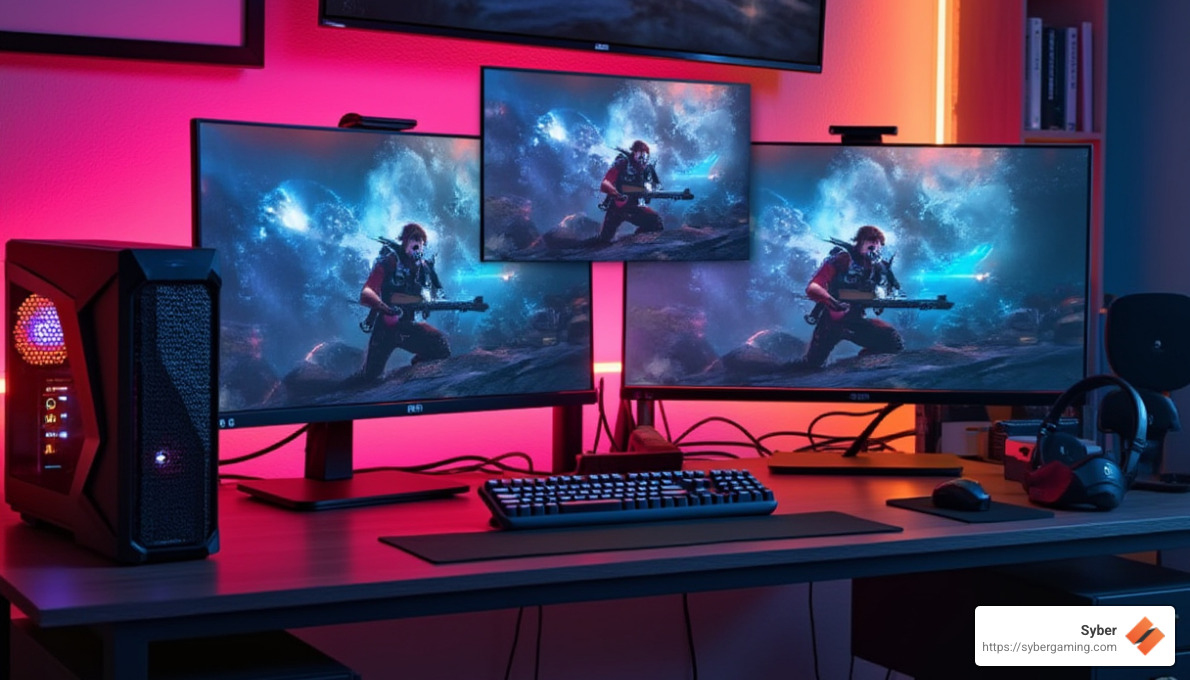
Pre Built vs Custom: Which Path Is Right for You?
- Custom build gaming pcs: Maximum control, best per-dollar performance when you enjoy hands-on assembly and tuning.
- Pre built gaming computers: Faster delivery and a single warranty. Great when you want minimal setup.
- Pre built gaming pc customizable: A sweet spot. Start with a proven base and tweak GPU, RAM, storage, and Wi‑Fi to fit your needs.
If you want less time with a screwdriver and more time playing, consider a gaming pc pre built that still lets you select the “big three” (CPU, GPU, RAM). That way you get reliable parts, pro cable management, and clean software, plus the specs you actually care about.
Bringing Your Vision to Life
You’ve mapped your parts with a custom gaming setup builder and avoided the usual pitfalls. Now decide: build it yourself or go pro. DIY is rewarding, but a professionally assembled high performance custom prebuilt gaming pc arrives fully tested, cable-managed, and ready to install your library.
When you configure a pre built gaming pc customizable with Syber, our technicians in City of Industry, California, assemble, stress-test, and benchmark your system so it’s stable on day one. Each pc pre built for gaming ships with airflow-focused design, clean wiring, and a tuned profile for the best mix of noise and thermals. That’s reliable performance with an easy upgrade path.
Ready to create your own high performance desktop PC? Start with our Build Your Own Gaming PC tool: https://www.sybergaming.com/playnow
Social caption: Build smarter, not harder. Use our custom gaming setup builder to plan a high performance, AI-ready rig with real-time compatibility checks and FPS estimates. Want it assembled and tested? Start here: https://www.sybergaming.com/playnow


.svg)

