


Why Put Your PC Build on Display?
Best glass PC case options have transformed how gamers and enthusiasts approach building their rigs. Instead of hiding powerful components inside opaque boxes, tempered glass panels let you showcase every detail of your high-performance custom prebuilt gaming pc. This shift delivers a premium feel, letting you see your AI PC components working in real-time as RGB lighting and carefully chosen hardware become part of your setup's visual identity.
However, glass cases require thoughtful planning. A poorly ventilated glass case can trap heat, throttling performance during intense gaming sessions. The best options balance aesthetics with function by incorporating mesh panels, smart ventilation paths, and enough space for proper cooling. Understanding these fundamentals helps you select a case that looks stunning without sacrificing performance.
What Defines a Glass PC Case?
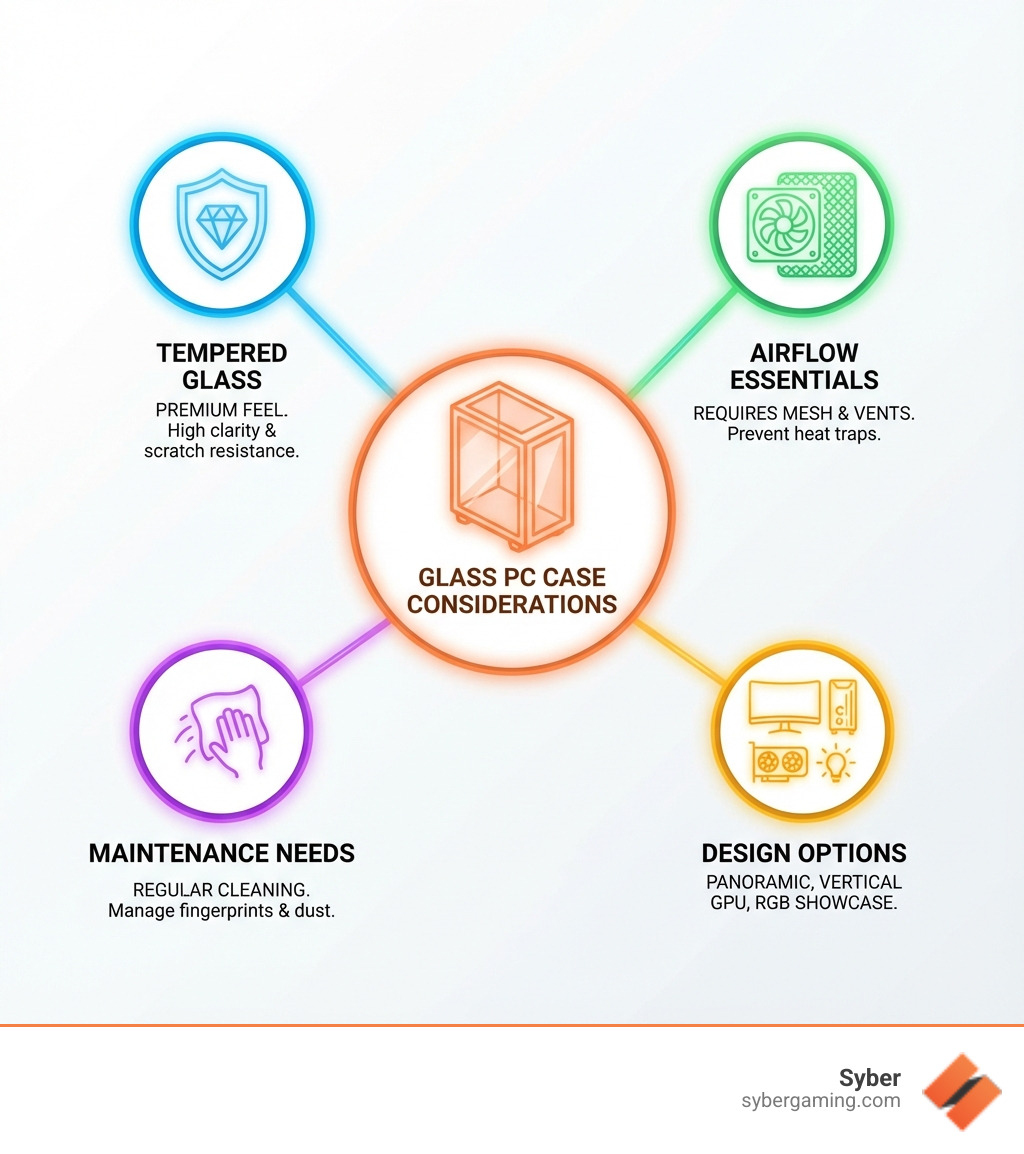
A "glass PC case" features one or more panels made of tempered glass. This specially treated material is stronger and safer than regular glass, shattering into small, granular chunks if it breaks. It offers excellent clarity and good scratch resistance, making it superior to acrylic, a plastic alternative that scratches easily and can look hazy. While traditional steel cases dampen sound and mesh cases excel at airflow, glass cases are all about the show, turning your PC into a centerpiece that proudly displays your AI PC components.
The Rise of the Showcase Build
PC building has evolved into an art form, and glass cases are a direct reflection of this trend. The boom in RGB lighting—on everything from motherboards to fans—turns a PC into a symphony of customizable colors. A glass panel is the perfect canvas to showcase this vibrant lighting and your powerful components, like a cutting-edge GPU or a sleek CPU air cooler. This visibility fosters a sense of pride in your high performance gaming pc build and allows you to share your passion for technology. It’s about making a statement with your AI gaming PC.
Finding the Best Glass PC Case for Your High-Performance Build
This section covers how to select a chassis that not only looks incredible but also delivers the cooling and functionality needed for a high performance desktop pc, ensuring your AI-improved gaming sessions run smoothly.
Balancing Aesthetics and Airflow in the Best Glass PC Case
The allure of a Best glass PC case is strong, but aesthetics should never overshadow performance. Since glass is a solid material, extensive panels can restrict airflow and cause heat buildup. For a high performance gaming pc, this can lead to thermal throttling and reduced component lifespan. A case with a solid glass front panel may look sleek, but it will almost always have worse thermal performance than a case with a mesh front panel that allows for direct airflow to the intake fans.
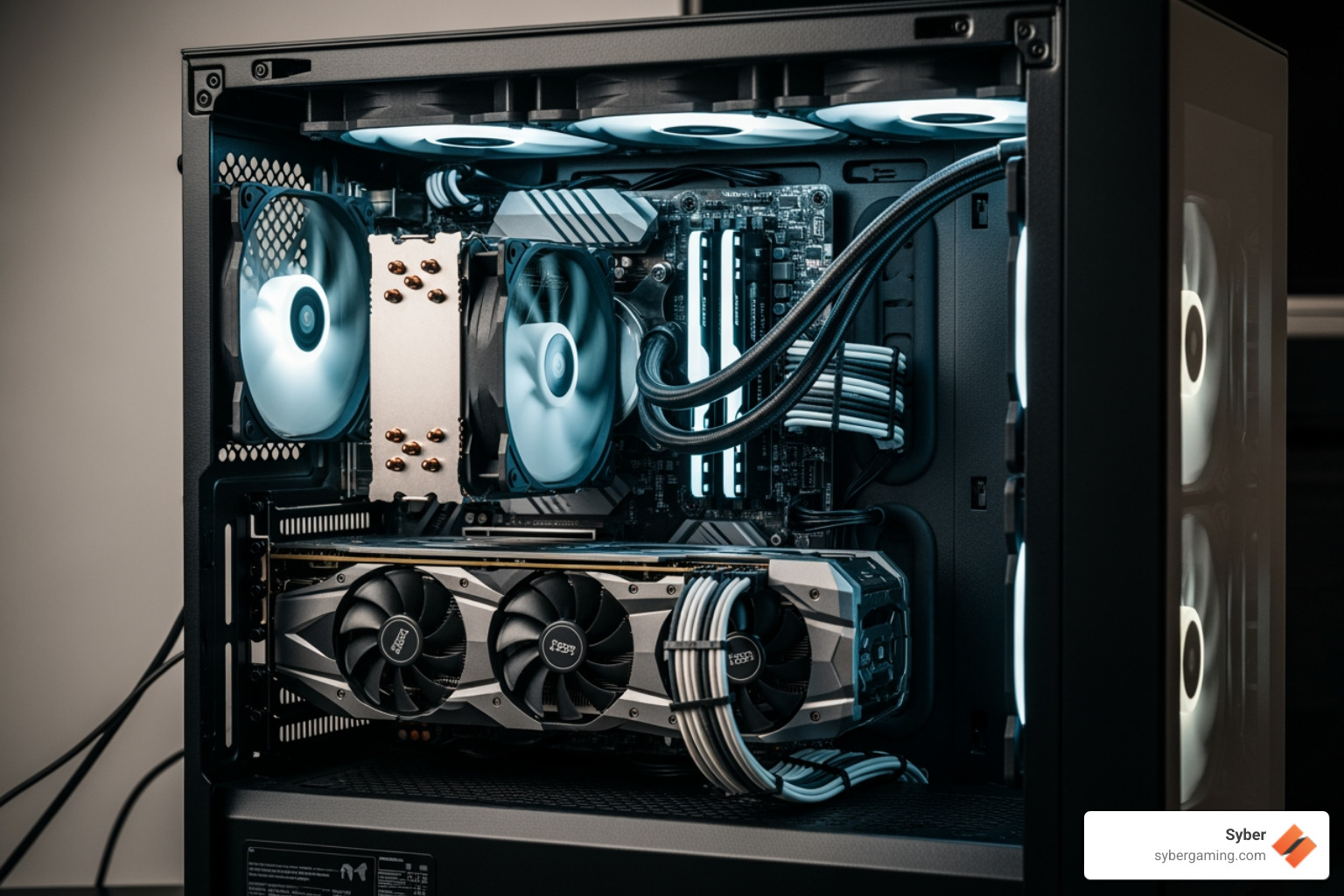
Thermal performance is paramount for an AI gaming PC. The best glass cases balance looks and cooling by integrating mesh panels or clever ventilation gaps into their designs. These gaps are often hidden along the sides of the front or top panels, allowing air to be drawn in or exhausted without disrupting the clean look. Some cases even adopt dual-chamber layouts, which isolate heat-producing components like the power supply from the main chamber for more effective cooling.
For optimal AI cooling solutions and heat management, ensure your case supports a clear airflow path: cool air in from the front and bottom, hot air out from the top and rear. The placement and size of your fans are critical. Larger fans can move more air at lower, quieter speeds. A well-designed case will move air efficiently to keep your AI-driven performance consistent. Consider whether the case comes with enough fans for a good baseline setup or if you will need to purchase more to achieve your desired airflow configuration.
Key Features for a Flawless Custom Build
A great Best glass PC case makes the building process enjoyable. Here are key features to look for when selecting a pre built gaming pc customizable to your needs or building from scratch:
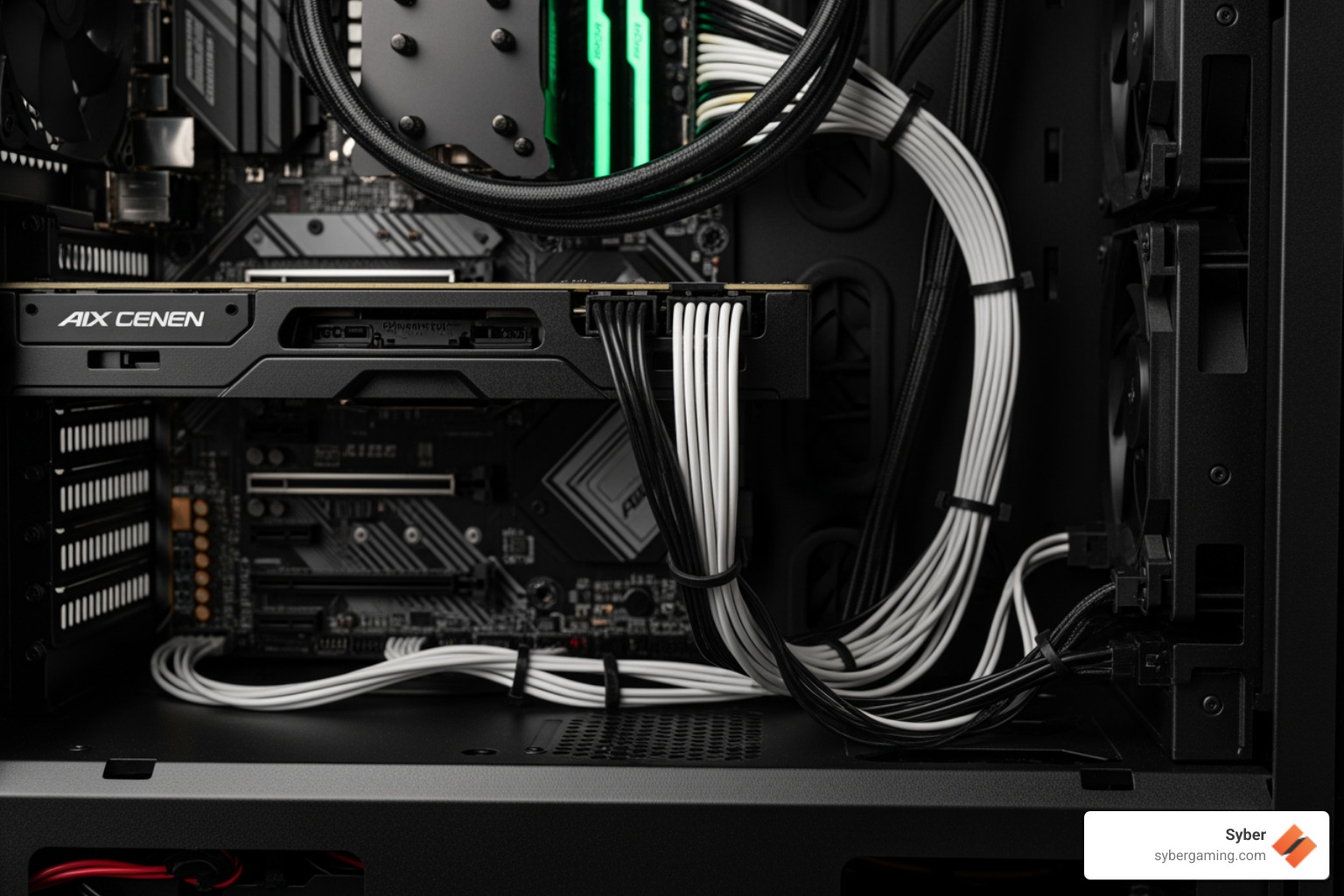
- Cable Management: Since everything is on display, clean cabling is crucial. Look for ample space behind the motherboard tray—ideally 20mm or more—to hide cables. Features like built-in channels, rubber grommets on cutouts, Velcro straps, and numerous tie-down points make routing simple. A PSU shroud is also a key feature, as it hides the power supply and any excess cables for a tidy look.
- Removable Dust Filters: These are essential for protecting your components from dust, which can hurt thermal performance. The best cases have fine mesh filters on all intake points, including the front, top, and bottom (for the PSU). Magnetic or slide-out filters are much easier to remove and clean than flimsy, clipped-in ones.
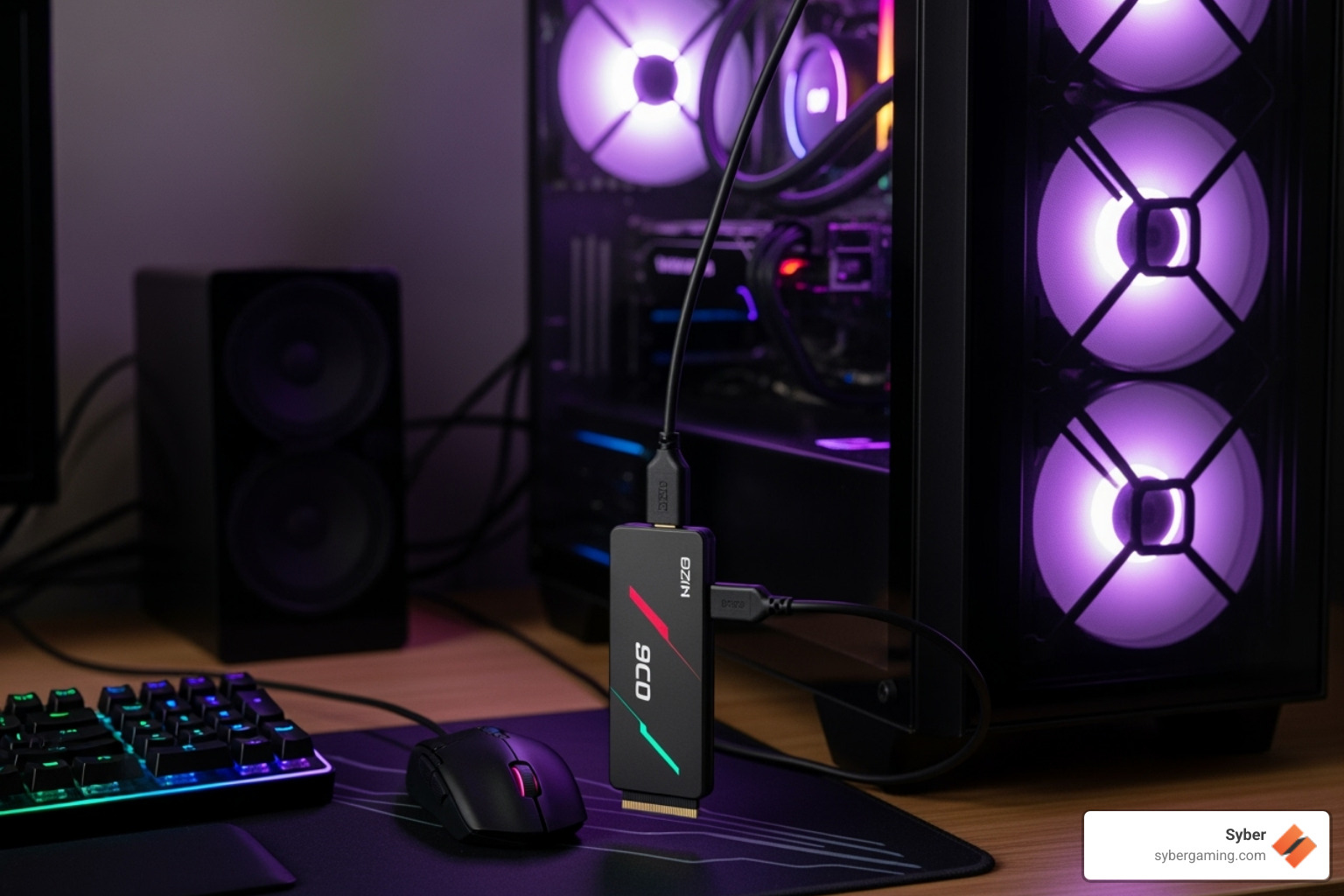
- Front Panel I/O: Convenient access to ports is a must. A modern case should have at least two USB Type-A ports, a headphone/microphone combo jack, and a high-speed USB Type-C port. The USB-C port is especially important for connecting modern peripherals and high-speed external storage.
- Tool-less Design: Features that reduce the need for a screwdriver make building and upgrading faster. Look for thumb screws for side panels, tool-less sleds for hard drives and SSDs, and simple mechanisms for removing front panels and dust filters.
- Component Clearance: Before you buy, check the case's specification sheet. Ensure it has enough room for your graphics card length, CPU air cooler height, and power supply length. Cross-reference these numbers with the dimensions of the components you plan to use.
- Motherboard and Expansion Support: Confirm the case supports your motherboard's form factor (e.g., ATX, Micro-ATX, Mini-ITX). Also, check the number of expansion slots to ensure you have enough room for your graphics card and any other PCIe cards you might install.
Some modern cases also support rear-connector motherboards, which move all connections to the back for an exceptionally clean interior. This thoughtful design makes a huge difference when you build high performance gaming pc systems.
The Best Glass PC Case Designs to Showcase Your Rig
Modern Best glass PC case designs are about making your high performance gaming pc build a centerpiece. One of the most popular trends is the "fish tank" or panoramic case style. These designs use two or more seamless glass panels that meet at the corner, removing the traditional front corner pillar. This creates a stunning, unobstructed view of your components, making your AI-improved visuals and RGB lighting truly pop.
Vertical GPU mounting is another popular feature. It uses a riser cable to turn the graphics card 90 degrees, showing off its fan shroud and lighting design through the side panel. This is especially appealing for an AI gaming PC where the GPU is the star of the show. If you choose this route, ensure the case provides enough clearance between the GPU and the glass panel for air intake, and consider that a high-quality, well-shielded riser cable is important to maintain performance.
Beyond these, manufacturers are innovating with unique layouts, aesthetic touches like wood or fabric accents, and a wide variety of color options from standard black and white to more vibrant choices. These designs transform the PC from a tool into an experience, allowing you to express your creativity and build a visually stunning AI-ready gaming PC.
Noise, Maintenance, and Durability
While a Best glass PC case looks great, consider the practicalities. Solid glass panels can reflect sound more than mesh, potentially making a system seem louder. However, a case with good airflow allows fans to run at slower, quieter speeds, which helps mitigate noise. High-quality construction and thick panels also reduce vibration and rattling.
Maintenance is also key. Fingerprints and dust are highly visible on glass, so regular cleaning with a microfiber cloth is necessary to keep your PC looking its best. Removable dust filters are a must-have for keeping the interior clean with minimal effort.
In terms of durability, tempered glass is strong and scratch-resistant but not indestructible. It can break from a sharp impact or drop, so always be careful when handling glass panels during a build. A good practice is to remove them at the start of the build and place them on a soft surface, like a towel or the foam packaging they came in, until you are ready to close up the case.
Assembling Your Masterpiece
Choosing the right case is the first step in creating a pc pre built for gaming that is both powerful and personal. By balancing stunning aesthetics with smart, functional design, you can build a rig that performs as good as it looks.
Final Checks Before You Build
Before assembling your high performance custom prebuilt gaming pc, a few final checks can save you headaches and ensure a smooth building process.
- Component Compatibility: Double-check that your motherboard form factor (ATX, Micro-ATX, etc.), graphics card, CPU air cooler, and power supply will fit. Refer to your case's specifications for maximum GPU length, CPU cooler height, and PSU length, and compare them to your chosen parts.
- Airflow Planning: Visualize your airflow path. Plan where your intake fans (typically front/bottom) and exhaust fans (typically top/rear) will go. Aim for a balanced or slightly positive pressure setup (more intake than exhaust) to help reduce dust buildup.
- Cable Routing Strategy: Take a moment to plan how you'll route your main cables using the case's pass-throughs and tie-down points. Routing some cables, like the 8-pin CPU power connector, is often easier before the motherboard is fully installed.
- Workspace and Tools: Prepare a clean, well-lit area to work in. Gather your tools: a good Phillips head screwdriver (preferably with a magnetic tip), zip ties or Velcro straps for cable management, and flush cutters to neatly trim the zip ties. A small flashlight can also be very helpful.
Taking these steps ensures a smooth building experience for your Intelligent gaming PC.
Your Next Custom Gaming PC
The journey to your next custom build gaming pcs is filled with exciting choices. The Best glass PC case is the perfect foundation, marrying form and function by balancing the beauty of tempered glass with the critical need for airflow. As we've seen, smart features like robust cable management, easy-to-clean dust filters, and innovative layouts help create a flawless build that proudly showcases your powerful AI PC components. A well-chosen case is more than a box; it's a statement about your passion for performance and design.
At Syber, we understand this passion. Our commitment to rigorous testing ensures every high performance custom prebuilt gaming pc we deliver is a carefully crafted system designed for an exceptional AI gaming experience. We focus on providing the best air-cooling solutions and meticulous assembly to keep your components running optimally for hours of uninterrupted gaming. We believe a PC should be a masterpiece of both engineering and art.
To see how these principles of design and performance come together in expertly crafted systems, explore our M-Series gaming desktops. Discover a build that is ready to perform and impress, right out of the box.


.svg)

