


Your Guide to High-Performance Streaming on a Budget
Finding the best budget streaming pc 2026 options doesn't mean sacrificing quality or performance. Here's what you need to know:
Top Budget Streaming PC Essentials for 2026:
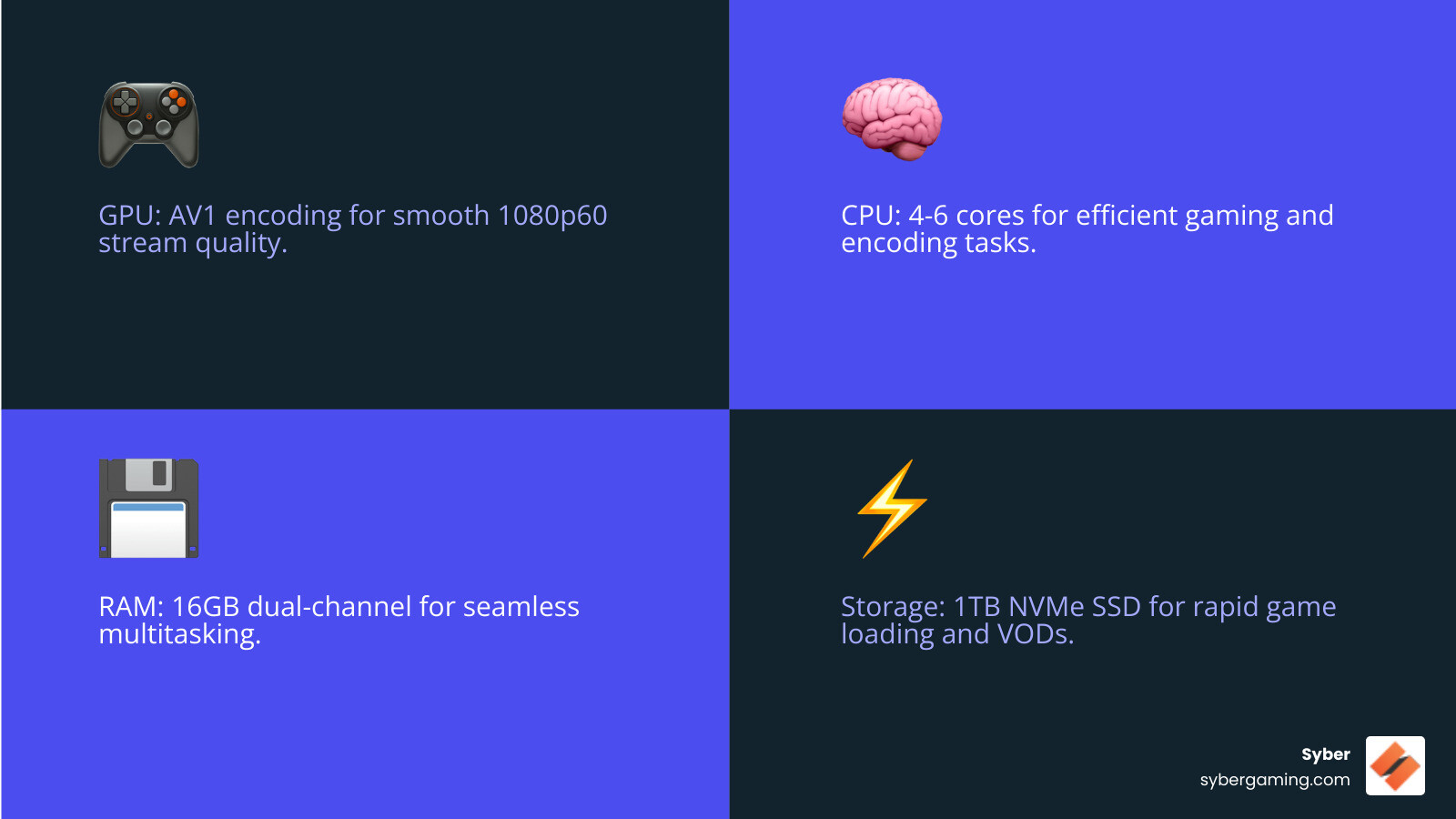
- GPU with Hardware Encoding: Intel Arc A380 or AMD RX 6500 XT with AV1 support
- CPU: Intel Core i3-14100F or AMD Ryzen 5 5600
- RAM: 16GB DDR4 dual-channel (3200MHz minimum)
- Storage: 1TB NVMe PCIe 4.0 SSD
- Expected Performance: 1080p60 streaming at medium-high game settings
- Budget Range: Complete systems starting around $500-$600
The streaming landscape has changed dramatically. Component prices have stabilized after years of volatility, and breakthrough technologies like AV1 encoding are now available on entry-level graphics cards. This means you can build a capable streaming rig without breaking the bank.
Why 2026 is the sweet spot for budget streamers:
Modern budget hardware now includes features that were premium-only just a few years ago. PCIe 4.0 NVMe SSDs deliver very fast load times at affordable prices. Entry-level GPUs support advanced encoding that rivals mid-range cards from previous generations. Even basic builds can handle smooth 1080p60 streams while gaming.
The key is knowing which components to prioritize and where you can save money without compromising performance. Building your own PC can save $200-$400 compared to pre-built systems with similar specs, giving you more performance per dollar.
This guide breaks down exactly what you need to build or buy a high performance gaming pc build that handles streaming like a pro. Whether you're upgrading from a struggling laptop or building your first dedicated streaming setup, you'll find clear recommendations backed by real-world performance data.
The Best Budget Streaming PC 2026: Core Components & Builds
Building the best budget streaming pc 2026 is about making smart choices that deliver maximum performance without wasting money on features you don't need. Think of it like cooking a great meal on a tight budget – you need the right ingredients in the right amounts to create something impressive.
The secret to a successful budget streaming setup is understanding which components truly matter for your streaming quality and which ones you can scale back without hurting performance. Let's break down exactly what you need.
The Heart of the Build: CPU and GPU for AI-Improved Gaming and Streaming
Your graphics card is the most valuable player of any streaming setup, and that's especially true for budget builds. Modern GPUs come with dedicated hardware encoders that handle all the heavy lifting of stream compression, which means your stream looks professional without bogging down the rest of your system.

The game-changer for 2026 is AV1 encoding support. This newer codec delivers significantly better video quality at lower bitrates, which means your streams look crisp even if your internet upload speed isn't great. The Intel Arc A380 and AMD RX 6500 XT are both entry-level discrete GPUs that punch above their weight class thanks to built-in AV1 encoding. The Arc A380 is particularly impressive here, offering full AV1 encode and decode support that rivals cards costing twice as much.
While your GPU handles the stream encoding, your CPU keeps everything else running smoothly. It manages the game itself, your operating system, Discord, browser tabs, and all those other things you usually have open while streaming. For budget builds, the Intel Core i3-14100F or AMD Ryzen 5 5600 hit the sweet spot between cost and performance.
The i3-14100F brings 4 cores and 8 threads with boost speeds up to 4.7 GHz, which is plenty for most games when paired with a capable GPU. The Ryzen 5 5600 steps it up with 6 cores and 12 threads, giving you extra headroom for multitasking performance. Both work well alongside modern GPU encoders without creating bottlenecks.
Here's something worth noting: building your own custom build gaming pc instead of buying pre-built can save you hundreds of dollars. When you hand-pick components for streaming, you invest in what matters most for your specific needs rather than paying for unnecessary extras.
As AI gaming technology continues to evolve, even budget systems benefit from AI system optimization features. While high-end rigs showcase cutting-edge AI-improved visuals and AI graphics rendering, your budget build can still tap into AI-driven performance optimizations that keep everything running smoothly.
Essential Support: RAM and Storage for a Stutter-Free Experience
Your RAM is like your PC's short-term memory, and skimping here creates frustrating bottlenecks. For streaming, 16GB is the absolute baseline, though 32GB gives you comfortable headroom if you're the type to have many browser tabs open while streaming.
The configuration matters just as much as the amount. Always go with dual-channel RAM by installing two sticks instead of one. A 2x8GB setup lets your CPU access data twice as fast compared to a single 16GB stick. This is not optional if you want to avoid mid-stream stutters. Look for DDR4 RAM running at least 3200MHz for solid multitasking performance.
Storage is where budget builders used to compromise, but not anymore. In 2026, PCIe 4.0 NVMe SSDs are affordable enough to be standard equipment, not a luxury. These drives deliver sequential read speeds over 5000 MB/s and write speeds around 4500 MB/s, making them dramatically faster than older SATA SSDs that topped out around 550 MB/s.
What does this speed mean for you? Very fast boot times, quick game loading, and smooth recording when you're saving VOD content for later editing. A 1TB NVMe SSD is the new storage standard, giving you plenty of room for Windows, OBS Studio, your game library, and recorded streams. This fast storage is essential for a high performance desktop pc that feels responsive even when you're pushing it hard during live streams.
With AI system optimization becoming more common, these fast storage solutions help your entire system respond more intelligently to workload demands, keeping everything running smoothly.
The Foundation: Motherboard, Power, and Cooling for Your Custom Build Gaming PC
The less flashy components – your motherboard, power supply, and cooling – are what separate a reliable streaming rig from an unreliable machine. These are the parts that keep everything stable during those long streaming sessions.
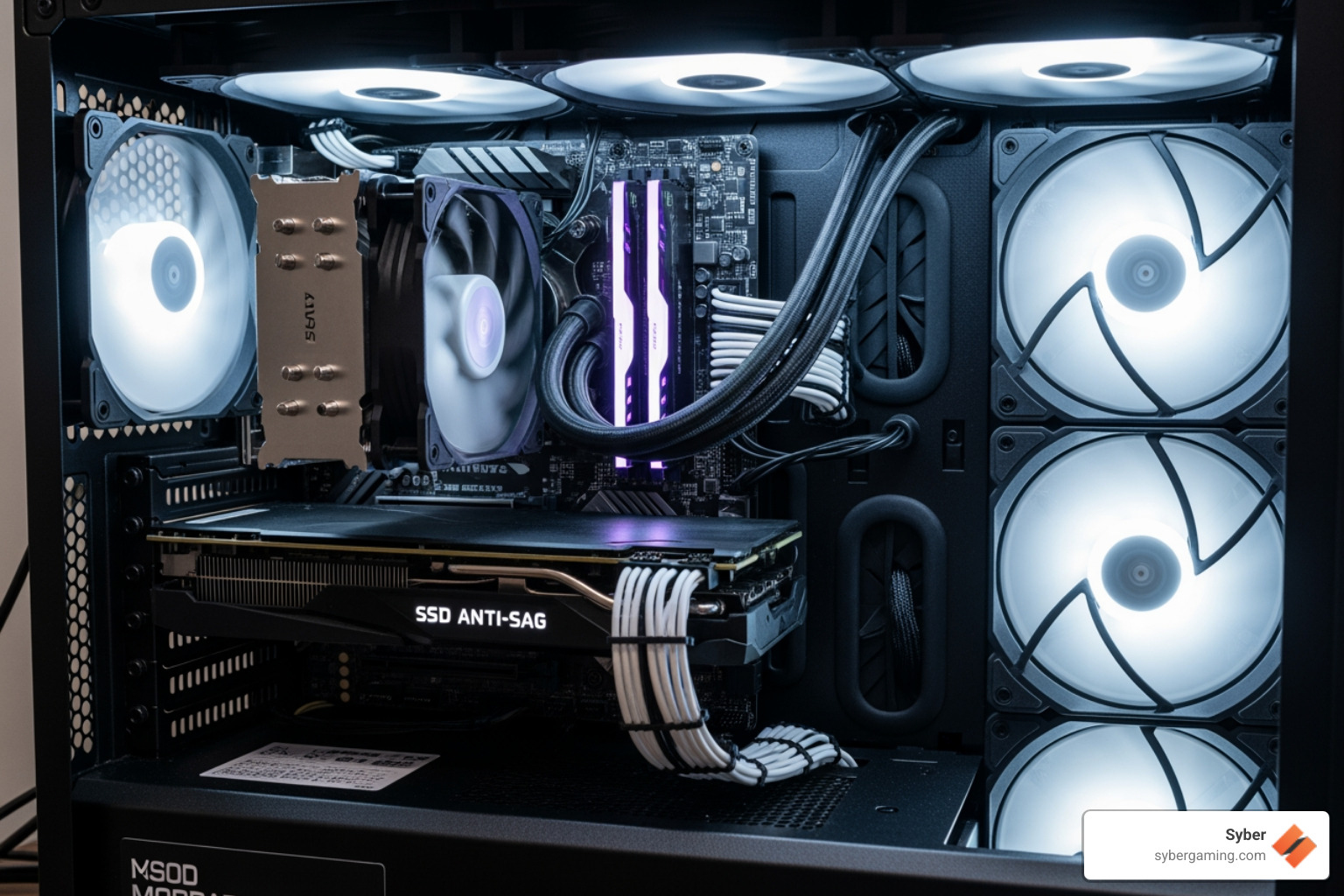
Your motherboard choice affects both current performance and future upgrade paths. Look for boards with at least four RAM slots so you can add more memory later, and make sure there's a spare PCIe slot for potential additions like a capture card. Many modern boards also include AI-assisted features for streamers, like background noise suppression or webcam improvements.
The power supply is not the place to cut corners. A cheap, unreliable PSU can take down your entire system. Stick with known brands and look for at least an 80+ Bronze certification, though 80+ Gold is better for efficiency and reliability. For the build we're discussing, a 650W 80+ Bronze unit provides solid power with room for minor upgrades down the line. Before buying, check the PSU tier list to verify you're getting quality. If you're considering reusing an old power supply from 2016 or earlier, don't – the technology has advanced and older units may not be reliable.
Cooling keeps your system running at peak performance during long streams. Heat causes throttling, which lowers your frame rates and stream quality. Choose a case with good air-flow, ideally with a mesh front panel that lets fresh air circulate freely. Combined with efficient air-flow cooling (the stock CPU cooler or an affordable tower cooler works well), this maintains thermal stability even when your system is working hard. Some motherboards now include AI cooling solutions that adjust fan curves intelligently based on workload.
Example Build Blueprint for a Budget Streaming PC in 2026
Let's put all these pieces together into a complete high performance gaming pc build that delivers smooth 1080p60 streaming. This sample configuration balances cost with performance, taking advantage of the excellent value available in 2026's market.
Sample Budget Streaming PC Components:
- CPU: Intel Core i3-14100F with 4 cores, 8 threads, and boost speeds up to 4.7 GHz – delivers solid gaming performance while letting your GPU's encoder handle the stream
- GPU: Intel Arc A380 (6GB GDDR6) or AMD Radeon RX 6500 XT (4GB GDDR6) – both include hardware AV1 encoding for professional-quality streams
- Motherboard: Entry-level B-series board (B660/B760 for Intel, B550 for AMD) – provides essential features with PCIe 4.0 support and room to upgrade
- RAM: 16GB dual-channel DDR4 3200MHz (2x8GB configuration) – the baseline for smooth multitasking during streams
- Storage: 1TB NVMe PCIe 4.0 SSD – fast loading for games and quick VOD exports
- PSU: 650W 80+ Bronze certified unit – stable, efficient power with headroom for future upgrades
- Case: Budget-friendly ATX or Micro-ATX case with mesh front panel – ensures proper airflow for thermal stability
This configuration delivers consistent 1080p60 streaming while running most popular games at medium to high settings. You can expect around 55 fps in demanding titles while broadcasting, thanks to efficient hardware encoding. Your audience gets a smooth viewing experience, and you get responsive gameplay – all from a budget-friendly build that showcases excellent AI gaming performance.
Ready to take your streaming setup to the next level? Explore Syber's custom M-Series builds for expertly configured systems that deliver professional-grade performance.
Finalizing Your Setup and Getting Online
Building your best budget streaming pc 2026 is only half the battle. Once all those carefully chosen components are assembled and powered on, you need to optimize the software side to truly open up your system's potential. Think of it like buying a high-performance sports car but never learning how to shift gears properly—you'll get where you're going, but not nearly as smoothly or quickly as you could.
Free Performance Boosts: Software Optimization for Your Budget Streaming PC in 2026
The beauty of software optimization is that it costs nothing while delivering real performance improvements. Even the most capable hardware can stumble with poor configuration, leading to dropped frames during your stream, frustrating lag spikes, or a pixelated broadcast that drives viewers away. Let's make sure your budget streaming PC performs at its best.
Start with OBS Studio settings, your mission control for streaming. The most critical setting is selecting your hardware encoder selection—always choose your GPU's dedicated encoder rather than letting your CPU handle the work. For Intel Arc GPUs, select Intel QuickSync with AV1 encoding. For AMD Radeon cards, choose AMD VCE. This simple choice offloads the demanding encoding task from your processor, freeing it up to focus on running your game smoothly.
Bitrate configuration deserves careful attention. For most streamers broadcasting at 1080p60 without partnership perks, aim for a bitrate between 4,500 and 6,000 kbps. The exact sweet spot depends on your upload speed, but AV1 encoding provides noticeably better quality at lower bitrates compared to older codecs. Start at 5,000 kbps and adjust based on your results. For the encoder preset, stick with "Quality" rather than "Max Quality"—the visual difference is minimal, but the performance impact on a budget system can be large.
Windows Game Mode is another easy win. Enabling this feature tells Windows to prioritize system resources for your game, helping maintain consistent frame rates. Similarly, running OBS as administrator gives your streaming software higher priority access to system resources, reducing the likelihood of dropped frames during intense gaming moments.
Here's a trick that many new streamers overlook: capping game framerates. If you're streaming at 60 fps, cap your in-game frame rate to somewhere between 90 and 120 fps. Your viewers will never see those extra frames beyond 60, so there is no need to make your GPU work overtime rendering them. This frees up valuable resources for encoding a cleaner, smoother stream. You'll find this setting in most games under the graphics or display options.
Finally, take a hard look at your OBS scenes and reduce resource-heavy sources. Each animated browser source, complex overlay, or third-party plugin adds a small performance tax. Keep your scenes clean and purposeful—your viewers came for your gameplay and personality, not for a dozen spinning graphics. This streamlined approach represents smart AI system optimization principles, maximizing efficiency without sacrificing quality.
These software tweaks collectively transform your budget build into a streaming powerhouse, delivering AI-driven performance that rivals systems costing much more.
Your Vision, Your Powerhouse: Bringing It All Together
You now have everything you need to create or choose your best budget streaming pc 2026. The landscape has never been better for budget-conscious creators—modern hardware delivers features that were premium-only luxuries just a few years ago, and smart component choices stretch every dollar further.

The fundamentals remain clear: prioritize GPU encoding with AV1 support, install dual-channel RAM (16GB as your baseline, 32GB for comfortable multitasking), and invest in fast NVMe storage to keep everything responsive. Pair these with a reliable power supply and a case featuring good air-flow cooling, and you have a foundation for years of quality streaming.
Building your own PC gives you complete control and maximum value, potentially saving hundreds compared to generic pre-built systems. But not everyone has the time, confidence, or desire to assemble components themselves—and that's perfectly okay.
For streamers who want the performance of a carefully optimized high performance custom prebuilt gaming pc without the building process, Syber brings their expertise to the table. Every system undergoes thorough testing and benchmarking to ensure it delivers exactly what you need right out of the box. Their M-Series builds feature efficient air-flow cooling and thoughtful component selection, giving you a powerful machine that's ready to stream from day one. You get to focus on what matters most—creating engaging content and building your community.
The streaming world is waiting for your unique voice and perspective. Whether you build it yourself or trust the experts at Syber, your high performance desktop pc is ready to turn your creative vision into reality.


.svg)

