

Are You Ready to Face the Hive?

Having a high-performance gaming PC is your first step to surviving the hive. But is your rig ready? The Aliens: Fireteam Elite system requirements are your first line of defense before diving into this intense co-op shooter. Before you grab your pulse rifle and head into the xenomorph-infested corridors, you need to know if your PC can handle the heat.
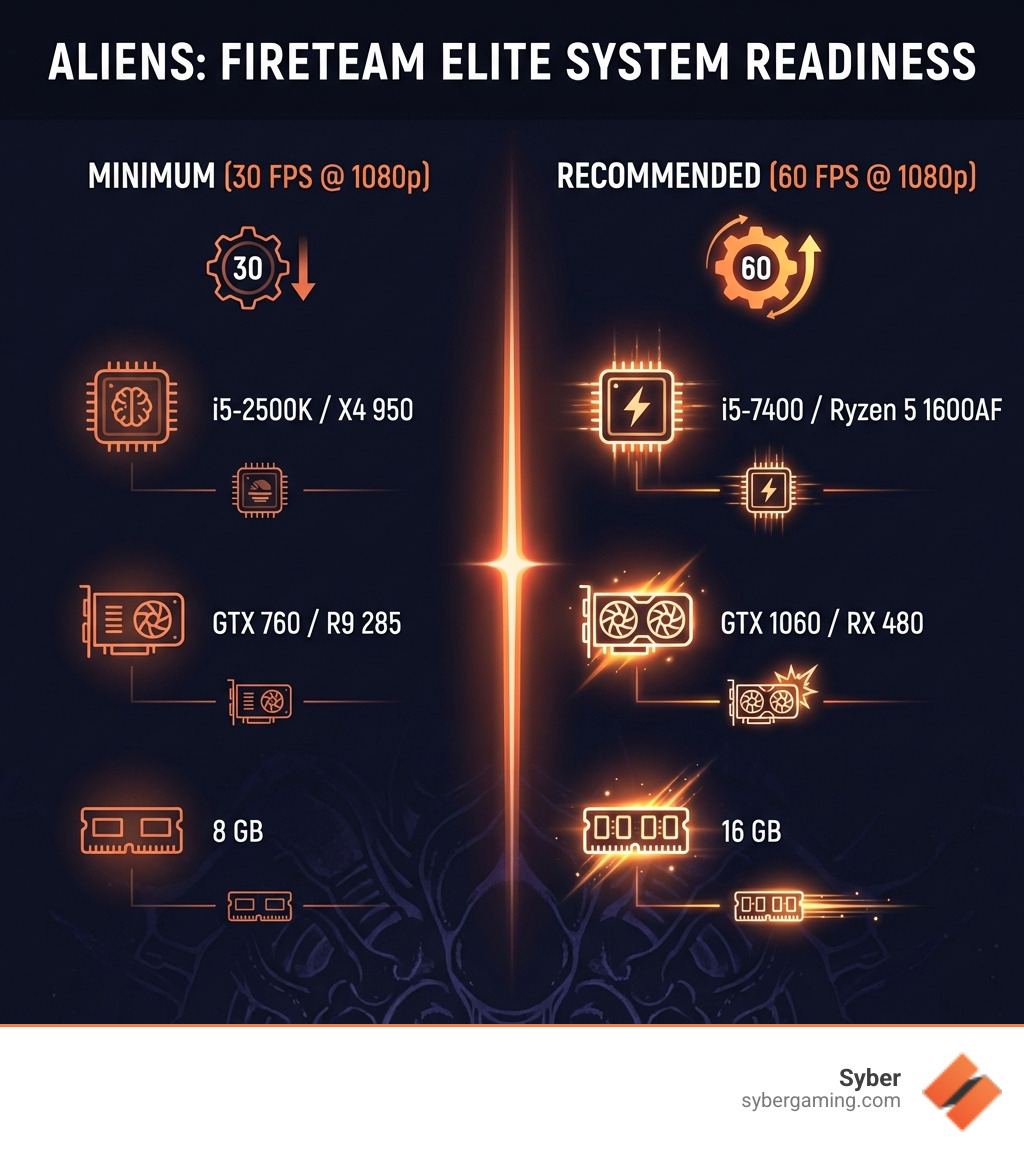
Here's what you need at minimum to start hunting bugs:
| Component | Minimum Requirement | Recommended Requirement |
|---|---|---|
| CPU | Intel i5-2500K / AMD Athlon X4 950 | Intel i5-7400 / AMD Ryzen 5 1600AF |
| GPU | Nvidia GTX 760 4GB / AMD R9 285 4GB | Nvidia GTX 1060 6GB / AMD RX 480 8GB |
| RAM | 8 GB | 16 GB |
| Storage | 30 GB available space | 30 GB available space |
| OS | Windows 10 | Windows 10 (64-bit) |
| DirectX | Version 11 | Version 11 |
The game's set 23 years after the original Alien trilogy, and it demands teamwork to survive. Think Left 4 Dead meets Xenomorphs. You'll face waves of deadly aliens that can overwhelm even the toughest marine squad.
But here's the thing: running the game and enjoying the game are two different experiences. The minimum specs will get you 30 fps at 1080p, which might work for casual play. The recommended specs push you to 60 fps, giving you the smooth, responsive gameplay you need when acid-blooded monsters are charging at your squad.
Your high performance gaming pc needs to handle intense firefights with multiple enemies on screen, detailed alien animations, and the atmospheric lighting that makes this game genuinely tense. A struggling PC means frame drops right when you need precision the most.
To see how these Aliens: Fireteam Elite system requirements compare to other popular PC titles and broader gaming pc requirements, you can also check:
- alien isolation system requirements
- ultimate epic battle simulator 2 system requirements
- gaming pc requirements
Decoding the Aliens: Fireteam Elite System Requirements
This guide breaks down what the game actually asks of your PC and how to get the smooth, high-performance experience you want in a co-op shooter that thrives on quick reactions and steady frames. These specs come from the developer’s published requirements and reputable trackers and match across multiple sources, including the Steam page and requirements aggregators:
- Steam: Aliens: Fireteam Elite on Steam
- Specs roundups: Can You RUN It, Gamepressure, Pickgamer, PCMag overview
Minimum Requirements: Your Baseline Aliens: Fireteam Elite System Requirements
These are the “it runs” specs. Expect roughly 1080p at around 30 fps on low settings if the rest of your system is healthy.
- CPU: Intel Core i5-2500K or AMD Athlon X4 950
- GPU: Nvidia GeForce GTX 760 4GB or AMD Radeon R9 285 4GB
- RAM: 8 GB
- OS: Windows 10
- Storage: 30 GB free space
- DirectX: Version 11
- Sound: Integrated or dedicated DirectX 11–compatible sound card
- Shader support: Pixel Shader 5.0, Vertex Shader 5.0 (per requirements trackers)
What this means:
- A 4GB VRAM graphics card is the floor.
- Older 4-core CPUs can do it, but do not expect luxuries like heavy multitasking while you play.
- The game will launch and run, but you will likely compromise on shadows, effects, and post-processing.
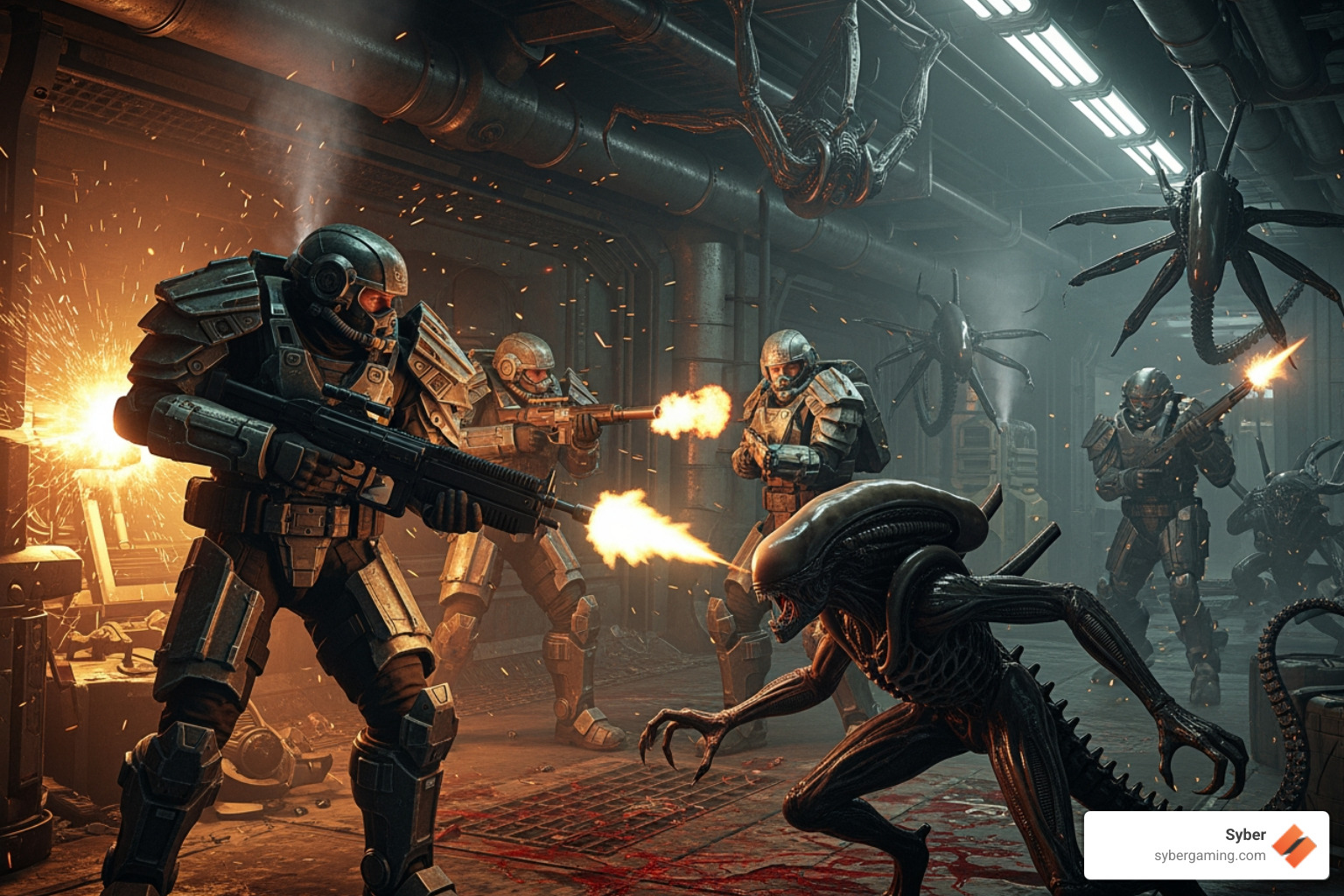
Recommended Specs for a High-Performance Bug Hunt
If you want 1080p at a smooth 60 fps on higher settings, shoot for (or above) these:
- CPU: Intel Core i5-7400 or AMD Ryzen 5 1600AF
- GPU: Nvidia GeForce GTX 1060 6GB or AMD Radeon RX 480 8GB
- RAM: 16 GB
- OS: Windows 10 (64-bit)
- Storage: 30 GB free space
- DirectX: Version 11
- Sound: DirectX 11–compatible
- Shader support: Pixel Shader 5.1, Vertex Shader 5.1
- Dedicated VRAM guidance: 6 GB (Nvidia) or 8 GB (AMD) per listed recommendations
Why these matter:
- The CPU bump gives you steadier frame pacing when hordes swarm and particles fill the screen.
- More VRAM helps hold higher texture details and reduces streaming hiccups.
- 16 GB of memory significantly improves background app overhead and in-game consistency.
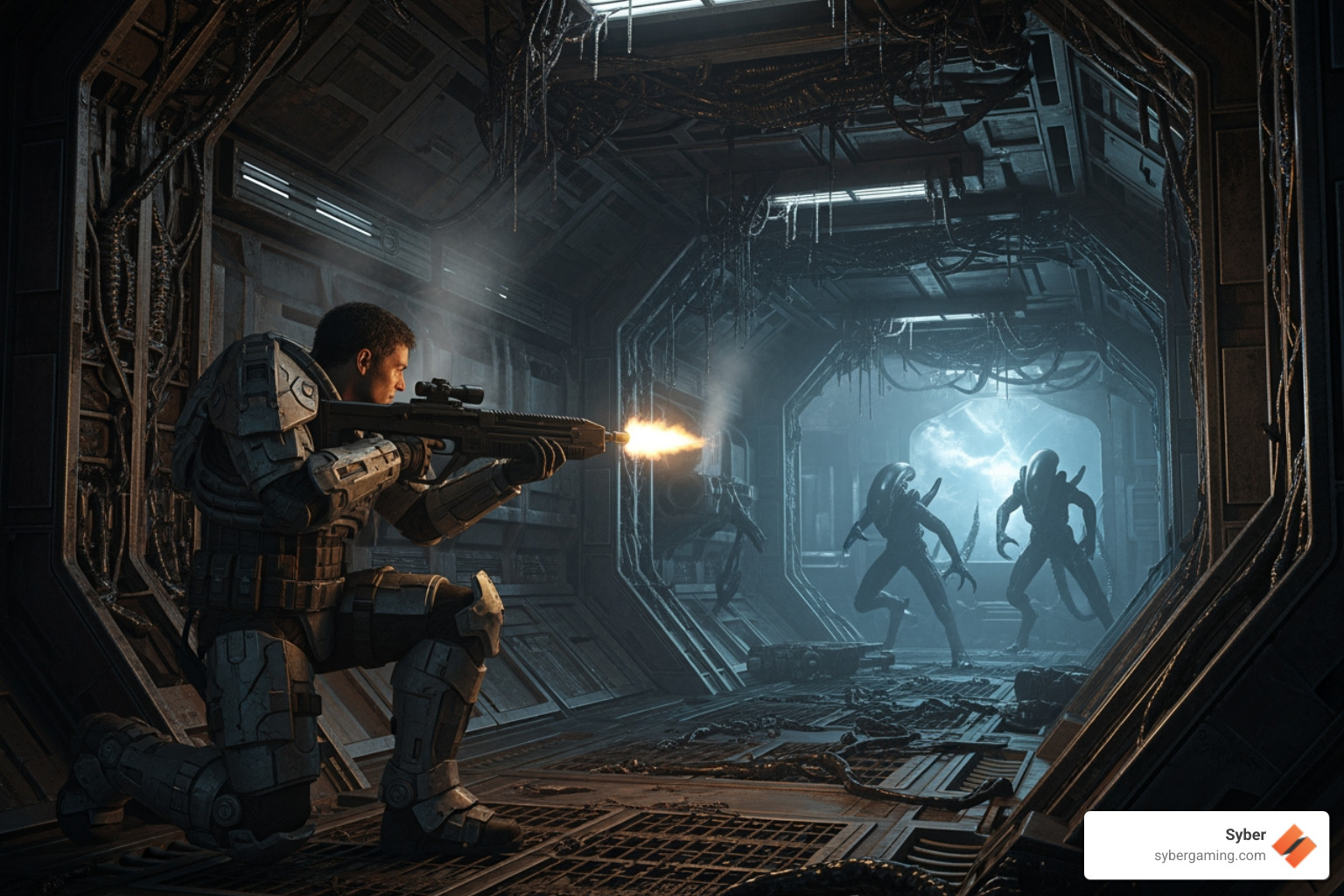
CPU & GPU Deep Dive: The Heart of Your Gaming Rig
When it comes to a co-op shooter like this, the CPU and GPU split the workload in predictable, performance-sensitive ways.
CPU considerations
- Core count and per-core performance both matter when enemies spawn in waves.
- Even though the minimum CPUs are older quad-cores, a modern 6-core (or better) will give you fewer dips in chaotic moments.
- The recommended CPUs (i5-7400, Ryzen 5 1600AF) indicate the engine benefits from multiple threads, especially for AI and physics.
GPU and VRAM
- Minimum asks for 4 GB VRAM (GTX 760 or R9 285). This will push low textures and trimmed effects.
- Recommended 6–8 GB VRAM targets higher textures and better effects stability at 1080p.
- The game’s effects, lighting, and swarms of enemies mean your GPU’s fill rate and VRAM management get a workout.
AI-improved visuals and rendering
- If your GPU supports modern AI-improved features (such as AI upscaling or frame-smoothing tech), you can open up extra performance headroom while keeping visuals sharp. These features vary by hardware and drivers, but when available they can help you maintain 60 fps with higher settings by reconstructing frames intelligently.
Want a practical checklist for choosing parts for a high performance gaming pc build or an AI-ready gaming PC? See Syber’s quick guide on what to consider when buying a gaming PC.
RAM, Storage, and Other Essential Components
RAM
- 8 GB is the minimum. It works, but leaves little space for background apps or browser tabs.
- 16 GB is recommended and noticeably improves smoothness, asset streaming, and alt-tabbing. It also supports AI multitasking and overlay tools more comfortably.
Storage
- The game requires 30 GB free space minimum. An SSD is not listed as mandatory, but it is strongly recommended for faster load times and smoother level streaming than an HDD.
- Keep a few extra GB free for patches.
Operating System
- Windows 10 is required. A 64-bit install is best practice and aligns with recommended specs.
DirectX
- DirectX 11 is required for both minimum and recommended configurations.
Sound
- Any integrated or dedicated DirectX 11–compatible sound device is fine. You do not need a fancy card, but updated drivers help prevent audio stutter.
Network
- Co-op play assumes a stable broadband connection. If your rig meets specs but your network sputters, your fireteam will feel it.
Is Your Rig Ready? Upgrading for Peak Performance
Let’s say your PC is borderline—or you just want to ensure it stays smooth when the hive gets angry. Here’s how to squeeze more performance out of what you have, and what to consider if you decide to upgrade.
Beyond the Specs: Optimizing Your Gameplay
Update drivers
- New graphics drivers often add optimizations and fixes. Requirements trackers even point to driver update reminders for this game. Keep your GPU control panel’s auto-update enabled if possible.
Dial in in-game settings
- Biggest performance levers typically include shadows, volumetrics, ambient occlusion, and anti-aliasing methods.
- Texture quality is bound by VRAM. If you see stutter during combat, try dropping textures one step or reduce texture streaming settings.
Use a frame-rate monitor
- Overlay tools can help you track real-time fps and frame time spikes. Watch for consistency, not just peak fps.
Ensure strong air-flow cooling
- Stable clocks come from cool components. A well-ventilated case with quality fans and smart cable management helps your CPU and GPU maintain boost behavior through long missions. Syber’s desktop builds emphasize air-flow cooling for reliable, quiet performance—no complicated maintenance, just steady thermals.
AI system optimization
- Some modern driver suites include intelligent optimizers that tune settings per game profile and use AI-based image reconstruction to balance clarity and performance. If supported on your hardware, enable these to maintain 60 fps while keeping visuals clean.
Close background tasks
- Think of RAM as your ammo. Do not waste it on unused apps before a mission. Browser tabs and overlays can nibble at CPU cycles and memory.
Meeting the Aliens: Fireteam Elite System Requirements with a New PC
If it is time to step up to a gaming pc high performance build, Syber can help you get there quickly and confidently from right here in California.
High performance desktop PC philosophy
- Syber specializes in high performance custom prebuilt gaming pc systems and gaming pc pre built options that are built to a spec, tested and benchmarked for stability before they ever leave the workshop in City of Industry, CA. No cutting corners—just balanced parts chosen to work together under sustained load.
Custom build gaming PCs or pre built gaming computers
- Whether you want to build high performance gaming pc rigs around specific parts (CPU, GPU, RAM, storage) or prefer a pc pre built for gaming that is still customizable, Syber’s process is designed to match your target resolution, refresh rate, and the games you love—co-op shooters like Aliens: Fireteam Elite included. Their pre built gaming pc customizable options give you room to grow without starting from scratch.
AI-ready and future-focused
- Today’s best rigs lean into AI-improved gaming features—AI-powered graphics upscaling, AI-driven performance profiles, and intelligent fan curves for quieter sessions. Choosing an AI gaming PC now helps you ride the next wave of AI gaming technology without scrambling for upgrades and keeps your AI gaming performance strong for years.
Where to learn more
- For a deeper look at the design approach and airflow-first chassis options in Syber’s high performance desktop pc lineup, explore the Syber M-Series.
Fast FAQ: Everything You Need to Know
What are the minimum system requirements to play Aliens: Fireteam Elite?
- CPU: AMD Athlon X4 950 / Intel i5-2500K
- GPU: AMD Radeon R9 285 4GB / Nvidia GeForce GTX 760 4GB
- RAM: 8 GB
- OS: Windows 10
- Storage: 30 GB free
- DirectX: Version 11
- Sound: Integrated or dedicated DirectX 11–compatible
What are the recommended system requirements?
- CPU: AMD Ryzen 5 1600AF / Intel i5-7400
- GPU: AMD Radeon RX 480 8GB / Nvidia GeForce GTX 1060 6GB
- RAM: 16 GB
- OS: Windows 10 (64-bit)
- Storage: 30 GB free
- DirectX: Version 11
- Sound: DirectX 11–compatible
What CPU is recommended?
- AMD Ryzen 5 1600AF or Intel i5-7400.
What GPU is recommended?
- AMD Radeon RX 480 8GB or Nvidia GeForce GTX 1060 6GB.
How much RAM is needed?
- 8 GB minimum; 16 GB recommended.
What operating system is required?
- Windows 10 (64-bit recommended).
How much free disk space is needed?
- 30 GB for installation and patches.
Are there different system requirements for minimum vs. recommended settings?
- Yes. Minimum targets roughly 1080p/30 fps, while recommended targets 1080p/60 fps with higher quality settings and more VRAM headroom.
What DirectX version is required?
- DirectX 11.
Does Aliens: Fireteam Elite have any specific sound card requirements?
- An integrated or dedicated DirectX 11–compatible sound device will do.
For details straight from storefronts and trackers, see:
- Steam store: Aliens: Fireteam Elite on Steam
- Requirements checkers: Can You RUN It, Pickgamer, Gamepressure guide
- Broader overview: PCMag’s breakdown
- Official purchase hub: aliensfireteamelite.com
Final Checks Before You Deploy
Before jumping into your first mission:
- Confirm your GPU has the required VRAM (4 GB minimum; 6–8 GB recommended).
- Make sure you have 30 GB free on a fast SSD if possible.
- Update Windows 10 and your graphics drivers.
- Start on high settings if you meet or exceed the recommended specs, then adjust shadows/volumetrics if needed to maintain 60 fps.
- If your hardware supports AI-improved upscaling or frame optimization, enable it for extra headroom.
- Keep case airflow tidy to avoid heat-induced throttling during long sessions.
When your system and settings are dialed in, Aliens: Fireteam Elite delivers smooth, snappy gunplay that rewards teamwork and quick decision-making. Meeting the recommended spec is a sweet spot: crisp visuals, consistent 60 fps, and headroom for late-game chaos when the hive fights back hard.
If you are building or upgrading toward a high performance custom prebuilt gaming pc in California, Syber’s team in City of Industry can help you match parts to your goals, check stability with thorough testing, and deliver a gaming pc pre built that is ready for your next bug hunt—all with airflow-forward designs that keep noise down and performance up.
Ready to check requirements against your next rig and explore custom build gaming pcs custom for Aliens: Fireteam Elite and more? Start with Syber’s guide on what to consider when buying a gaming PC or explore the M-Series.
Call to action:
- Have questions about building a high performance desktop pc for Aliens: Fireteam Elite or want a pc pre built for gaming that is AI-ready? Visit the Syber M-Series and get your setup ready for deployment.
Social caption:Hunting Xenomorphs on PC? Get the no-fluff Aliens: Fireteam Elite system requirements guide, plus tips on high performance builds, AI-improved visuals, and airflow-first Syber M-Series rigs. Ready to deploy your new gaming PC?


.svg)

