

Before You Enter Sevastopol: Understanding What Your PC Needs
Alien isolation system requirements are what determine whether your PC can run this intense survival horror game smoothly or struggle through choppy framerates and loading screens.
Here's what you need to know right away:
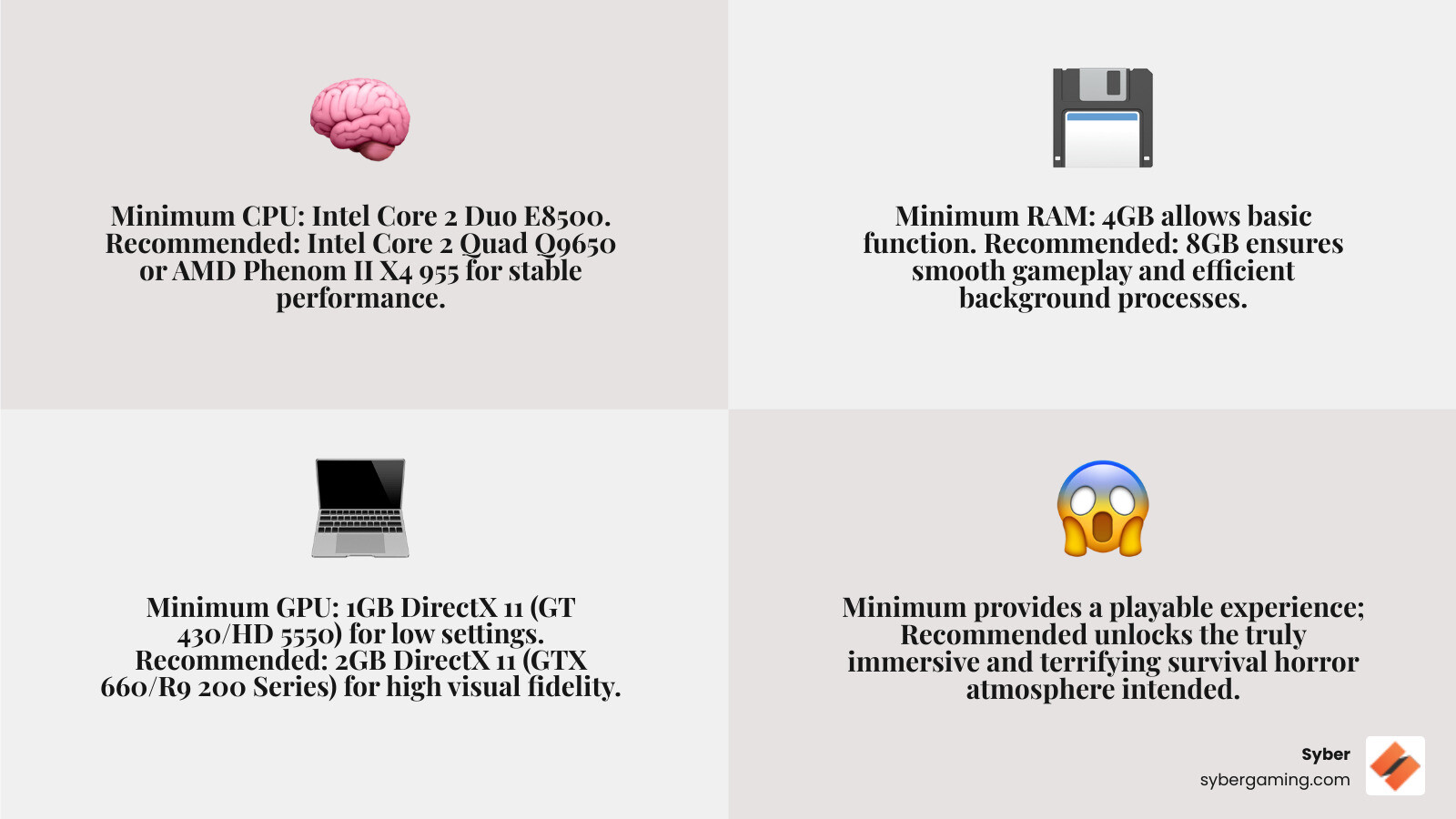
Minimum Requirements:
- OS: Windows 7 (32-bit)
- CPU: Intel Core 2 Duo E8500 @ 3.16GHz
- RAM: 4GB
- GPU: 1GB DirectX 11 (AMD Radeon HD 5550 or Nvidia GeForce GT 430)
- Storage: 35GB
Recommended Requirements:
- OS: Windows 7 (64-bit)
- CPU: Intel Core 2 Quad Q9650 @ 3.0GHz or AMD Phenom II X4 955 @ 3.2GHz
- RAM: 8GB
- GPU: 2GB DirectX 11 (Nvidia GeForce GTX 660 or AMD Radeon R9 200 Series)
- Storage: 35GB
Released in 2014, Alien: Isolation remains one of the most atmospheric horror games ever made. The CATHODE engine creates incredibly tense environments where every shadow could hide the xenomorph hunting you through Sevastopol Station.
But here's the thing: meeting minimum specs doesn't mean you'll get the experience Creative Assembly intended. About 33% of players can only run the game on lowest settings, which strips away much of that carefully crafted atmosphere.
The recommended specs deliver the true survival horror experience with detailed environments, realistic lighting, and smooth performance during intense chase sequences. If you're running older hardware, you might technically launch the game, but you'll miss the visual details that make hiding in lockers and crawling through vents genuinely terrifying.
Whether you're building a new rig or checking if your current setup can handle it, understanding these requirements helps you decide if you need upgrades before facing the alien.
Know your alien isolation system requirements terms:
- gaming pc requirements
- fifa 22 recommended specs
- shadow tactics blades of the shogun system requirements
Unpacking the Official Alien: Isolation System Requirements
Alien: Isolation, launched back in 2014, quickly became a benchmark for survival horror, praised for its chilling atmosphere and dedication to the original film's aesthetic. To truly appreciate its visual fidelity and immersive gaming experience, understanding the PC hardware requirements is key. While the game isn't new, its demands on your system can still be significant if you're aiming for a top-tier experience.
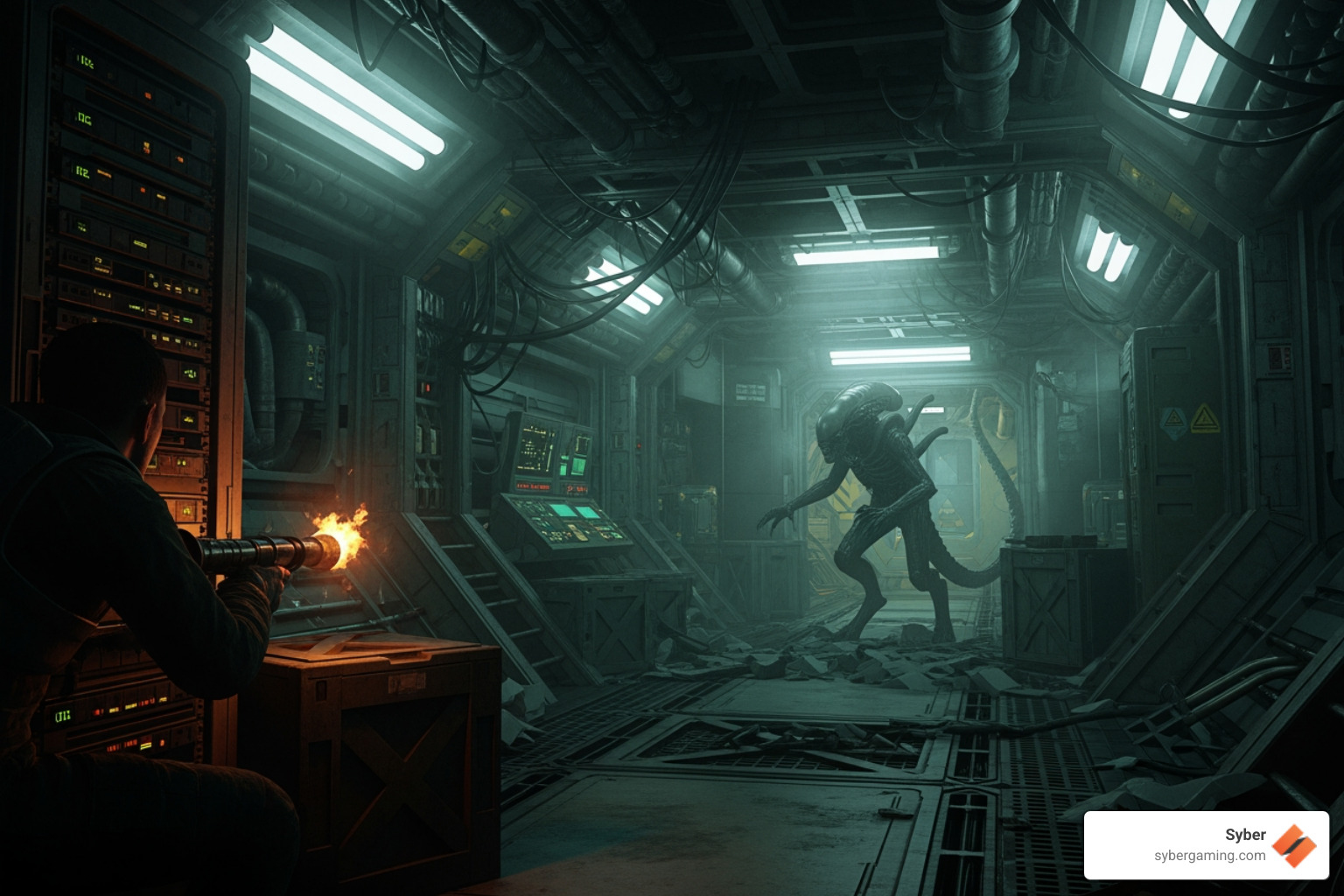
The game's developers, Creative Assembly, used their proprietary CATHODE engine to render the claustrophobic Sevastopol Station and the terrifying xenomorph. This engine, combined with meticulous art design, allowed for a level of detail that still holds up today. For a truly seamless and fear-inducing experience, your PC components need to be up to the task. Even with modern advancements like AI-improved visuals in newer titles, Alien: Isolation's raw graphical prowess benefits greatly from a robust system, making it a great title to test any high performance gaming pc build.
Minimum Specs: Your Ticket Aboard the Station
So, what does it take just to get your foot in the door and launch Alien: Isolation on your PC? The minimum alien isolation system requirements provide the bare essentials for a playable experience. That "playable" often means you'll be running the game on low graphics settings, and you might encounter occasional framerate drops, particularly during intense moments or when multiple visual effects are active.
Here's a breakdown of the minimum PC requirements:
- Operating System (OS): Windows 7 (32bit)
- Processor (CPU): 3.16Ghz Intel Core 2 Duo E8500
- Memory (RAM): 4GB RAM
- Graphics Card (GPU): 1GB DirectX 11 compatible card (e.g., AMD Radeon HD 5550 or Nvidia GeForce GT 430)
- DirectX Version: DirectX 11
- Hard Drive Space: 35GB required for installation
Running the game at these specifications means you'll likely experience the game at lower resolutions and with many visual details turned down. The research indicates that about 33.1% of players are in this boat, only able to run the game comfortably on the lowest graphic settings. While you'll still get the core gameplay, much of the carefully crafted atmosphere and environmental detail might be lost or appear less impactful. For a game where atmosphere is everything, this can significantly alter the experience.
Recommended Specs: The True Survival Horror Experience
If you want to truly immerse yourself in the terrifying world of Alien: Isolation, meeting or exceeding the recommended alien isolation system requirements is crucial. These specs are designed to deliver the intended experience, allowing you to run the game on high graphics settings with a stable framerate. This means smoother gameplay, more responsive controls, and, most importantly, a deeply immersive and terrifying horror experience.
Here are the recommended PC requirements for Alien: Isolation:
- Operating System (OS): Windows 7 (64bit)
- Processor (CPU): AMD Phenom II X4 955 (4 Core, 3.2 GHz) or Intel Core 2 Quad Q9650 (4 Core, 3.0 Ghz)
- Memory (RAM): 8GB RAM
- Graphics Card (GPU): 2GB DirectX 11 compatible card (e.g., AMD Radeon R9 200 Series or Nvidia GeForce GTX 660)
- DirectX Version: DirectX 11
- Hard Drive Space: 35GB required for installation
With these specifications, you'll witness the game's stunning environmental details, dynamic lighting, and terrifying character models as they were meant to be seen. The research shows that 52.2% of players meet these recommended requirements, allowing for comfortable gameplay and a truly immersive horror experience. For those seeking a high performance desktop pc that can handle more than just the basics, these specs are a good starting point. Imagine hiding in a dark locker, the alien's footsteps echoing nearby, its shadow momentarily obscuring the light this is the kind of immersive horror that recommended specs enable. For even deeper immersion, some gamers might even explore VR Gaming setups, though Alien: Isolation's official VR support is limited.
Specs Across the Board: PC vs. Mac and Linux
Alien: Isolation isn't just a Windows PC affair. Thanks to Feral Interactive, the game was also ported to macOS and Linux, allowing a broader audience to experience the horror. While the core game remains the same, the alien isolation system requirements do vary slightly across these different operating systems due to optimization differences and underlying architecture.
Here's a comparison of the minimum and recommended specifications for Windows, macOS, and Linux:
| Component | Windows (Min) | Windows (Rec) | macOS (Min) | macOS (Rec) | Linux (Min) | Linux (Rec) |
|---|---|---|---|---|---|---|
| OS | Windows 7 (32bit) | Windows 7 (64bit) | Mac OS X 10.10.4 | Mac OS X 10.10.5 | Ubuntu 14.04 64-bit, SteamOS | Ubuntu 14.04 64-bit, SteamOS |
| CPU | 3.16Ghz Intel Core 2 Duo E8500 | AMD Phenom II X4 955 (3.2 GHz) or Intel Core 2 Quad Q9650 (3.0 Ghz) | 2 GHz Processor | 2.8 GHz Processor | Dual-core 2.6GHz Processor | Intel 3.2GHz Processor |
| RAM | 4GB | 8GB | 4GB | 8GB | 4GB | 8GB |
| GPU | 1GB DirectX 11 (AMD HD 5550 or Nvidia GT 430) | 2GB DirectX 11 (AMD R9 200 Series or Nvidia GTX 660) | 1GB Graphics | 2GB Graphics | Nvidia 6xx series (1GB VRAM, driver 355.11) | Nvidia 970 (4GB VRAM, driver 355.11) |
| Storage | 35GB | 35GB | 35GB | 35GB | 32GB | 32GB |
| DirectX | 11 | 11 | N/A (OpenGL/Metal) | N/A (OpenGL/Metal) | N/A (OpenGL/Vulkan) | N/A (OpenGL/Vulkan) |
A notable point for Linux users: AMD and Intel graphics cards were not supported by Alien: Isolation - The Collection on Linux at the time of its release. This means that if you're running a Linux distribution, you'll specifically need an Nvidia GPU to play the game. macOS versions, on the other hand, typically rely on OpenGL or Metal for graphics rendering rather than DirectX. These OS differences highlight the varied technical landscapes developers steer to bring games to different platforms.
Fine-Tuning Your Rig for the Alien: Isolation system requirements
Even if your system meets the recommended alien isolation system requirements, a few tweaks can ensure you get the absolute best performance and maintain that crucial immersive horror. Not meeting recommended specs, or having an unoptimized system, can lead to significant performance implications such as stuttering, low FPS (frames per second), and input lag, which can severely detract from the game's tension and playability. Imagine being chased by the alien and your game freezes for a second that's not the kind of jump scare you want.
Here are some performance tips and known issues to help you fine-tune your rig:
- Close Background Applications: Before launching the game, close any unnecessary applications running in the background. This frees up RAM and CPU cycles, dedicating more resources to Alien: Isolation.
- Ensure Sufficient Disk Space: While the game requires 35GB, having plenty of spare disk space (especially on your primary drive) can prevent performance hiccups related to disk caching.
- Update Graphics Drivers: Always keep your graphics card drivers updated to the latest version. Manufacturers frequently release updates that include performance optimizations for various games.
- Disconnect Secondary Monitors: For some systems, having multiple monitors connected can slightly impact performance. If you're struggling with FPS, try disconnecting any secondary displays.
- Laptop Power Settings: If you're playing on a laptop, ensure it's plugged into power. Running on battery can often throttle performance to conserve energy.
- In-Game Graphics Settings: Alien: Isolation offers a robust set of graphical options. Experiment with these to find the sweet spot between visual quality and performance.
- Resolution: Lowering the resolution is one of the most effective ways to boost FPS.
- Vertical Sync (VSync): Turning VSync off can increase framerate but might introduce screen tearing.
- SSAO (Screen Space Ambient Occlusion): This feature improves shadow realism but can be demanding. Lowering or disabling it can help.
- Shadow Mapping/Quality: Shadows are often performance hogs. Reducing shadow quality or resolution can significantly improve framerates.
- Anti-aliasing: FXAA is generally faster than SMAA. If you're struggling, consider reducing anti-aliasing or turning it off.
- Volumetric Lighting, Particles, Motion Blur, Depth of Field, Planar Reflections, Chromatic Aberration: These effects add to the atmosphere but can be resource-intensive. Try adjusting them downwards if performance is an issue.
By carefully adjusting these settings, you can achieve a smoother experience, even on systems that barely meet the recommended specs. An AI system optimization tool or an AI-ready gaming PC can potentially help manage these settings dynamically for optimal performance, but manual tweaking still offers the most control for this classic title.
Is Your Gaming PC Ready to Face the Xenomorph?
Navigating the dark, claustrophobic corridors of Sevastopol Station requires more than just courage; it demands a capable gaming PC. Whether you're aiming for a basic playthrough or the full, terrifying immersion, understanding and meeting the appropriate alien isolation system requirements is paramount. The difference between minimum and recommended specs isn't just about launching the game; it's about experiencing the game as Creative Assembly intended a relentless, atmospheric, and visually stunning survival horror.
For optimal gameplay smoothness and to avoid any performance hiccups that could break the tension, meeting the recommended specifications is highly advised. This ensures that the game's detailed environments, dynamic lighting, and chilling sound design can fully envelop you in its world of dread.
If your current setup is struggling, or if you're looking to build a new system that can handle Alien: Isolation flawlessly and is ready for future titles, Syber specializes in high-performance custom gaming PCs. We pride ourselves on rigorous testing and benchmarking to ensure top-notch performance without cutting corners. Our custom-built gaming PCs are designed for gamers who demand excellence, offering customizable options to fit your specific needs. For a high-performance custom prebuilt gaming PC that will run Alien: Isolation flawlessly and is ready for future titles, check out our M-Series gaming desktops. They're engineered to deliver the power and reliability you need to face any alien threat, or any other gaming challenge you might encounter.
More info about M-Series services
Ready to dial in a rig that crushes Alien: Isolation and your whole Steam library? Explore Syber's M-Series and custom options today and start planning your next high performance gaming pc build.


.svg)

